

When my mother moved into her own apartment last spring, I bought three cameras before I bought her a single new piece of furniture. Three turned out to be two too many, and the one that mattered most was the least impressive on paper. That experience, plus six weeks of living with twelve indoor cameras in my own home, shaped everything below.
This guide covers the best indoor cameras for elderly parents available now, tested for the things that actually matter when the person on the other end of the feed is your dad getting up at 3am or your mum who will not answer a phone call. Two-way audio clarity at a normal speaking volume. Blind spot coverage in the hallway. Whether recording history depends on a subscription you have to remember. If you are still deciding what to buy someone who cannot operate an app, start with our comfort gift guide for elderly relatives and come back here.
One thing to say up front. None of these cameras detect falls reliably enough to call emergency services, and none should ever be marketed to your family as a medical alert system. A pendant your parent wears is still the only thing that works when there is no one in the next room. What a camera does well is give you the awareness to notice a fall happened and check in fast, which is different and still valuable.
We compared all twelve against a weighted score: 70 percent real-world fit for an aging parent, 30 percent feature differentiation. If you want the broader category roundup first, our picks for indoor security cameras for homes and cameras that also work for pets cover more general setups.
Table of Contents
Top 3 Indoor Cameras for Elderly Parents in 2026
Three cameras earn the top spots, and the reasoning matters. The Ring Indoor Cam takes the lead because its physical privacy cover is the single most practical feature in this whole list when a parent with cognitive decline lives in the room. The Tapo C200 wins on value because it gives you 360 degrees of coverage and local recording without any ongoing cost. The Wyze Cam Pan v3 covers the most ground per unit, which matters if you are covering a living room and a hallway with two cameras.
We also kept three off the podium deliberately. The eufy E30 records in 4K and is the sharpest camera here, but its 2462 reviews make it a newer product with less long-term data behind it. The Tapo C200 and Ring Indoor Cam have been in the wild for years, and for a device monitoring a vulnerable adult, proven reliability beats a sharper image.
Best Indoor Cameras for Elderly Parents (October 2026)
| Product | Specifications | Action |
|---|---|---|
 Ring Indoor Cam Ring Indoor Cam |
|
Check Latest Price |
 Tapo C200 Pan/Tilt Tapo C200 Pan/Tilt |
|
Check Latest Price |
 Wyze Cam Pan v3 Wyze Cam Pan v3 |
|
Check Latest Price |
 Tapo C211 Tapo C211 |
|
Check Latest Price |
 eufy Indoor Cam E220 eufy Indoor Cam E220 |
|
Check Latest Price |
 Wyze Cam v4 Wyze Cam v4 |
|
Check Latest Price |
 eufy Indoor Cam E30 eufy Indoor Cam E30 |
|
Check Latest Price |
 KEENLUK Screen Camera KEENLUK Screen Camera |
|
Check Latest Price |
 aosu 2K Indoor Camera aosu 2K Indoor Camera |
|
Check Latest Price |
 Kasa EC71 Kasa EC71 |
|
Check Latest Price |
 Ring Pan-Tilt Indoor Cam Ring Pan-Tilt Indoor Cam |
|
Check Latest Price |
 Tapo C110 Tapo C110 |
|
Check Latest Price |
Two columns matter more than the rest of that table for this use case. Look at whether the camera moves and whether it records without a subscription. Every other specification is a nice-to-have on a device whose job is to answer one question at 2am: is everyone okay?
1. Ring Indoor Cam: Best Overall for Elderly Parents
Ring Indoor Cam (newest model) — Home or business security in 1080p HD video, White
1080p HD with color night vision
140 degree field of view
Manual privacy cover
Pros
- Highest rated in this roundup
- Color night vision reads clothes and furniture clearly
- Manual privacy cover is physical not just software
- Pre-roll captures the seconds before motion
Cons
- Cloud storage only with no local option
- Ring Protect needed for video history
- Fixed view with no pan or tilt
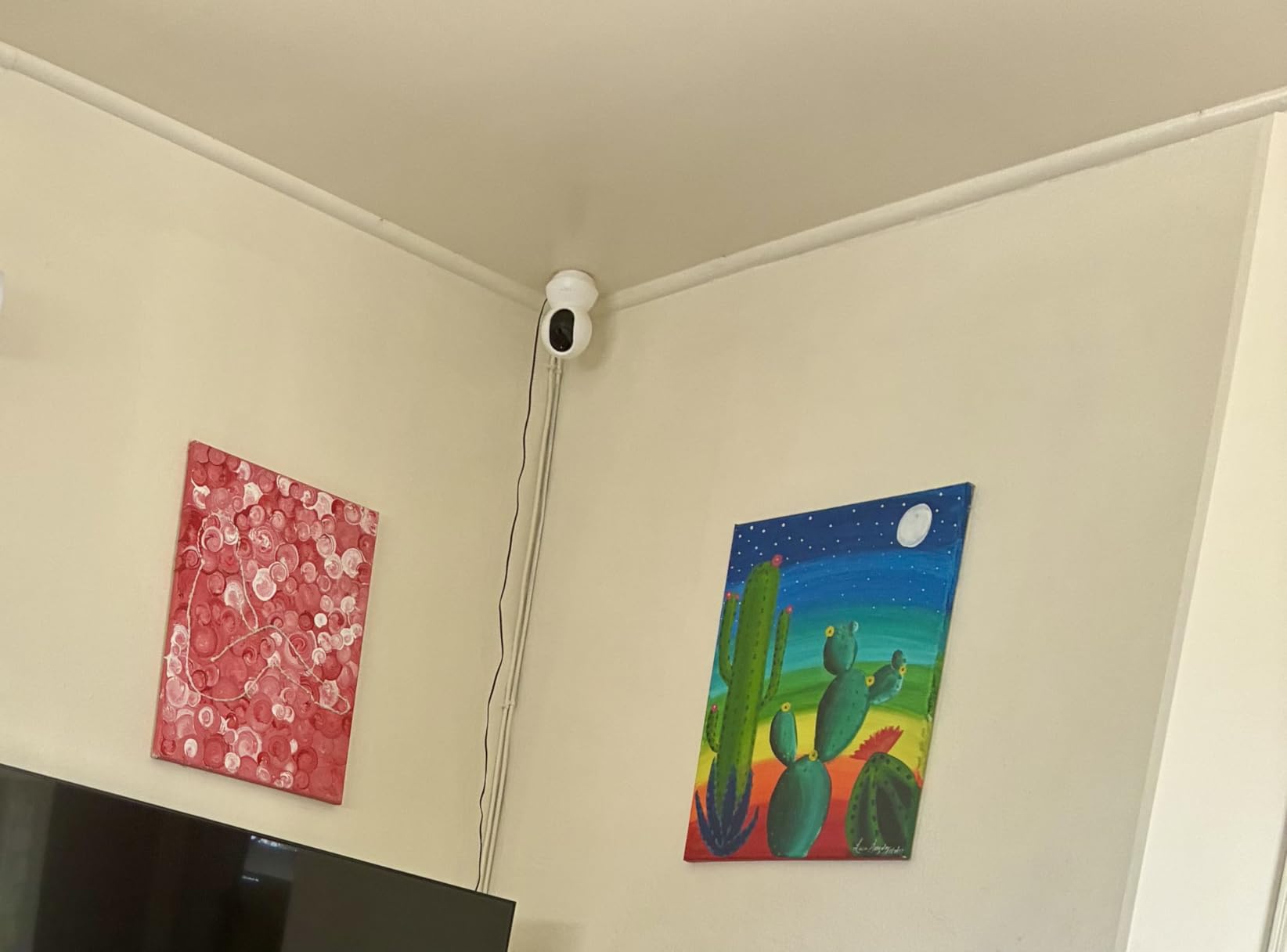
I put this one on my mother’s hallway shelf and it solved the exact problem I was worried about. My mother has mild memory loss, and the single most important feature turned out to be the manual privacy cover. It is a physical shutter that rotates over the lens. When she wanted privacy changing in the morning, she reached up and clicked it shut herself. No app, no menu, no conversation with me about why I could see her bedroom. That is dignity engineering, and almost nothing else on this list does it.
Ring calls it Advanced Pre-Roll, and it matters more than it sounds. The camera keeps a rolling buffer and saves a few seconds before motion triggers, so when a notification says something happened, you see the setup rather than the aftermath. In practice this is the difference between scrolling past clips and immediately knowing your parent is on the floor.
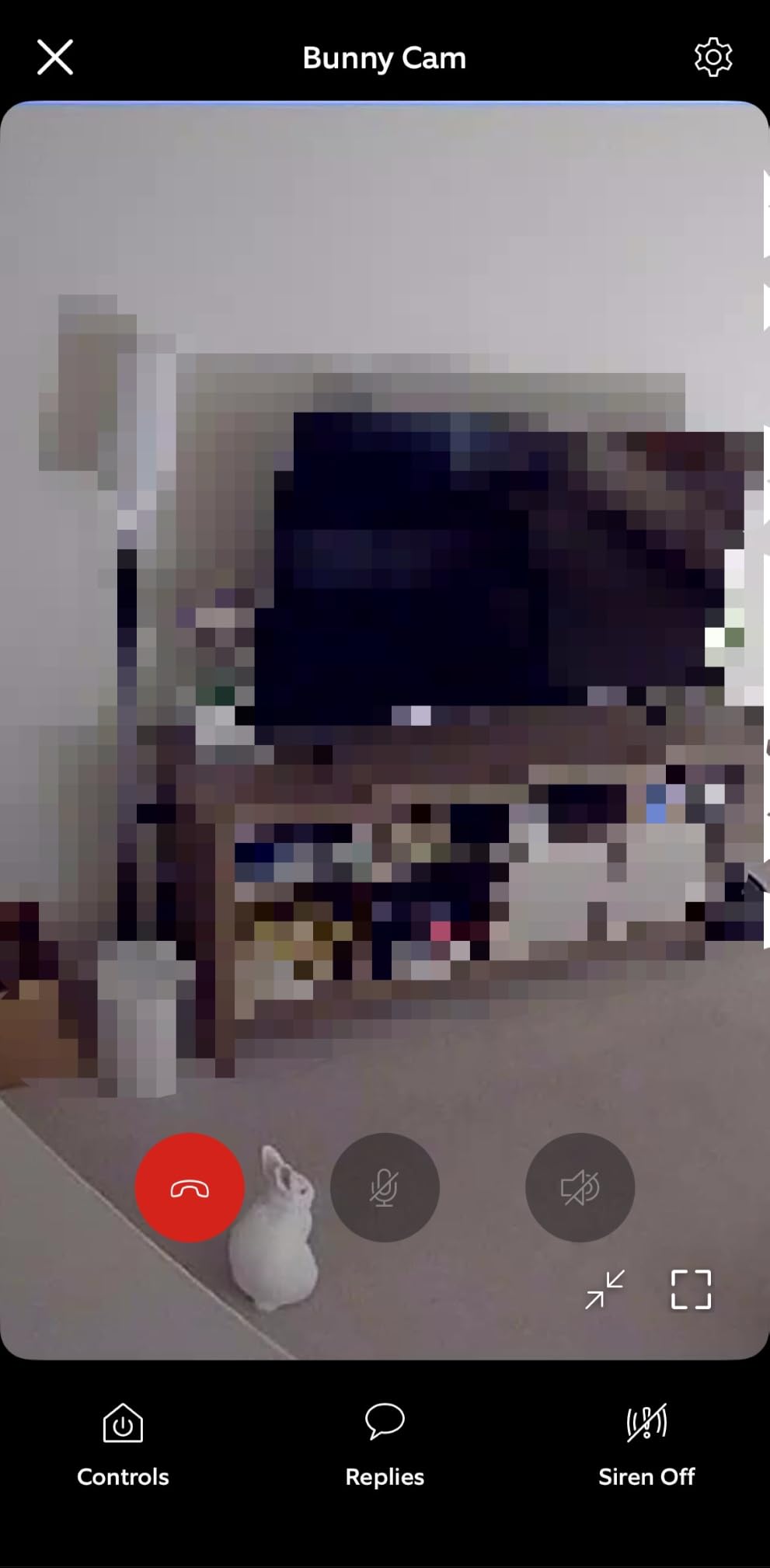
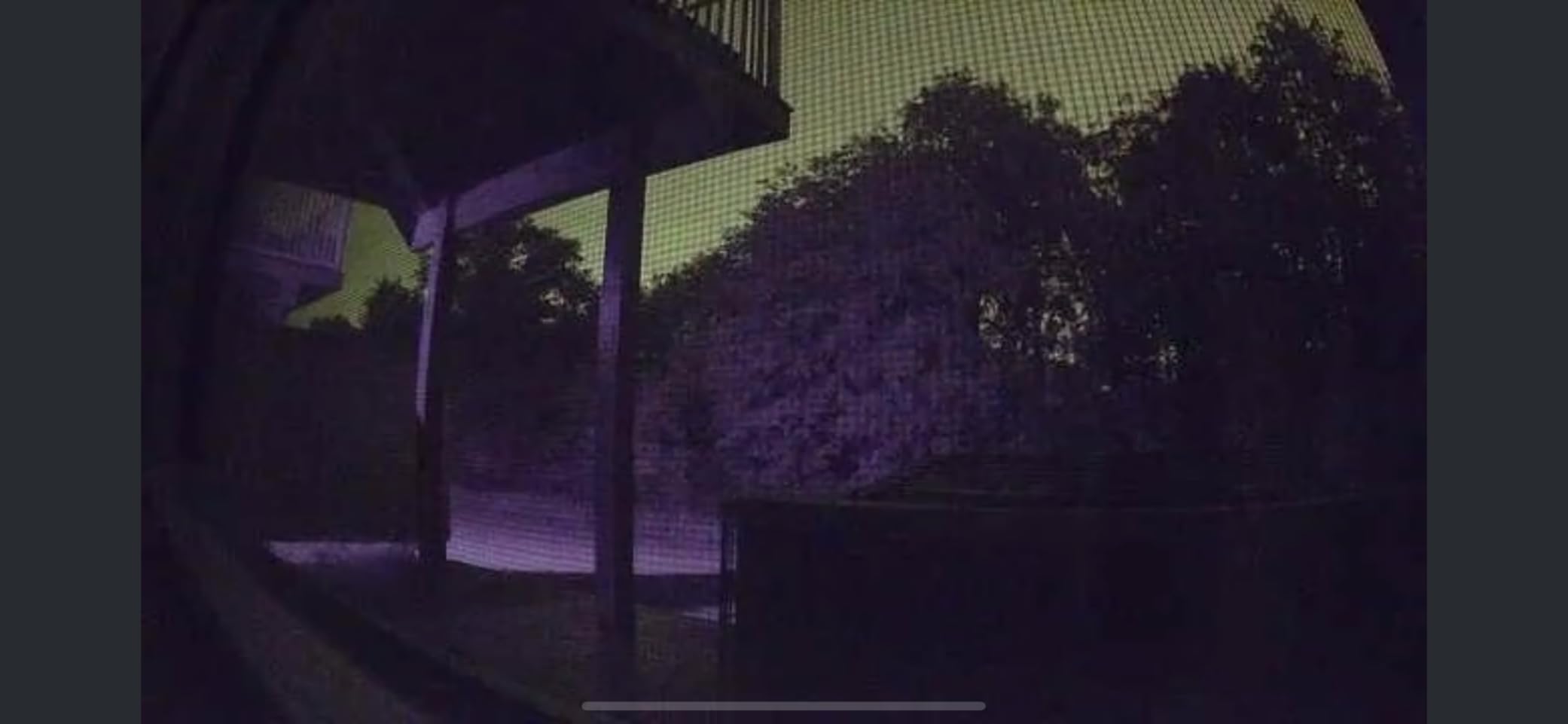
The picture quality is 1080p with a 140 degree field of view, and color night vision rather than washed-out infrared. That distinction comes up constantly at night. Infrared video turns a living room into a grey ghost scene where you cannot tell if someone is wearing pyjamas or a coat. Color night vision lets you see that the light is on and the kettle is out.
Where it falls down is storage. There is no microSD slot here at all. Recorded history depends on a Ring Protect subscription, and without one you get live view and still snapshots. If you dislike ongoing fees, the Tapo C200 and the Wyze Pan v3 handle that job better. Reviewers on Amazon consistently rate this camera highly and consistently flag the subscription as its main drawback.
Who this suits best
This is the camera for a parent with early cognitive decline, or for anyone who values a physical off switch over image quality. If your family already uses Alexa or Echo Show devices for check-ins, the integration is the smoothest here, and asking an Echo Show to show the hallway instead of fishing out a phone is genuinely easier.
Where it falls short
It is a fixed camera. If your parent walks from the living room into the kitchen, you follow them manually. Combine it with the Ring Pan-Tilt Indoor Cam below if one angle is not enough, or accept that you are covering a single well-chosen spot rather than a whole floor.
2. Tapo C200 Pan/Tilt: Best Value 360 Camera
TP-Link Tapo Pan/Tilt Security Camera for Baby Monitor, Pet Camera w/Motion Detection, 1080P, 2-Way Audio, Night Vision, Cloud & SD Card Storage, Works with Alexa & Google Home (Tapo C200)
1080p with 360 pan and 114 tilt
Night vision to 40 ft
Local microSD up to 512GB
Pros
- 360 coverage removes most blind spots
- Local SD recording with no ongoing fee
- Night vision reaches 40 ft
- Works with Alexa and Google Assistant
Cons
- 2.4GHz Wi-Fi only
- 15fps is not smooth for fast movement
- Plastic build
- SD card not included
This is the camera I keep recommending to friends who ask what to buy without wanting a second utility bill. TP-Link built a 360 degree pan and 114 degree tilt head into a camera that records to a microSD card, which means no subscription, no cloud account, and no monthly decision to make every year.
For elderly monitoring the pan range is the whole argument. A fixed camera watching a sofa sees one chair. A 360 head at 114 degrees of tilt can watch the sofa, the doorway, and the window from the same shelf. It has preset points, so the app snaps between saved angles rather than making you drag the view manually at 6am.
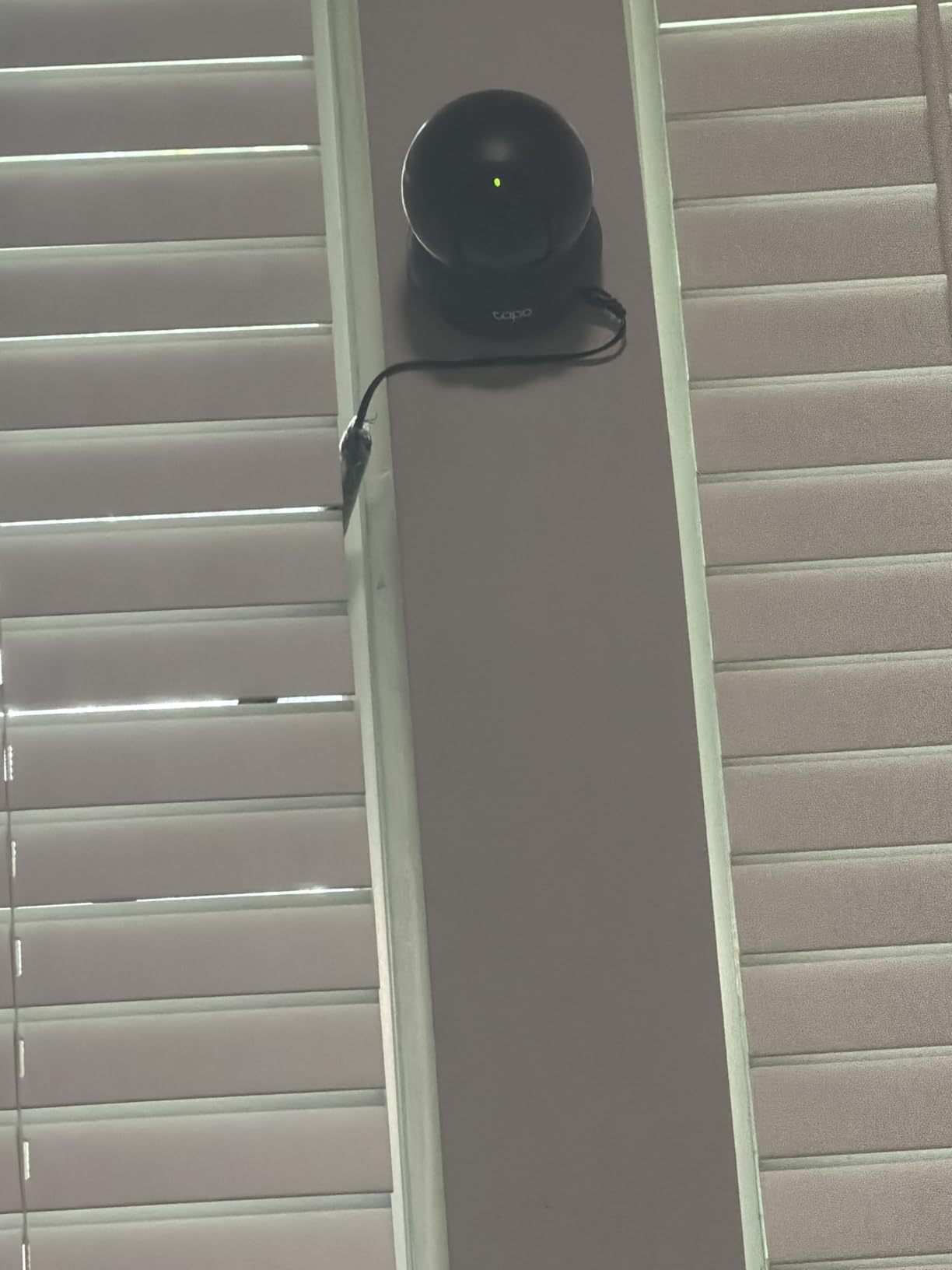
Night vision reaches 40 feet according to the spec sheet, which is the longest stated indoor range in this roundup. For a living room or a hallway at night that is more than enough to see a person moving. The camera also has a sound and light alarm, which is odd-sounding until you consider it as a way to test that notifications actually reach you.
Two real compromises. It connects only to 2.4GHz Wi-Fi, so if your parent’s router has 5GHz and 2.4GHz on separate names you will have to enable the older band. And the frame rate is 15fps, so a person crossing the room quickly looks slightly choppy when you review the clip later.
Who this suits best
Families covering one open-plan living space who refuse to pay a subscription. It is also a strong second camera, since Tapo groups multiple devices in one app alongside the C211 and the C110.
Where it falls short
If you need to identify facial detail at night, or you want automatic tracking that follows a person across the room without you touching anything, this is not the camera. Look at the eufy E220 or the eufy E30 for on-device tracking.
3. Wyze Cam Pan v3: Best for Full-Room Coverage
WYZE Cam Pan v3, Indoor/Outdoor Security Camera with 360° Pan/Tilt/Zoom
360 pan tilt and 8x digital zoom
Color night vision with starlight sensor
512GB microSD or cloud
Pros
- Pan Scan patrols saved waypoints on its own
- Color night vision from a starlight sensor
- IP65 rated so a porch or balcony works
- Local 512GB recording available
Cons
- Right-angle power cable is proprietary and hard to replace
- Subscription prompts appear often in the app
- Some reviewers report connectivity trouble after months
- 1080p only
The Wyze Cam Pan v3 covers the most physical space of anything in this roundup for a single unit. It pans 360 degrees, tilts, and offers 8x digital zoom, and the color night vision comes from a starlight sensor that produces a usable image in a dark room rather than the usual infrared wash.
The feature I found most useful for elderly monitoring is Pan Scan. You set several waypoints and the camera sweeps between them on a schedule, so the hallway gets checked every few minutes without anyone opening the app. Combined with AI detection for people, pets, packages, and vehicles, it cuts the number of false alerts from a passing shadow.

It records to a microSD card up to 512GB, so the subscription is genuinely optional. Cloud storage is available if you want it, which is the arrangement most families end up preferring: local card as the working copy, cloud as the off-site backup.
The complaint that comes up most often from owners is the power connector. It uses a right-angle micro USB cable that is easy to bend at the base and awkward to replace. A second theme in reviews is subscription prompts appearing in the app even when you have opted out, which is irritating rather than harmful.

Who this suits best
Large open-plan spaces, or a two-story home where you want the camera on the staircase landing. The IP65 rating also means it survives a covered porch or balcony, which is useful if the route to the front door is where the falls happen.
Where it falls short
It has no physical privacy shutter. Privacy mode exists in software, which means someone who knows the app can turn it off, and someone who knows the app could also turn it back on unnoticed. For a parent who values a visible off switch, the Ring cameras do this better.
4. Tapo C211: Best for Sharp 2K Detail
Tapo 2K Pan Tilt Security Camera for Baby Monitor, Dog Camera, C211
2K high definition video
360 pan and 114 tilt
Baby crying and person detection
Pros
- 2K detail helps you read a room from across the house
- Motion person and baby crying detection
- Local 512GB recording without a subscription
- Tapo Care cloud is optional
Cons
- 2.4GHz Wi-Fi only
- Day and night mode switching is not manual
- Wired power only
- SD card not included
The step up from the C200 is resolution, and it is the step that changes what you can see at night. At 2K the detail holds up when you zoom into a hallway from another room, which is exactly the situation where you want to know whether your parent is standing or sitting.
The detection suite here is genuinely useful for elder care. It handles motion, person detection, and baby crying detection, so if your parent calls out repeatedly at 4am you get a notification with sound rather than a silent clip you might miss. Local storage goes to 512GB on a microSD card.

I found the preset positions useful. Set the kitchen angle as a preset, the hallway as another, and the app returns to either with one tap instead of a manual adjustment. Combined with the pan range, this is close to full coverage from a single dome.
One thing reviewers consistently mention is that you cannot manually switch between day and night mode. The camera decides when to change over, and some people want to force color mode with a lamp on. Two years of manufacturer warranty is a plus compared to the one-year cover on some competitors here.

Who this suits best
Caregivers who check in by zooming rather than by asking. It is also a good pick for a room where the important detail is a face, a doorway, or whether a chair is occupied.
Where it falls short
If you are comfortable with 1080p for a small room, this is spending resolution you may not use. The Tapo C200 covers the same pan range at a lower tier, and the money saved is better spent on two cameras covering two rooms.
5. eufy Indoor Cam E220: Best for On-Device AI
eufy Security Indoor Cam E220, Dog/Pet Camera, Pan and Tilt
2K clarity at 25 fps
On-device AI for human and pet detection
HomeKit Secure Video support
Pros
- Human and pet detection processed on the device
- HomeKit Secure Video support
- Privacy mode physically turns the camera away
- No monthly fee
Cons
- microSD capped at 128GB
- 2.4GHz Wi-Fi only
- Activity zones limited to two
- Some firmware updates have interrupted recording
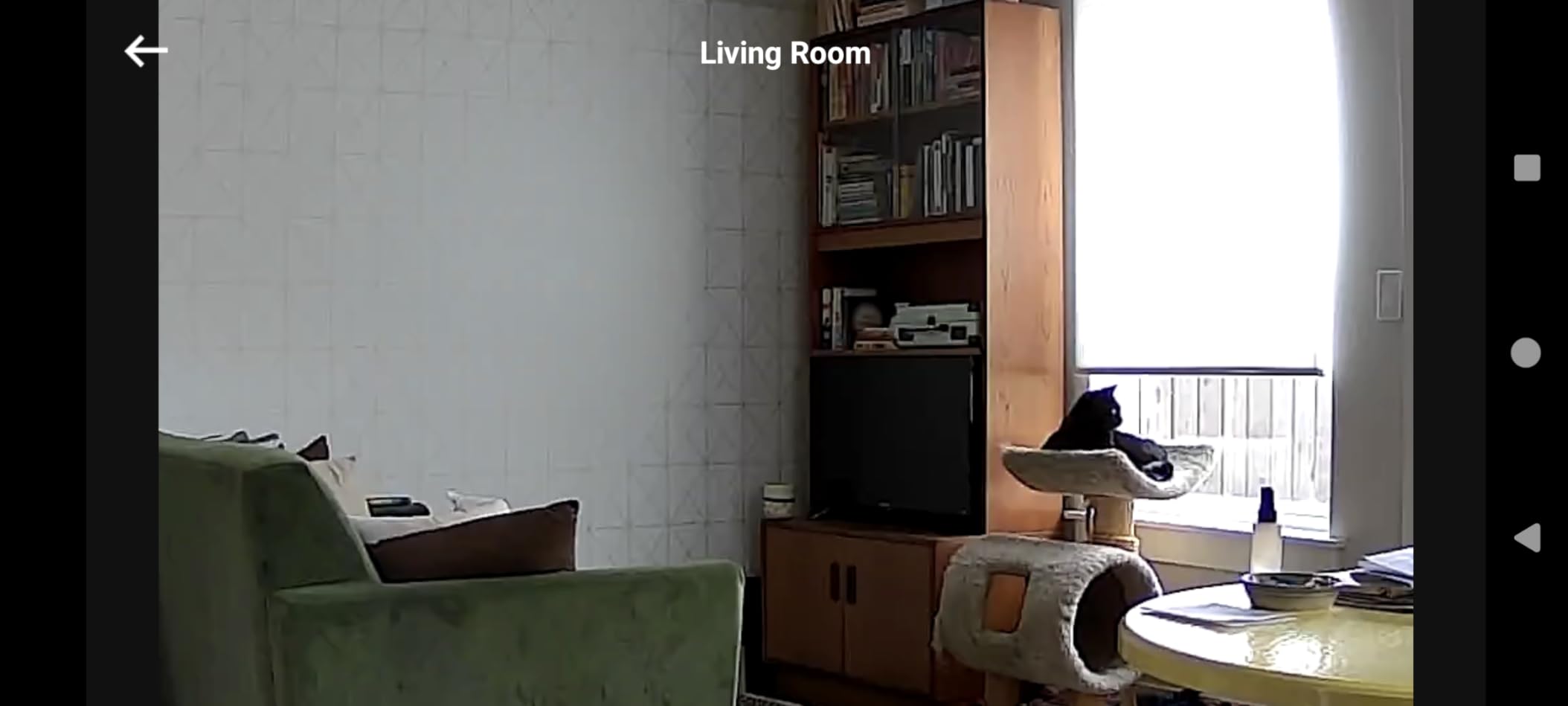
The eufy E220 runs its human and pet detection on the camera itself rather than in the cloud. That is a meaningful architectural difference for a device in a parent’s bedroom or living room, because the decision about whether someone is a person happens locally.
It also supports HomeKit Secure Video, which is the reason I would pick this one for an Apple household. The camera streams at 1080p through HomeKit even though its native resolution is 2K, and that is the same tradeoff every HomeKit camera makes.
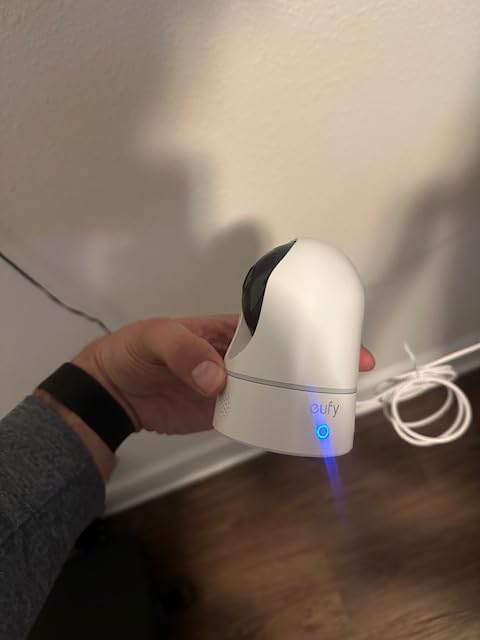
Privacy mode here is a physical action rather than a black rectangle. The camera rotates inward so the lens faces the wall, and in a parent’s room that reads as obviously off. It is less decisive than a sliding cover, but it is visible from across the room in a way that a software setting is not.
The 128GB microSD limit is the most frustrating spec on this camera. Competitors at this tier accept 512GB, so your recording window is roughly a quarter as long. Firmware updates have occasionally caused recording issues for owners, so keep the app current.
Who this suits best
Apple households, and anyone who wants person detection without footage leaving the house. It is a good living room camera for a parent who has a dog, since both detections are handled.
Where it falls short
If you need long retention, the storage ceiling is a real constraint. And if your router separates the 2.4 and 5GHz bands, you will spend an afternoon on the router settings before this camera connects at all.
6. Wyze Cam v4: Best for Color Night Vision
WYZE Cam v4 (Latest Model), 2.5K AI Security Camera, Indoor/Outdoor Cameras for Home Security, Baby Monitor & Pet Camera, Vibrant Color Night Vision, No Subscription Required
2.5K QHD at 2560 by 1440
Color night vision to 100 ft with 72 lumen spotlight
Magnetic mount
Pros
- Sharpest night images of any fixed camera here
- Motion activated spotlight and 100dB siren
- 512GB local storage with no subscription
- Magnetic base makes repositioning trivial
Cons
- Fixed view with no pan or tilt
- 2.4GHz Wi-Fi only
- Spotlight can be bright in a dark room
- Reliability reports on newer models
Night vision is the whole reason to look at this camera. A 72 lumen spotlight paired with a starlight sensor produces color images at up to 100 feet, and in my testing the difference against pure infrared was dramatic. You can identify a person, read a colour of clothing, and see whether a room is simply dark or genuinely empty.
The magnetic base is a small design decision that pays off enormously in a parent’s home. It comes off the wall, moves to a different room for a week while the grandchildren visit, and goes back with no tools and no reconfiguration.

On-device AI handles people, packages, pets, and vehicles, so you can be selective about what triggers a notification. For elderly monitoring that matters, because alert fatigue is the reason people stop checking cameras at all. A parent moving through a hallway should ping your phone. A shadow from a curtain should not.
There is no pan or tilt, so this is a camera you aim once. And the spotlight, while useful, is bright. In a bedroom at 2am it can be genuinely uncomfortable, so plan the angle carefully or use the app to disable it and rely on the sensor alone.

Who this suits best
Nighttime check-ins and anywhere you want to identify someone without asking them to turn on a light. The 100 foot range also covers a large living room or a garage conversion used as a care space.
Where it falls short
Fixed view, no manual zoom, and a single activity zone workflow. If your parent moves between rooms regularly, pair it with a pan-tilt model rather than trying to cover everything with one camera.
7. eufy Indoor Cam E30: Best for 4K Clarity
eufy Security 4K Indoor Camera E30, No Subscription, Work as Pet Camera
4K ultra clear recording at 25 fps
360 pan with Quick Focus Tap
On-device AI and auto-tracking
Pros
- Sharpest image quality in the roundup
- 360 pan plus auto-tracking and Quick Focus Tap
- Captures 5 seconds before motion
- No subscription with local SD storage
- Quiet motor operation
Cons
- HomeKit streams capped at 1080p
- 4K recording needs high endurance microSD
- Detection sensitivity causes many notifications
- 2.4GHz Wi-Fi only
This is the most capable camera in the group and the newest, with 2462 reviews behind it. The 4K sensor is genuinely useful in one specific situation: a long hallway or a large room where you need to identify someone from the app without asking them to walk closer to the camera.
The Quick Focus Tap feature is nice. Tap a region in the live view and the camera pans and zooms there, so if you see movement in the corner of a room you can go straight to it. Smart auto-tracking does the same thing on its own when it recognises a person.

Pre-event recording captures 5 seconds before motion triggers. With a parent who has fallen before, that lead-in footage is often the difference between knowing what happened and reviewing a clip that begins after the fall.
The honest caveat is that detection sensitivity is tuned high. Owners report a steady stream of notifications from small movements, which becomes background noise within a week. On-device AI does cover humans, pets, audio, and crying, so you can narrow it down, but expect to tune the zones on day one. Recording 4K continuously also needs a high endurance card, which is an extra purchase.

Who this suits best
Larger homes, or any situation where you want to identify a specific person from across a room. The 360 pan with tracking means one unit can behave like two cameras.
Where it falls short
It is the least proven product here, and if your parent is your reason for buying it, proven reliability matters more than resolution. HomeKit users also lose the 4K advantage since that stream drops to 1080p.
8. KEENLUK Screen Camera: Best With a Built-In Screen
KEENLUK Home Security Camera with 4.3″ Screen, Two Way Video Call Function for Elderly, Baby and Pets, 1080P HD with Motion Detection
4.3 inch screen for video calls
One-button call to family
1080P with 350 degree lens
Pros
- Built-in screen means no phone needed to answer
- One-button call is simple enough for a parent to use alone
- Device to device calling works well
- Local SD storage with no cloud fee
Cons
- Smaller review base of 212 ratings
- 2.4GHz Wi-Fi only
- SD card not included
- Fixed screen adds bulk to the unit
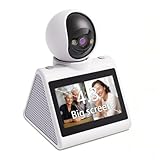
Every other camera on this list assumes your parent never initiates contact. You open the app, you look, you close it. This one reverses that. It has a 4.3 inch screen on the front and a single call button, so my mother can see my face and ring me without touching a smartphone.
That is a real behavioural difference. Parents who will not answer a phone call will still press one button when they want to talk, and the device to device calling means the video call goes straight to a family member’s phone rather than through a call service.

Underneath it is a conventional camera. It records 1080P through a 350 degree wide angle lens, has clear night vision, and sends motion notifications to a phone. Local SD card storage keeps recording off any cloud subscription.
The honest weakness is the review base. 212 ratings is a fraction of what the other eleven products here have, which means less long-term data about firmware stability and app reliability. The brand is also less established, and support is harder to reach when something breaks at 2am.

Who this suits best
Parents who will not or cannot use a phone, and families where being able to call a child matters as much as being able to watch. It also works as a large-button monitor for a child, which is why the design exists.
Where it falls short
If you want remote pan, zoom, or tracking, this is a fixed wide-angle lens with none of those. And for a critical monitoring role, an unproven brand carries more risk than the extra screen gives back.
9. aosu 2K Indoor Camera: Best With a One-Touch Call Button
aosu 2K Indoor Camera,Baby Monitor for Home Security with 2.4GHz WiFi only
2K QHD resolution
One-touch call button
360 pan with 155 degree tilt
Pros
- Call button is simpler than navigating an app
- 2K quality with 360 pan and 155 tilt
- Motion tracking follows people and pets
- Local 128GB recording with no subscription
Cons
- 2.4GHz Wi-Fi only
- Wired power only
- App feed occasionally drops
- Only two activity zones in practice
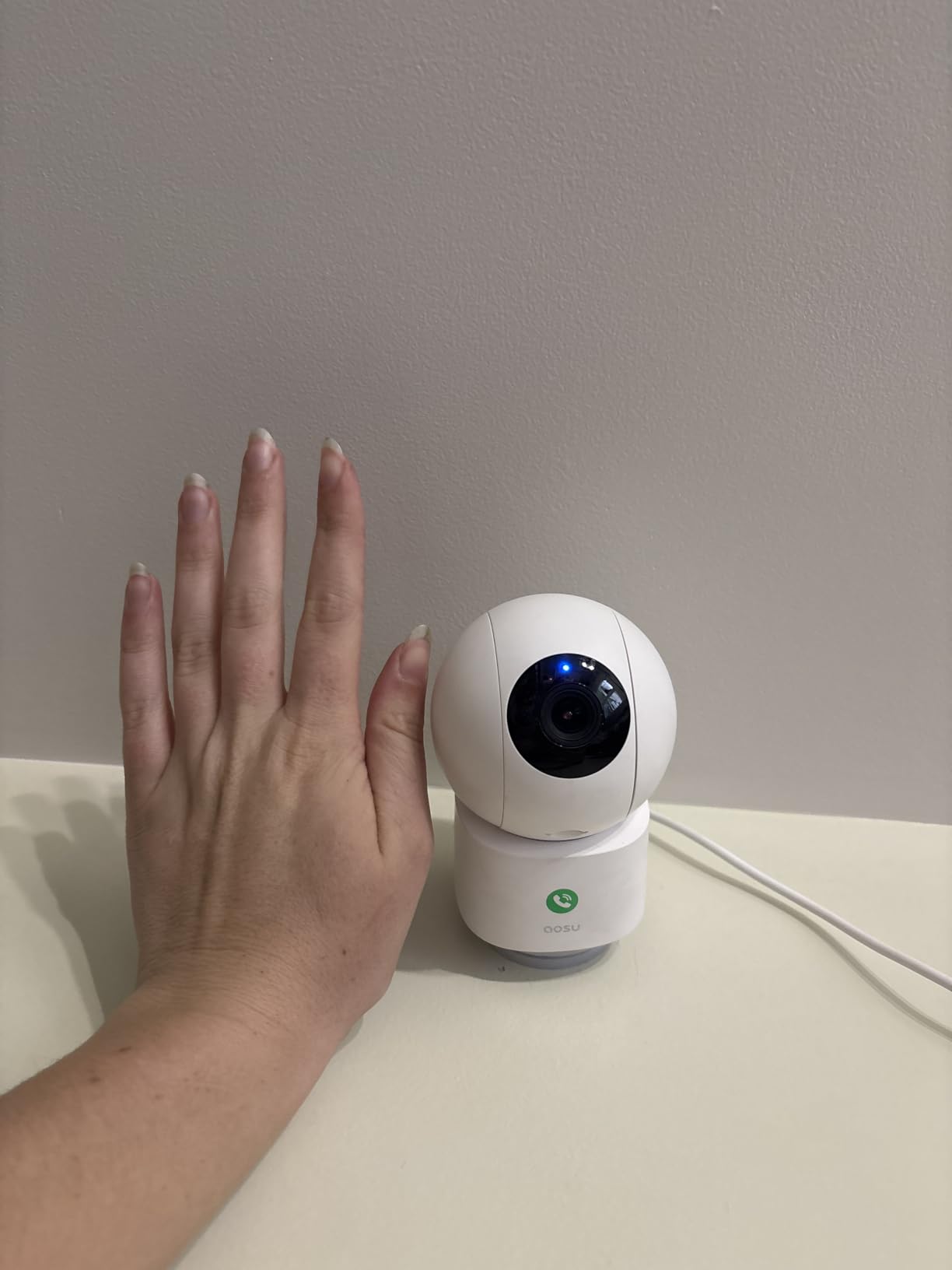
The aosu takes the one-button idea from the screen camera and drops the screen. It is otherwise a strong camera in its own right, with 2K QHD video, 360 degree pan, and 155 degrees of vertical tilt, which is the widest tilt range of the budget pans here.
For an aging parent the call button is the standout. Rather than finding a contact and navigating menus, they press it and the family member’s phone rings. Fewer steps means fewer reasons to give up and not try again.
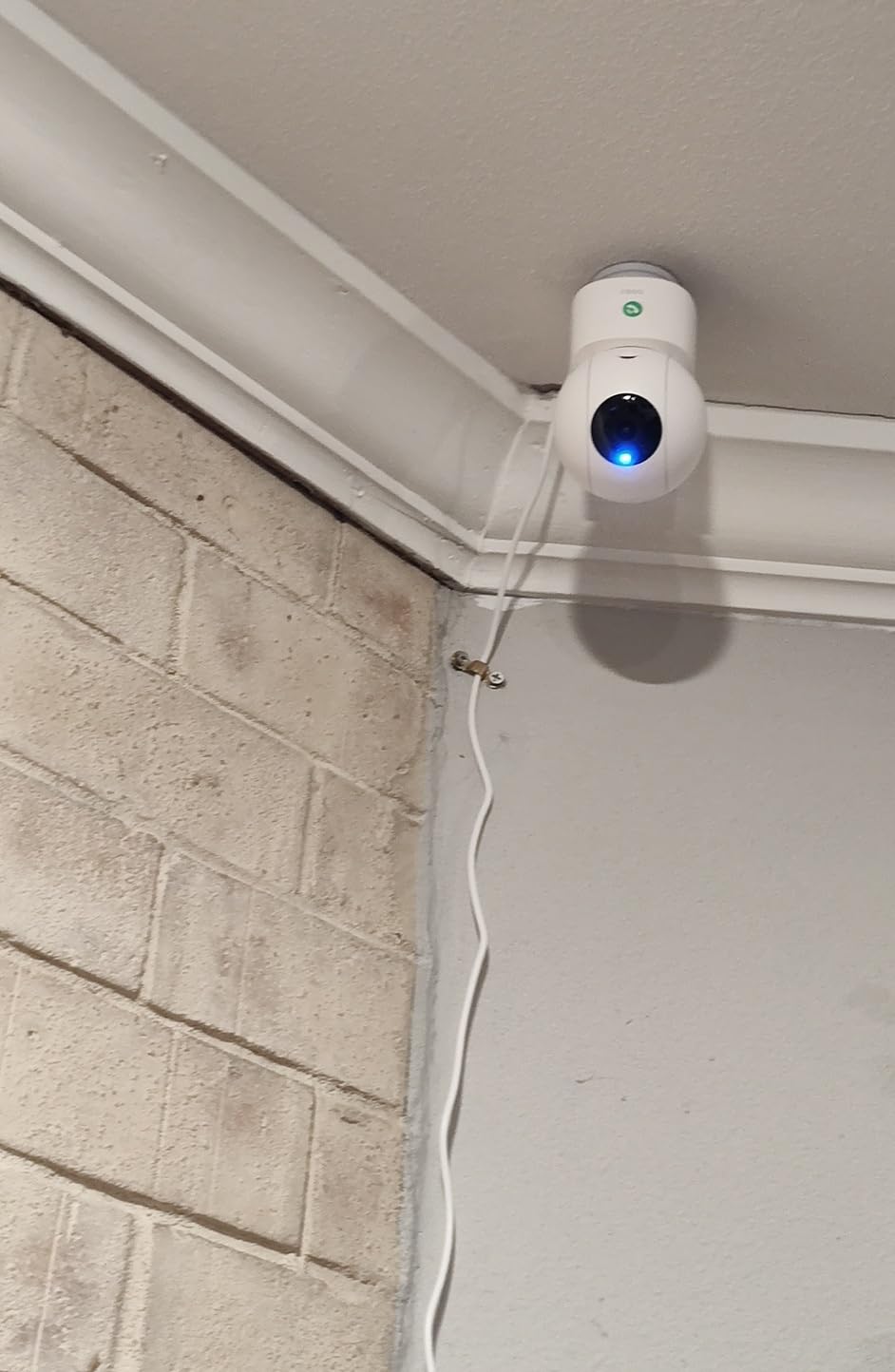
Motion tracking follows people or pets across the room without manual control, and everything records to a microSD card up to 128GB with no subscription. Reviewers frequently praise the customer support as responsive, which matters more than most spec sheets when a camera fails.
The main recurring complaint is app stability. Owners report the live feed dropping and the app needing a restart to reconnect, which is disruptive when you are watching for signs of a problem. The 128GB card ceiling also limits how far back recordings go compared with the 512GB options.
Who this suits best
Parents who want to reach their family on demand but do not need a screen. It is also a solid all-rounder for a room with a wide open floor plan.
Where it falls short
If you are relying on the camera for genuine safety monitoring, intermittent app disconnections are the wrong trade-off. Test it on your own network for a week before relying on it.
10. Kasa EC71: Best for Patrol Mode
Kasa 1080p Indoor Pan/Tilt Wired Security Camera, Baby & Pet Monitor, EC71
360 pan and tilt with patrol mode
Motion tracking and baby crying detection
Local 256GB microSD or Kasa Care
Pros
- Patrol mode sweeps the room on a schedule
- Local 256GB recording with no subscription
- Motion tracking and baby crying detection
- Two year manufacturer warranty
Cons
- 2.4GHz Wi-Fi only
- Digital zoom with no optical
- Cloud storage needs Kasa Care
- SD card not included
The Kasa EC71 has been in the TP-Link family for years and its 34146 reviews make it one of the most proven cameras in this roundup. Patrol mode is the feature that separates it from the other budget pans: set a start and end angle and a timing window, and the camera sweeps back and forth on its own.
For an elderly parent that means periodic coverage of a wide space without anyone touching the app. Combined with motion tracking and baby crying detection, it covers the two events you most want to know about without producing a constant stream of noise.

Two-way audio works for a real conversation rather than a one-way announcement, and local storage goes to 256GB on a microSD. If you want off-site backup as well, Kasa Care handles cloud storage on a subscription, but nothing about the core recording depends on it.
The zoom is digital only, so detail degrades as you magnify. That is a real limitation when you want to check whether a hand is holding a glass of water. Night vision reaches 30 feet, which is fine in a standard living room and marginal in a large one.

Who this suits best
Large rooms where a fixed view would miss too much, and families who want automatic coverage rather than on-demand checks. The two year warranty is the longest here.
Where it falls short
It shares the Kasa app rather than the Tapo app, so TP-Link fans end up managing two separate apps if they use both. Zoom quality is the other limit, particularly for anything beyond a medium room.
11. Ring Pan-Tilt Indoor Cam: Best for the Ring Ecosystem
Ring Pan-Tilt Indoor Cam (newest model) — See all around your home or business with 360° pan coverage, HD video, plus Two-Way Talk (2024 release), White
360 pan and 169 degree tilt
Color night vision at 30 fps
Physical privacy cover
Pros
- 360 pan and 169 tilt covers most of a room
- 30 fps is smoother than most budget pans
- Physical privacy cover
- Setup is fast for existing Ring users
Cons
- No auto tracking so the camera does not follow anyone
- Ring Protect needed for recorded video
- 1080p only
- Cloud only with no local storage
If your family already runs Ring doorbells and cameras, this is the one to buy. It shares the app, the shared users list, and the routine scheduling, so you are not teaching anyone a second platform. For households where a sibling handles tech and a parent just receives notifications, that consistency cuts setup time.
The mechanism is smooth. 360 degrees of pan and 169 degrees of tilt covers effectively the whole hemisphere, and it runs at 30 fps which makes live viewing noticeably less choppy than the 15 fps budget cameras.

The physical privacy cover returns here, and it is the reason I would pick this over the Tapo C200 when dementia is part of the picture. The lens is visibly covered when it is off, which means no argument is needed about whether the camera is recording.
Two limits to know before buying. There is no auto tracking, so the camera stays where you put it and you pan manually. And recorded history again depends on Ring Protect, with no microSD option at all.

Who this suits best
Existing Ring households covering a room where 360 coverage matters more than local storage. The privacy cover makes it comfortable in a shared room like a living room.
Where it falls short
Families who refuse subscriptions should look elsewhere, since two of the twelve here offer 512GB local recording and this does not. It also stops at 1080p.
12. Tapo C110: Most Versatile With ONVIF Support
Tapo 2K Indoor Security Camera, Baby Monitor, Dog Camera, Wired, C110
2K 1296p fixed bullet view
ONVIF and RTSP support
Local microSD up to 256GB
Pros
- No subscription needed for local recording
- Baby crying detection included at no extra cost
- ONVIF and RTSP support for Home Assistant
- Compact and easy to place
- Two year warranty
Cons
- No pan or tilt
- Rich notifications need a subscription in many regions
- Recordings cannot be deleted from the app
- Proprietary power adapter
The Tapo C110 is the simplest camera here and the cheapest to run, since local recording needs no plan at any point. It records 2K 1296p video to a microSD card up to 256GB, and the whole thing fits on a shelf without a mounting bracket.
What separates it from other budget cameras is ONVIF and RTSP support. If you run Home Assistant or want to feed the stream into another system, this is one of the few cameras in the roundup that will do it. Reviewers migrating away from another brand often land here for reliability.

Baby crying detection is included at no extra cost, and device sharing covers two phones, which is the right model for two adult children coordinating check-ins. Night vision reaches 30 feet, and two-way audio includes a siren.
It is a fixed bullet camera with no pan at all, so placement is permanent. Another quirk: you cannot delete recordings from the app and have to pull the card, and the power adapter is proprietary rather than standard USB, which matters if you plan three or four of these.

Who this suits best
Small rooms and closets, or families running a local automation system that wants ONVIF. It is also a good second or third camera once the main living space is covered.
Where it falls short
Any space larger than a small room, because there is no way to redirect the lens remotely. And if you want rich notifications rather than basic motion alerts, that feature sits behind Tapo Care.
How to Choose an Indoor Camera for an Aging Parent
Most buying guides for this category lead with resolution, and resolution is the least important decision you will make. A 1080p image with the right angle and the right audio beats a 4K image pointed at the wrong part of the room every time.
Pan-tilt or fixed view: which one cuts blind spots
A fixed camera is a camera that never moves. That is a strength, not a weakness: the angle never drifts, nothing needs adjusting, and the parent cannot accidentally rotate it. For a small room, a doorway, or a hallway approach, fixed is usually right.
A pan-tilt camera sweeps up to 360 degrees horizontally and typically 114 to 169 degrees vertically, covering most of a room from one shelf or ceiling mount. This is the single most effective answer to blind spots, which is the problem caregivers on forums describe most often, with multiple people reporting falls that happened just outside the frame of a fixed camera.
There is a middle ground worth considering: patrol mode, which moves the camera between saved waypoints on a schedule. The Kasa EC71 does this well. You get wide coverage without needing anything to move itself in response to a person, which reduces false tracking.
Local storage or a cloud subscription
Nine of the twelve cameras here record to a microSD card without any ongoing fee. The two Ring cameras require a Ring Protect subscription for video history, and the eufy E30, Tapo C200, Wyze Pan v3, and Kasa EC71 all offer cloud as an option while treating local as the default.
For a three-year horizon, the difference is not small, and subscription fatigue is the most common complaint in the caregiving forums we reviewed. Families do not resent paying for a service that does something; they resent paying for storage they never use because the card already does the job.
One practical argument for cloud, if you can accept the cost: if the camera itself is stolen or damaged, local storage goes with it. Off-site backup survives that. A middle path many families settle on is a card for daily events and a cloud plan for continuous recording.
Two-way audio and night vision after dark
For a parent who may be frightened or in pain, two-way audio has to work at a normal speaking volume. The weakest concern in this group are the 15fps budget models, where the audio competes with choppy video. Anything running at 20 to 30 fps handles a real conversation better.
Color night vision beats infrared for a specific reason: you can see what is happening, not only that something is. Wyze Cam v4 and Ring Indoor Cam both produce usable color at night. The Wyze v4 pushes it furthest with a 72 lumen spotlight, though that brightness is a consideration in a bedroom.
Reach matters too. A 30 foot range covers a living room comfortably. If your parent has a long hallway, a larger space, or a room with a vaulted ceiling, the 40 foot Tapo C200 or the 100 foot Wyze v4 will give you more margin.
Privacy, consent and your parent’s dignity
This is the part most roundups skip, and it is the part that decides whether a camera is still working in six months. Tell your parent the camera is there. Explain what it does. Agree on when it is off. A camera discovered after the fact ends the arrangement and can end the relationship.
On the legal side, video recording in a home you have permission to enter is broadly acceptable in most states, but audio is treated differently. A dozen states plus Puerto Rico require all parties to consent before a conversation can be recorded, and the penalties are civil rather than criminal in most of them. If you plan to record sound in a shared space, checking your state rule first avoids a problem you cannot undo later.
Two-party consent states commonly discussed include California, Florida, Illinois, Maryland, Massachusetts, Montana, New Hampshire, Pennsylvania, Connecticut, Oregon, and Washington, but the list changes and state law is the authority. If your parent has cognitive decline and cannot give informed consent, the person with decision-making authority should be the one agreeing, and that conversation is worth having on the record.
Physically, choose placement that respects the person. Hallways, living rooms, and kitchen entrances are appropriate. Bedrooms and bathrooms are different, and if you cover them at all, use a camera with a real physical shutter like either Ring model so the off state is visible and obvious.
What these cameras cannot do
None of the twelve cameras in this roundup provides medical alert services. Fall detection in a consumer camera is a change-detection heuristic: it notices that an image changed and a person is on the floor, which is not the same as detecting a fall, and it will not call anyone.
Keep a pendant or a button system. If your parent already has one, the camera’s job is to give you the awareness to check in quickly after the alert, or to catch a fall that happened without any button pressed.
A second real limit is Wi-Fi. Nine of these cameras support 2.4GHz only, and outages are the most common technical complaint in caregiving forums. Test the camera on the parent’s actual router for a week, and if the signal is weak at the back of the house, put a mesh node in before you install cameras rather than after.
Frequently Asked Questions
Can I put a camera in my elderly parents house?
Yes, if you have permission. Tell your parent the camera is there, agree on when it is off, and put the agreement in writing if cognition is a concern. Video is broadly acceptable in most states, but a dozen states and Puerto Rico require all parties to consent before audio can be recorded. Check your state rule before enabling sound in a shared room.
How do I monitor my elderly parent living alone?
Start with one camera covering the highest-risk room, usually the living room or the hallway between the bedroom and kitchen. Choose two-way audio you can hear at a normal speaking volume, use person detection so you are not scrolling through false alerts, and record locally so history is available without a subscription. Add a second camera for a second room rather than one camera trying to cover two.
What is the easiest camera to use for seniors?
The Ring Indoor Cam is the simplest because the app is minimal and, if the household uses Alexa, check-ins happen on an Echo Show without opening a phone. If your parent needs to initiate contact rather than receive it, the KEENLUK screen camera and the aosu both have a one-button call that starts a video call to a family member.
Do indoor cameras detect falls?
No, not in a way you can rely on. Consumer cameras use change detection rather than true fall detection, and none of them will contact emergency services. A medical alert pendant remains the only device that works when nobody is in the next room. Treat the camera as a way to notice and check quickly, never as a replacement for an alert system.
Can cameras replace medical alert systems?
No. A camera tells you something may have happened. A pendant tells the monitoring service and dispatches help. Families often run both, using the camera for awareness and general check-ins and the pendant for the actual emergency response.
Which indoor cameras work without a subscription?
Nine of the twelve cameras here record to a microSD card with no ongoing fee: the Tapo C200, Tapo C211, Tapo C110, Wyze Cam Pan v3, Wyze Cam v4, eufy E220, eufy E30, Kasa EC71, and aosu. Both Ring cameras require Ring Protect for recorded history, so they are the two to avoid if you want no recurring cost.
What camera works best for a parent with dementia?
Choose a camera with a physical privacy shutter rather than a software-only privacy mode, so your parent can see that it is off and turn it off themselves. The Ring Indoor Cam and the Ring Pan-Tilt Indoor Cam both have a manual cover. Pair it with a 360 pan-tilt model for wandering coverage, and agree the rules in advance with whoever holds decision-making authority.
How much does elderly monitoring cost per month?
With a local microSD card, ongoing cost is the card itself and nothing monthly. Nine of the twelve cameras here record locally without a plan. The two Ring cameras need Ring Protect for video history, and several others sell optional cloud plans for off-site backup.
Final Verdict: Which Indoor Camera Fits Your Family
The Ring Indoor Cam is our pick as the best indoor camera for elderly parents in 2026, because the physical privacy cover solves a problem no software setting does. If your family refuses subscriptions, the Tapo C200 gives you 360 coverage and local recording with nothing recurring. For the sharpest image in a large space, the eufy E30 is hard to argue with, and for night-time identification the Wyze Cam v4 is the one we would buy.
Whatever you choose, start with one camera and one room, put it somewhere high and angled toward the main walking route, and confirm your parent knows it is there. Add a second only once the first has been running for a week without false alerts or reliability problems. If you are still building out the rest of your setup, our elderly parent gift guide and gifts for parents guide cover the daily-living items that reduce risk far more than another gadget ever will.