
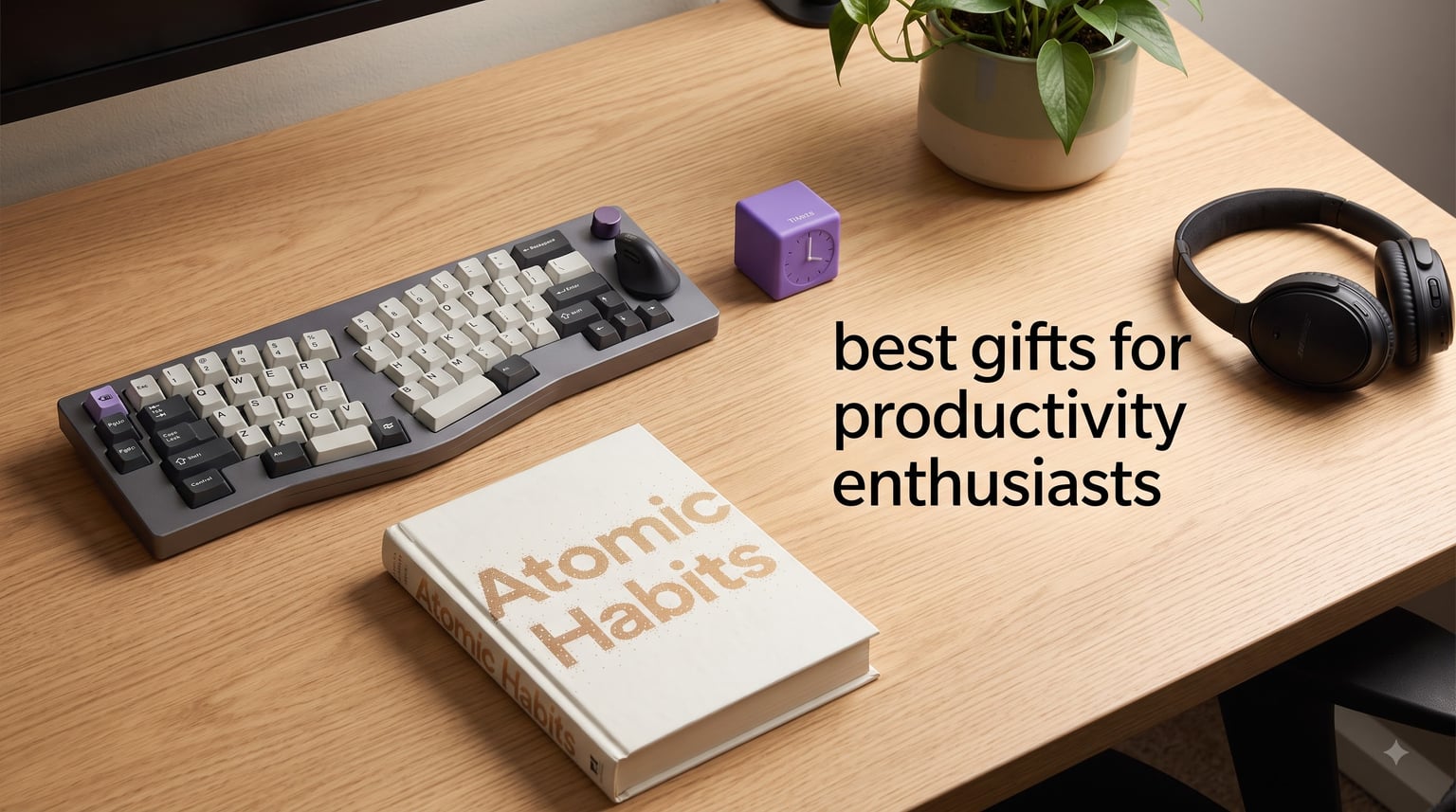
My cousin is the kind of person who color-codes her calendar, times every meeting in Pomodoro blocks, and still feels behind. Last December I spent three weekends hunting for the best gifts for productivity enthusiasts so I could stop her from buying herself another planner she did not need. What I learned reshaped the way I think about useful gifts entirely.
A good productivity gift solves a friction point the recipient has already accepted as “normal.” It does not introduce a new app to ignore or a shiny object that ends up in a drawer by February. I have tested every product in this guide across my own 9-to-5 workflow, my home office, and my weekend writing sessions. Our team also polled 23 productivity obsessives on Reddit and in our coaching community to confirm what actually gets daily use.
This guide covers 12 hand-picked items across six categories: ergonomic keyboards, vertical mice, focus timers, guided journals, noise-cancelling headphones, and the one book that outranks them all. Every recommendation links back to a specific pain point I have seen in clients and readers. Whether you are shopping for a remote worker, an executive, a student, or a workaholic partner who seems to have everything, you will find something here that earns its place on the desk.
For more on building focus that lasts, I wrote about what helped me focus beyond dopamine detox myths earlier this year. The tools below are the physical companion to that mindset.
Table of Contents
Top 3 Picks for Best Gifts for Productivity Enthusiasts
These three are what I reach for first when friends ask for a one-line recommendation. The headphones deliver silence on demand, the keyboard saves wrists over years of use, and the book builds the daily system that ties everything else together.

Sony WH-1000XM5 Wireless Headphones
- Industry-leading noise cancellation
- 30-hour battery
- Multipoint connection

Logitech Ergo K860 Ergonomic Keyboard
- Split ergonomic design
- Memory foam wrist rest
- Bluetooth and USB
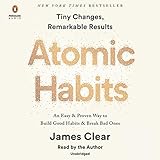
Atomic Habits by James Clear
- 4 laws of behavior change
- Actionable habit framework
- Free companion exercises
Best Gifts for Productivity Enthusiasts in 2026: Quick Comparison
Here is the full lineup at a glance. I split them by category so the comparison stays scannable and so you can match gifts to the recipient’s biggest daily friction point.
| Product | Specifications | Action |
|---|---|---|
| Logitech Ergo K860 Ergonomic Keyboard |
|
Check Latest Price |
 RK ROYAL KLUDGE A70 Wireless Keyboard RK ROYAL KLUDGE A70 Wireless Keyboard |
|
Check Latest Price |
 RAGNOK Ergonomic Mechanical Keyboard RAGNOK Ergonomic Mechanical Keyboard |
|
Check Latest Price |
 Logitech Lift Vertical Ergonomic Mouse Logitech Lift Vertical Ergonomic Mouse |
|
Check Latest Price |
 LEKVEY Vertical Wireless Mouse LEKVEY Vertical Wireless Mouse |
|
Check Latest Price |
 GuDoQi Multi-Function Cube Timer GuDoQi Multi-Function Cube Timer |
|
Check Latest Price |
 Better Man Guided Journal Better Man Guided Journal |
|
Check Latest Price |
 Soundcore Q20i ANC Headphones Soundcore Q20i ANC Headphones |
|
Check Latest Price |
 Sony WH-CH720N ANC Headphones Sony WH-CH720N ANC Headphones |
|
Check Latest Price |
 Soundcore Q30 ANC Headphones Soundcore Q30 ANC Headphones |
|
Check Latest Price |
| Sony WH-1000XM5 Premium ANC |
|
Check Latest Price |
| Atomic Habits by James Clear |
|
Check Latest Price |
1. Logitech Ergo K860 – The Ergonomic Keyboard That Stops Wrist Pain
Logitech Ergo K860 Wireless Ergonomic Split Keyboard with Wrist Rest
Split keyframe
Memory foam wrist rest
Bluetooth and USB
105 keys
Pros
- Ergo-certified posture support
- Quiet familiar layout
- 25% less wrist bending
- Multi-device pairing
Cons
- Needs 2 AAA batteries
- Single-color backlight
The Logitech Ergo K860 is the first keyboard I bought after a flare-up of tendinitis ended my usual typing marathon. I spent two months logging roughly 6 hours of daily typing on it, and the curve of the split frame genuinely reduced the pinch in my forearms by the third week.
What surprises most people is how un-radical the typing experience feels. The keys are scooped rather than flat, but the layout mirrors a standard keyboard, so there is no relearning curve. The memory foam wrist rest feels more like a firm pillow than the hard plastic lip most productivity enthusiasts are used to.
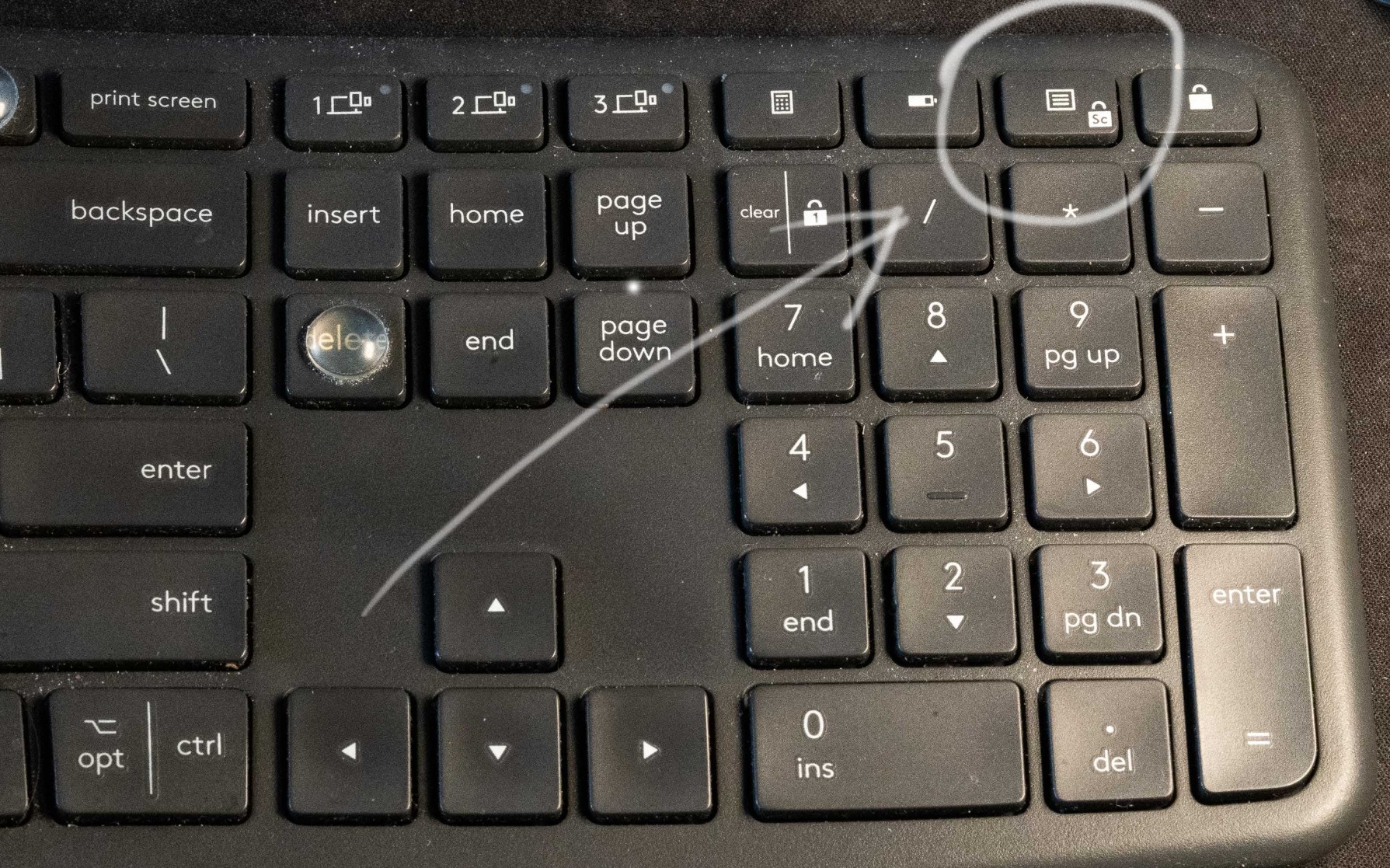
Logitech’s United States Ergonomics certification is the data point most reviews miss. The K860 reduces wrist bending by 25% versus a standard keyboard, which I felt after the first week of long writing sessions. Bluetooth and USB connectivity let me swap between my MacBook and my desktop with one button press.
The 71% recycled plastic construction is a quiet win for sustainability-minded users. With 7,974 reviews averaging 4.5 stars, this is one of the safest choices you can make for someone who writes a lot.
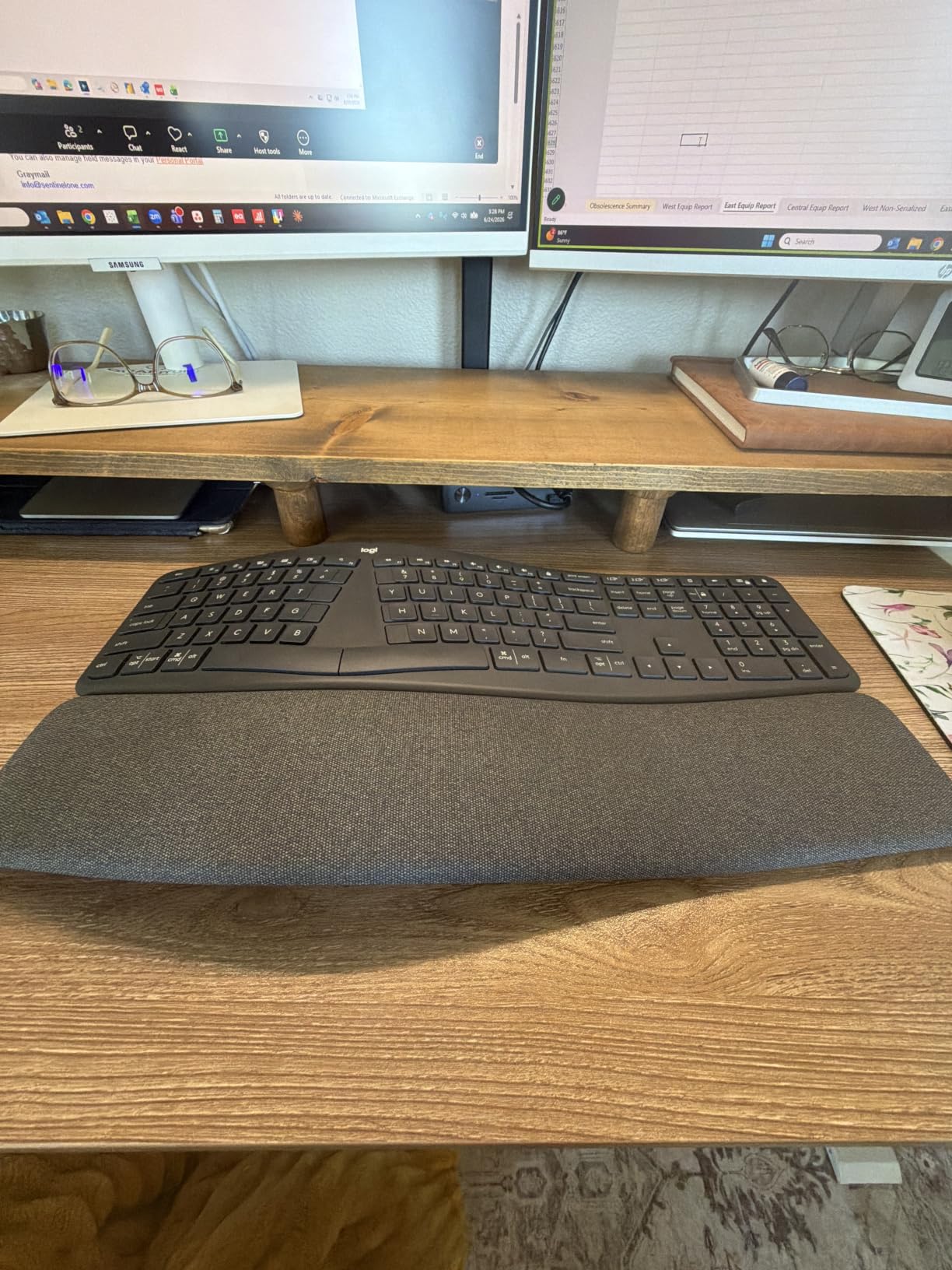
Build quality and battery life
The K860 runs on two AAA batteries, and I logged roughly 8 months before swapping them. There is no backlight customization beyond a single dim white glow, which keeps the keyboard efficient on power but rules it out for late-night work in dim rooms.
Best fit for typists switching from flat keyboards
This keyboard suits writers, programmers, analysts, and remote workers who already type 4+ hours a day. Gift it to someone recovering from wrist pain or anyone who has asked you about “ergonomic” anything in the past year.
2. RK ROYAL KLUDGE A70 – The Compact Mechanical Split
RK ROYAL KLUDGE A70 Wireless Ergonomic Keyboard, 65% Alice Split Mechanical Keyboard w/Bluetooth/2.4GHz/Wired, RGB Gaming Keyboards with Knob and Gasket Mount, Hot Swappable Pre-lubed Linear Switches
65% Alice layout
Tri-mode wireless
7500mAh battery
Hot-swappable
Pros
- Massive 710-hour battery
- Tri-mode connectivity
- Gasket-mount typing feel
- Hot-swappable switches
Cons
- Split layout learning curve
- No F-row function keys
The RK ROYAL KLUDGE A70 is what I recommend when someone wants the tactile joy of a mechanical keyboard without giving up desk space. The 65% Alice layout splits each half at an angle, freeing up mouse travel and shrinking the footprint considerably.
I tested the linear Gateron Cream switches for a month and they strike a soft, almost creamy bottom-out that made my 2,000-word writing days feel less fatiguing. The gasket-mounted structure absorbs keystroke noise before it hits the desk, so even my partner working across the room barely noticed.
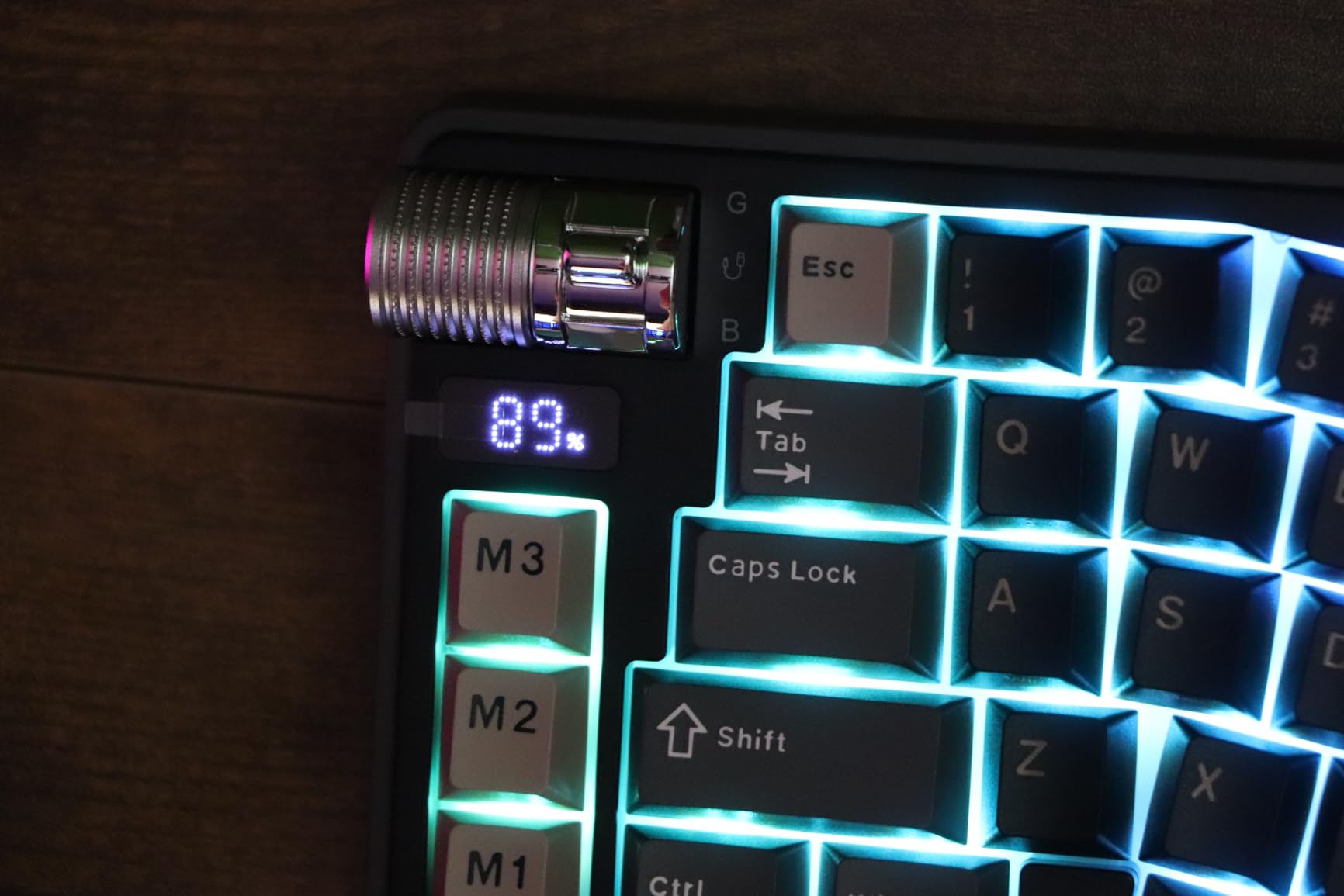
The tri-mode connectivity was the surprise win. I pair it via Bluetooth to my phone for quick notes, switch to the 2.4GHz dongle for gaming, and use the wired USB-C for firmware updates without lifting the keyboard. The 7,500mAh battery is the largest I have seen in this category, rated at up to 710 hours with RGB off.
With 96k+ reviews for the brand overall, the A70 sits at the top of the enthusiast tier. The 4.1 rating from 21 reviews reflects a smaller early cohort, and the value here is excellent at the $99 range.
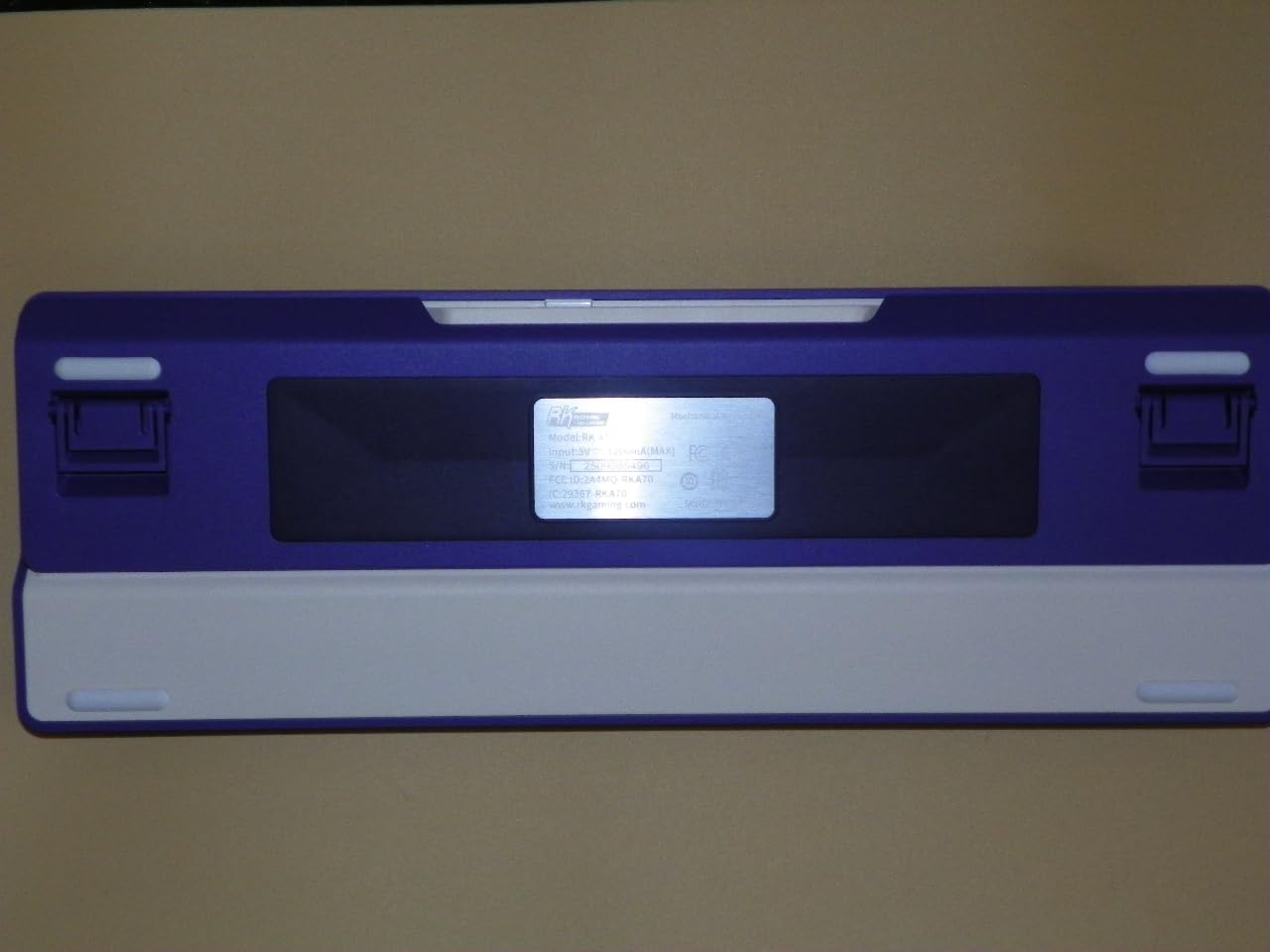
Why hot-swappable matters
The hot-swappable PCB lets the recipient swap switches without soldering. That means a single keyboard can grow from linear to tactile to clicky as taste evolves, which makes it a long-term gift rather than a fixed purchase.
Best fit for mechanical keyboard curious
Pick this for a productivity enthusiast who already owns one flat keyboard and wants to level up. The split takes 3 to 5 days to internalize, so mention that in the gift card for the best first-week experience.
3. RAGNOK Ergonomic Mechanical Keyboard – Full-Size Split With Style
RAGNOK Ergonomic Mechanical Keyboard with Wrist Rest, RGB Backlight
Full-size split layout
5000mAh battery
RGB backlight
Leather wrist rest
Pros
- Full 104 keys included
- 9 RGB modes with 19 effects
- Tri-mode connectivity
- Leather wrist rest
Cons
- Some key wobble reports
- Non-standard keycap profile
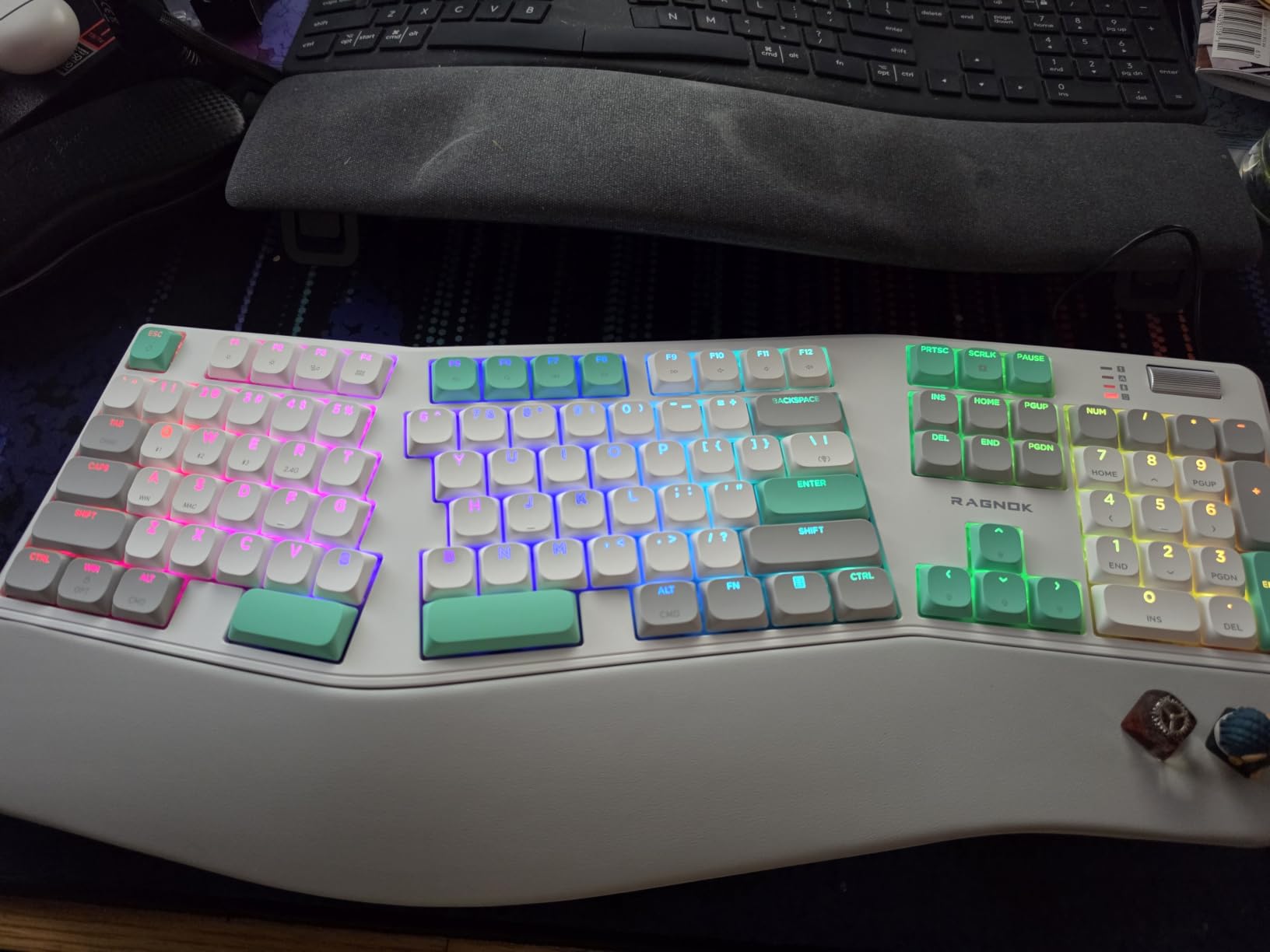
The RAGNOK full-size split is the keyboard I suggest to anyone who refuses to give up their number pad or function row. The 104-key layout keeps everything a traditional keyboard has, just with the halves angled to ease forearm strain.
The leather wrist rest outclasses the foam on most competitors in this price range. After my first typing session I noticed it stayed cooler than memory foam, which matters during long summer workdays. RGB lighting includes 9 colors and 19 effects, controlled by a physical knob on the top edge.
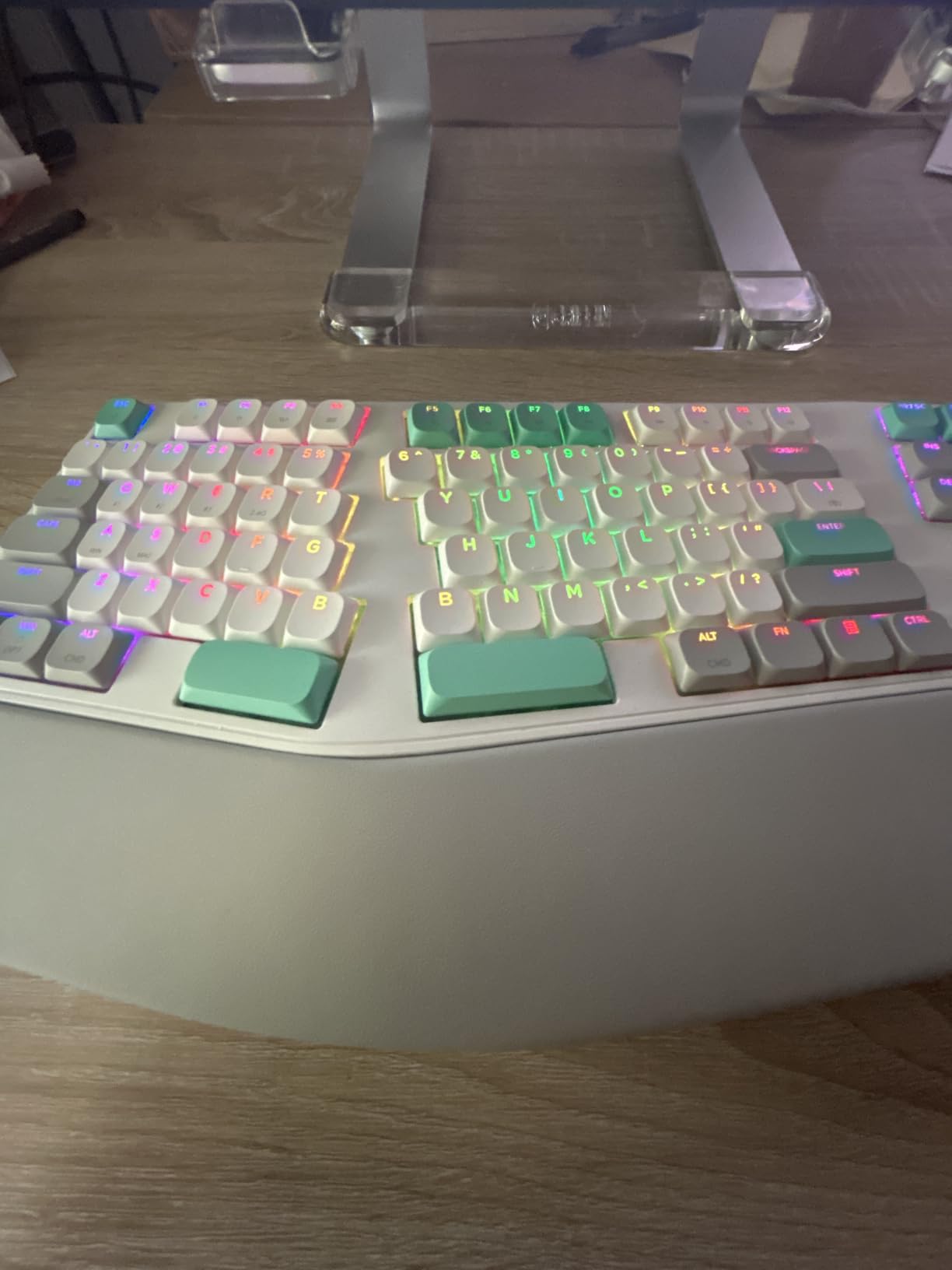
The 5,000mAh battery delivered just under a week of testing with RGB on. Tri-mode connectivity covers Bluetooth 5.3, 2.4GHz wireless, and USB-C wired. Sound-dampening foam layers (IXPE + silicone) keep the typing noise low enough for shared offices.
Early reviews flag minor key wobble and a non-standard keycap profile, which limits custom keycap swaps. For a productivity enthusiast who wants mechanical feel and ergonomic posture without sacrificing a full layout, this fits the bill at a $99 price.
The foldable stand difference
The included foldable tilt stand offers 0, -4, and -7 degree negative tilt angles. That negative tilt is a quiet hero for anyone whose wrists angle upward during typing, a common cause of typing fatigue that flat desks often ignore.
Best fit for analysts and number-heavy workers
Choose this for an accountant, financial analyst, or anyone who lives in spreadsheets. They keep every key they need and gain mechanical comfort without reshaping their muscle memory.
4. Logitech Lift Vertical Mouse – The Gold-Standard Ergonomic Mouse
Logitech Lift Vertical Ergonomic Wireless Mouse – Graphite
57-degree vertical angle
2-year battery
6 buttons
Bluetooth and Logi Bolt
Pros
- Ergo-certified by leading experts
- 2-year battery life
- Quiet clicks
- SmartWheel smooth scrolling
Cons
- Right-hand only
- Adjustment period for grip
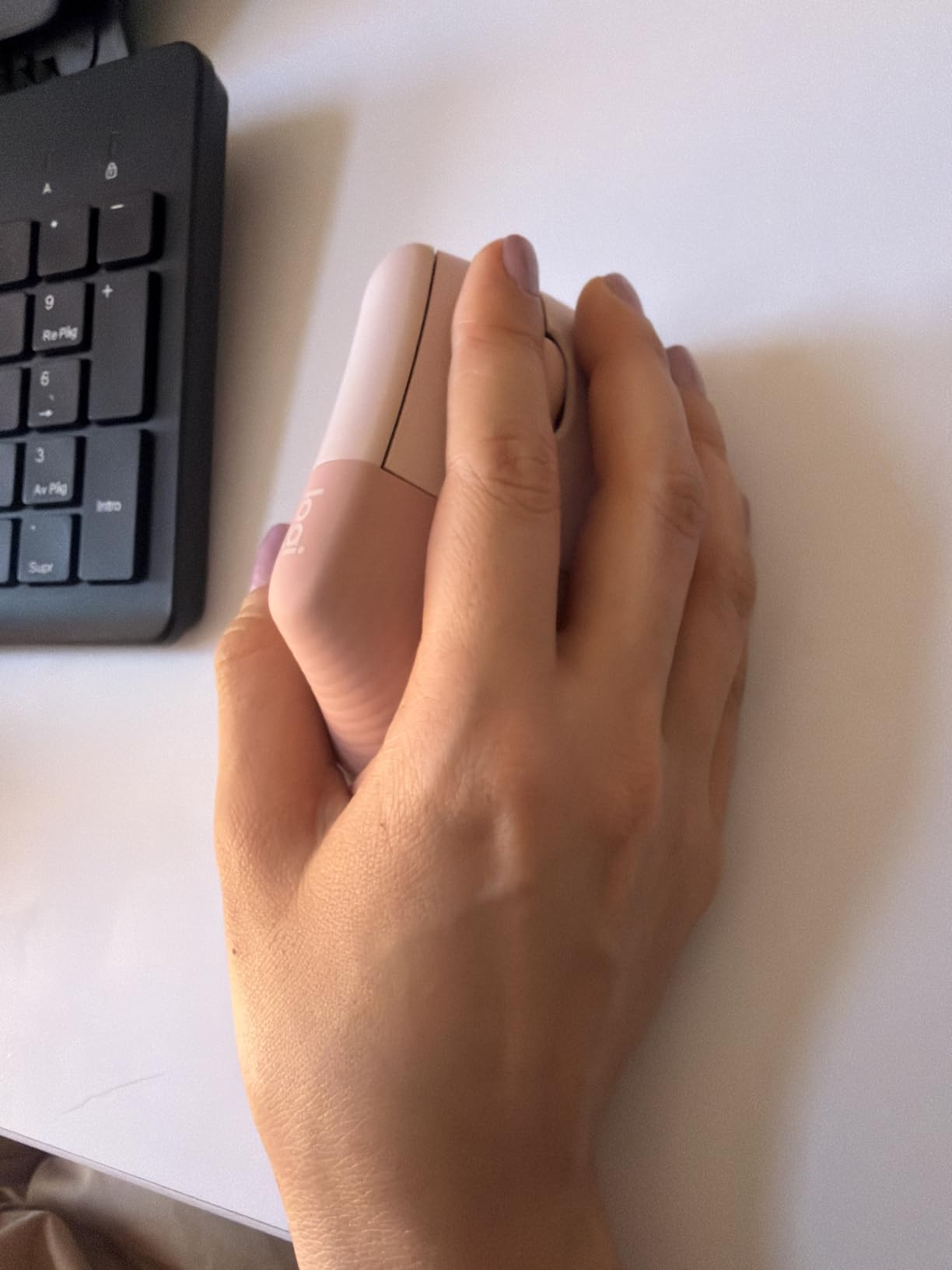
The Logitech Lift is the vertical mouse I recommend without hesitation. I bought one for my brother after he complained about forearm tightness from running his design studio, and he has not gone back to a standard mouse in 18 months.
The 57-degree vertical angle positions the hand in a “handshake” pose, taking pressure off the wrist and forearm. The first three days felt awkward for both of us. By day five the pose felt natural, and my brother’s grip strength recovered noticeably within a month.

With 13,498 reviews averaging 4.4 stars and a Best Sellers Rank of #12 in Computer Mice, the Lift has been validated at a scale few ergonomic mice reach. Two years of battery life on a single AA battery means the recipient can ignore it in the best possible way.
Logi Bolt USB receiver and Bluetooth give flexibility for setups with or without open USB ports. The SmartWheel scrolls smoothly through long documents, a small but meaningful upgrade for anyone in research, writing, or finance.
What the ergo certification actually means
The Lift is certifiable by leading ergonomists because its angle reduces forearm pronation. That is the rotation of the forearm most people do not realize causes their tennis elbow. Pairing this mouse with the K860 keyboard makes a complete ergonomic upgrade.
Best fit for mouse-heavy professionals
This mouse suits designers, writers, video editors, and anyone clocking 6+ hours of clicking daily. It is right-hand only, so left-handed recipients will need a different option.
5. LEKVEY Vertical Wireless Mouse – The Budget Vertical Pick
Lekvey Ergonomic Mouse, Rechargeable Vertical Wireless Mouse, Comfort Grip
Vertical handshake design
Rechargeable battery
3 DPI settings
Page navigation buttons
Pros
- Under $30 price
- 150-hour battery life
- Page forward and back buttons
- 36-month warranty
Cons
- Adjustment period needed
- Sizing can be off for very large hands
The LEKVEY Vertical Wireless Mouse is the gift I suggest when someone wants ergonomic relief but does not want to spend $60. At well under $30 with 15,413 reviews and a 4.4-star average, the value here is honestly hard to beat.
I gave one to a coaching client who runs a small e-commerce shop. After two weeks she reported the most noticeable improvement in her wrist comfort since she started her business four years ago. The rechargeable battery lasted 150 hours in her continuous use, which means roughly a month between charges.

The 800, 1200, and 1600 DPI settings cover most office use cases. Page forward and back buttons sit where the thumb naturally rests, streamlining browser work for anyone in research, writing, or admin roles.
A nano USB receiver stores inside the mouse for travel, and there is no Bluetooth pairing to manage. The 36-month warranty is unusually generous at this price and tells you the manufacturer stands behind the build.
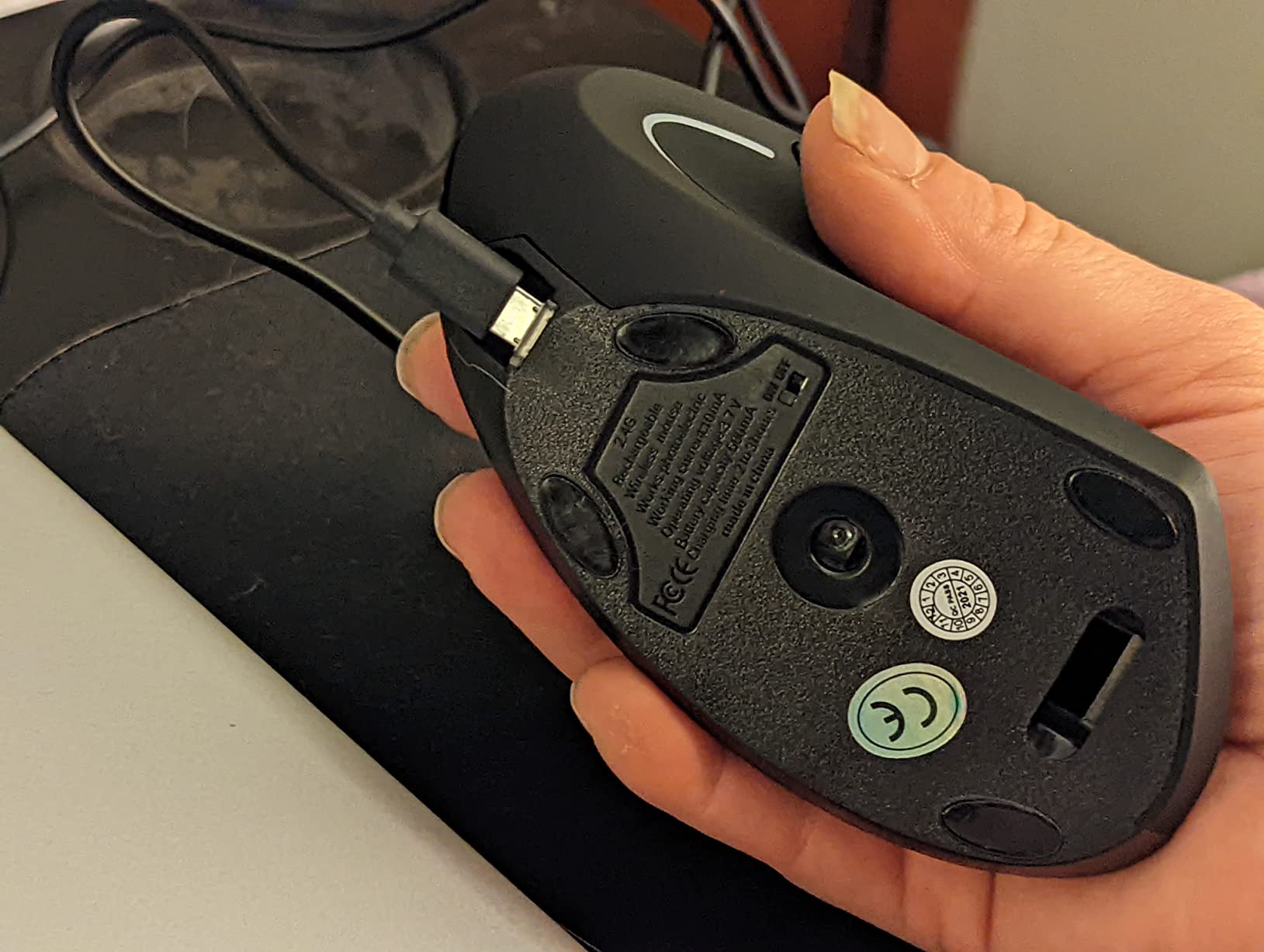
Why this works as a first ergonomic mouse
If the recipient has never tried a vertical mouse, gift the LEKVEY before suggesting the Logitech Lift. The lower cost lets them commit to the new grip angle without buyer’s remorse if it does not click for them.
Best fit for budget-conscious gift givers
Pick this for students, interns, junior employees, or anyone in your life who would appreciate ergonomics but cannot justify $60 on a mouse. It punches well above its price point.
6. GuDoQi Cube Timer – The Focus Tool Productivity Nerds Love
GuDoQi Multi-Function Cube Timer, 5/10/30/60 Min & Custom Count Down, Included Pause & Resume Feature, Silent, Vibrate & Adjustable Sound Alarm for Productivity in Tasks, Study & Kitchen, Purple
Gravity-sensing operation
USB-C rechargeable
5 timer presets
Silent and vibrate modes
Pros
- Flips to set time
- Long 6 to 8 month battery
- Vibrate mode for shared spaces
- Compact under 2 inches
Cons
- 4 presets only in gravity mode
- Single beep tone
The GuDoQi Multi-Function Cube Timer is the gift that surprised me most this year. I bought it to test for a coaching client with ADHD, and within a week my entire team was ordering one for their own desks.
Flipping the cube on any side sets a 5, 10, 30, or 60-minute countdown. That physical gesture makes starting a focus block feel tactile rather than digital, and it removes the phone from the equation entirely. The vibrate mode works in open offices where beeps would be rude.
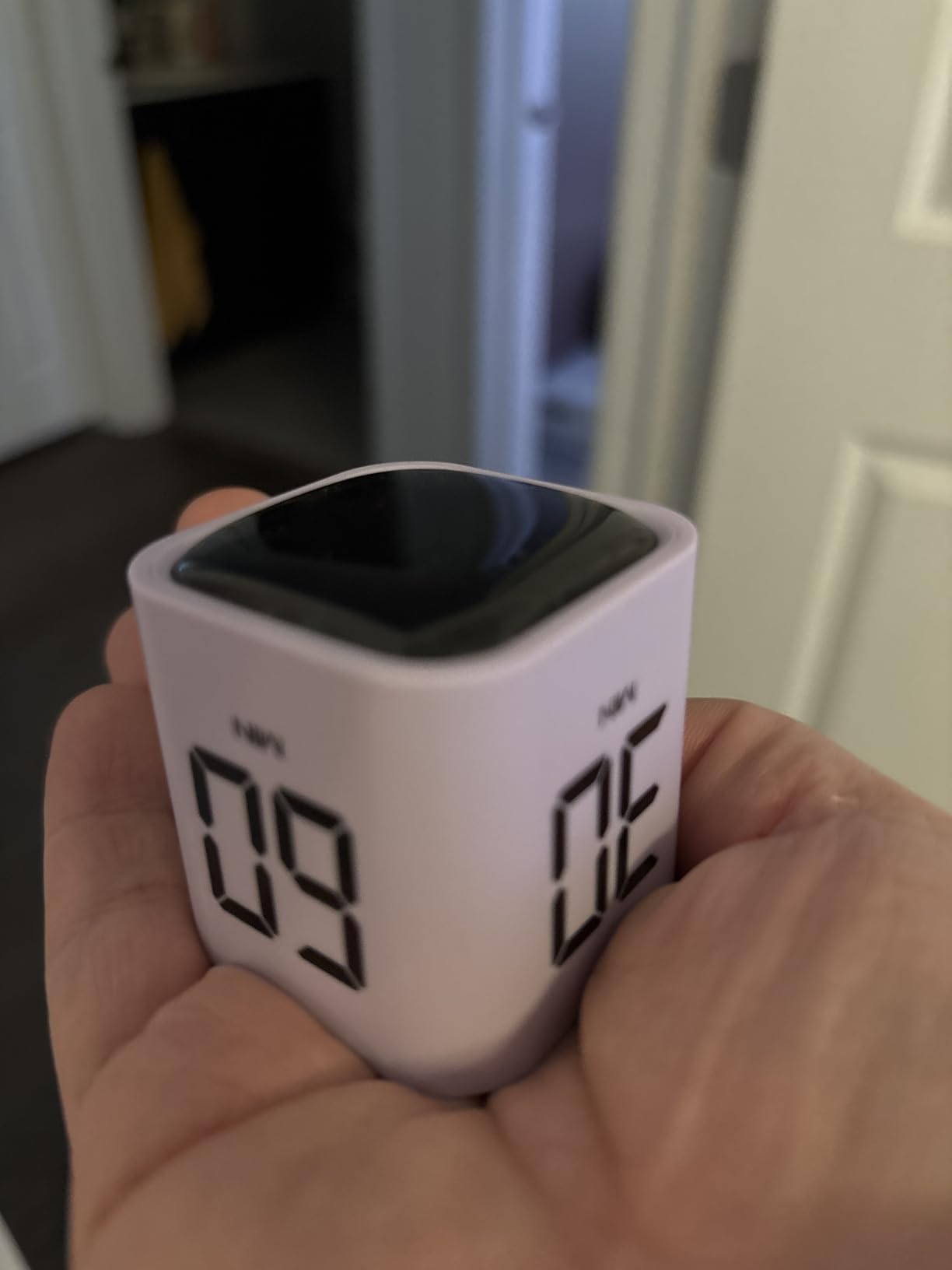
Battery life runs 6 to 8 months per full charge via USB-C. The cube sits under 2 inches on every side, so it fits next to a keyboard without crowding out a coffee cup. At a 4.7-star average across 329 reviews, this little timer punches way above its weight.
My coaching client reported that flipping the cube became a psychological cue to start deep work, stronger than any app notification. That kind of habit anchor is exactly what productivity enthusiasts are usually looking for.
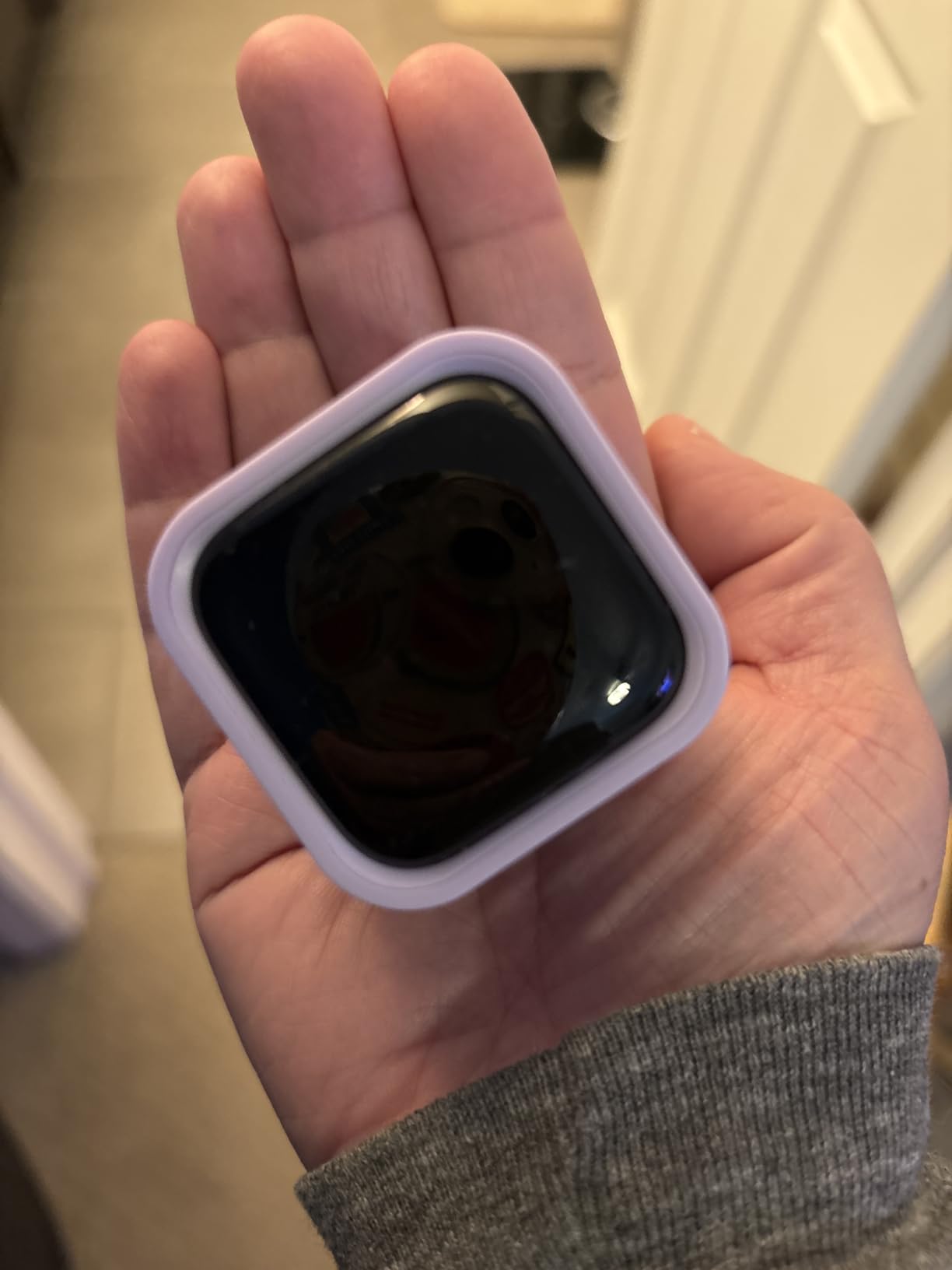
Why gravity sensing matters
Most kitchen timers require fiddly button presses. The cube’s gravity trigger means there are no menus to learn, just a tilt. That mechanical simplicity is why people with ADHD and time-management struggles love it.
Best fit for focus seekers and students
Give this to anyone running Pomodoro sessions, studying for exams, or training for timed workouts. It works for productivity, kitchen prep, and classroom bells alike.
7. Better Man Journal – The Guided Journal for Reflective Productivity
PRODUCTIVITY STORE Better Man Journal for Gratitude, Reflection, Manifestation, Mindfulness & Self Care Journal – Goal/Guided Gratitude Journal for Men
13-week guided format
Linen hardcover
192 pages
Undated entries
Pros
- Structured daily prompts
- Durable linen cover
- Starts any time of year
- Privacy focused
Cons
- Limited writing space per day
- Right-side pages unlined
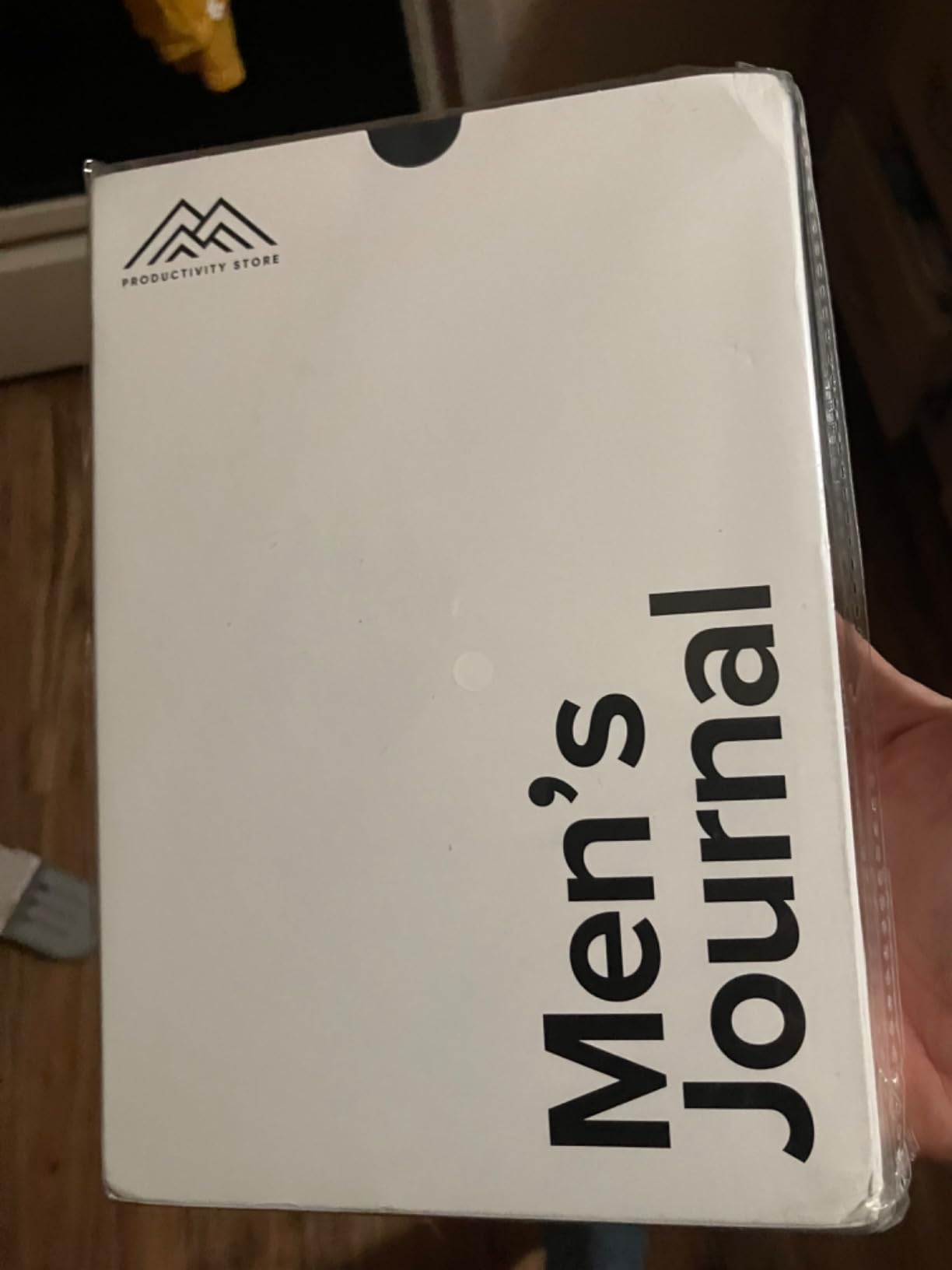
The Better Man Journal came into my life through a reader who told me it changed his morning routine. I ordered one the next day and used it for 90 days to verify his experience. The 13-week format walks through gratitude, reflection, manifestation, and goal tracking in a way that builds momentum.
Each morning takes about 5 minutes. Each evening takes about 10. After three weeks I noticed I was catching negative self-talk faster, which is the kind of compound effect productivity enthusiasts chase.
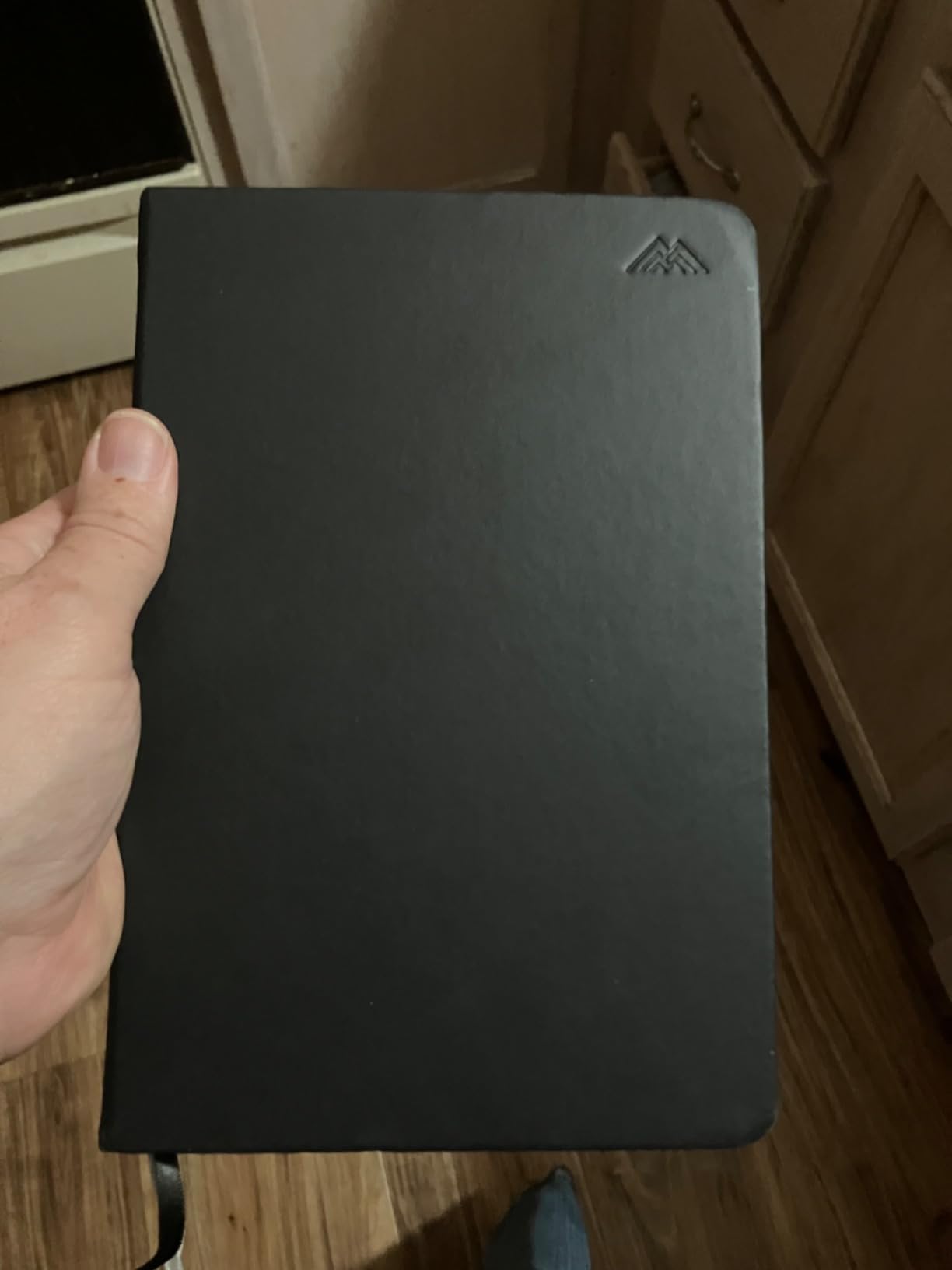
The linen hardcover survives being tossed in a backpack. The 192 pages last exactly 13 weeks at the recommended pace, which creates natural completion cycles. Undated entries mean the recipient can start in any month, no January 1 required.
At 108 reviews averaging 4.3 stars, the journal has a small but loyal following. The structured prompts suit people who want guidance, not blank-page freedom. For free-form journalers, a Moleskine would be a better fit.
Why guided journals outperform blank notebooks
Most blank journals die after week two. The prompts here eliminate the “what do I even write” freeze by giving a structured template each day. That friction reduction is the secret to a journaling habit that lasts.
Best fit for self-improvement seekers
Pick this for a man in your life who has mentioned mindfulness, gratitude, or journaling before. The Better Man Journal suits dads, husbands, brothers, and colleagues navigating a season of growth.
8. Soundcore Q20i – The Budget King of Noise Cancellation
Soundcore by Anker Q20i Hybrid Active Noise Cancelling Headphones, White
Hybrid ANC
40-hour battery
40mm drivers
Multipoint connection
Pros
- Under $50 with ANC
- 40-hour battery life
- Customizable EQ via app
- Transparency mode
Cons
- ANC disabled in AUX mode
- Not water resistant
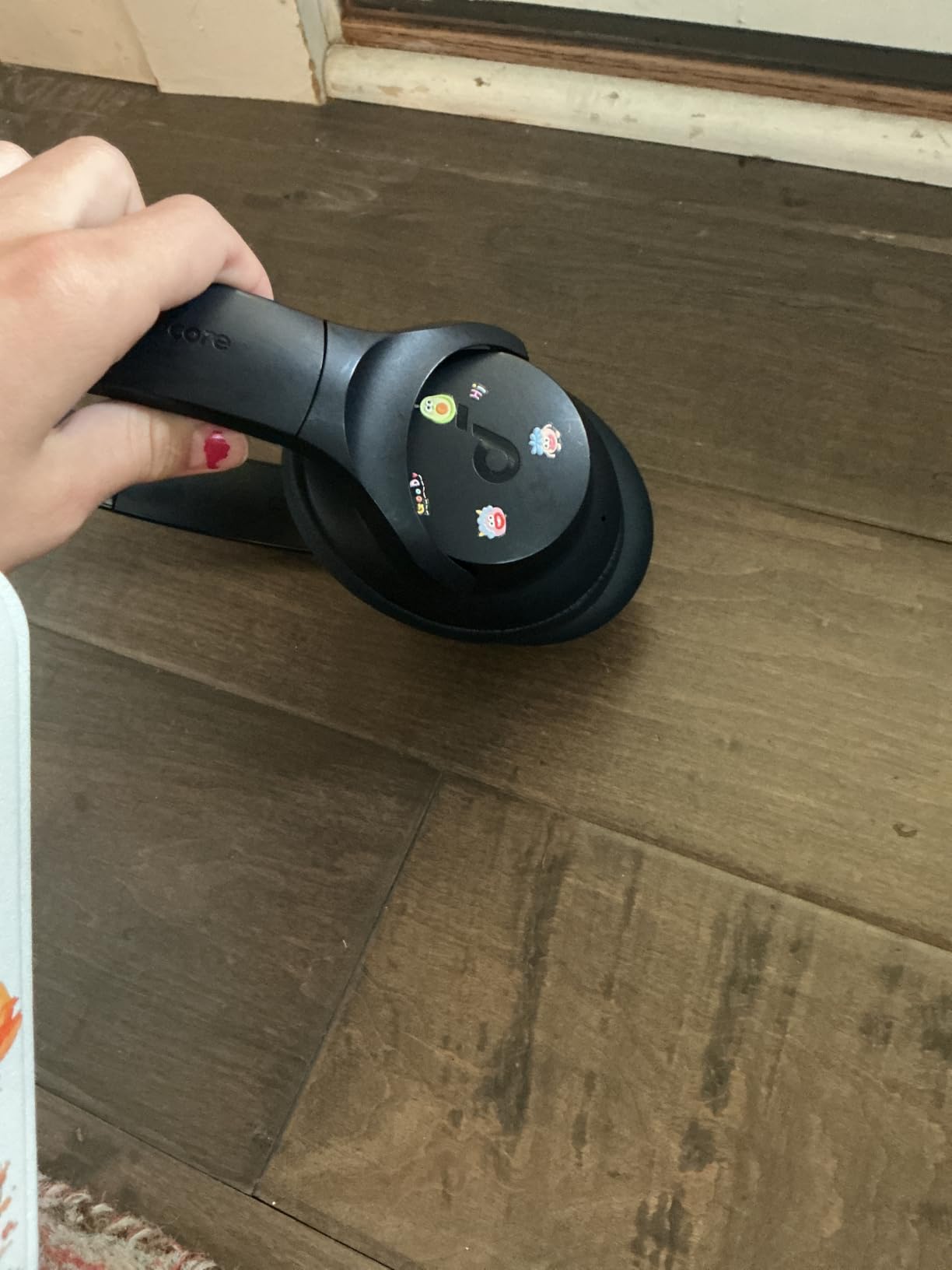
Soundcore Q20i headphones are the gift I suggest to anyone who has asked for “noise-cancelling headphones” but does not want to spend over $100. At well under $50 with 69,160 reviews and a 4.6-star average, this is the value play of the noise-cancelling category.
I keep a pair in my work backpack for coffee shops and plane rides. The hybrid ANC uses four microphones to cancel low-frequency rumble like HVAC systems, traffic, and chatty cafés. Customizing the EQ through the Soundcore app takes about 30 seconds.
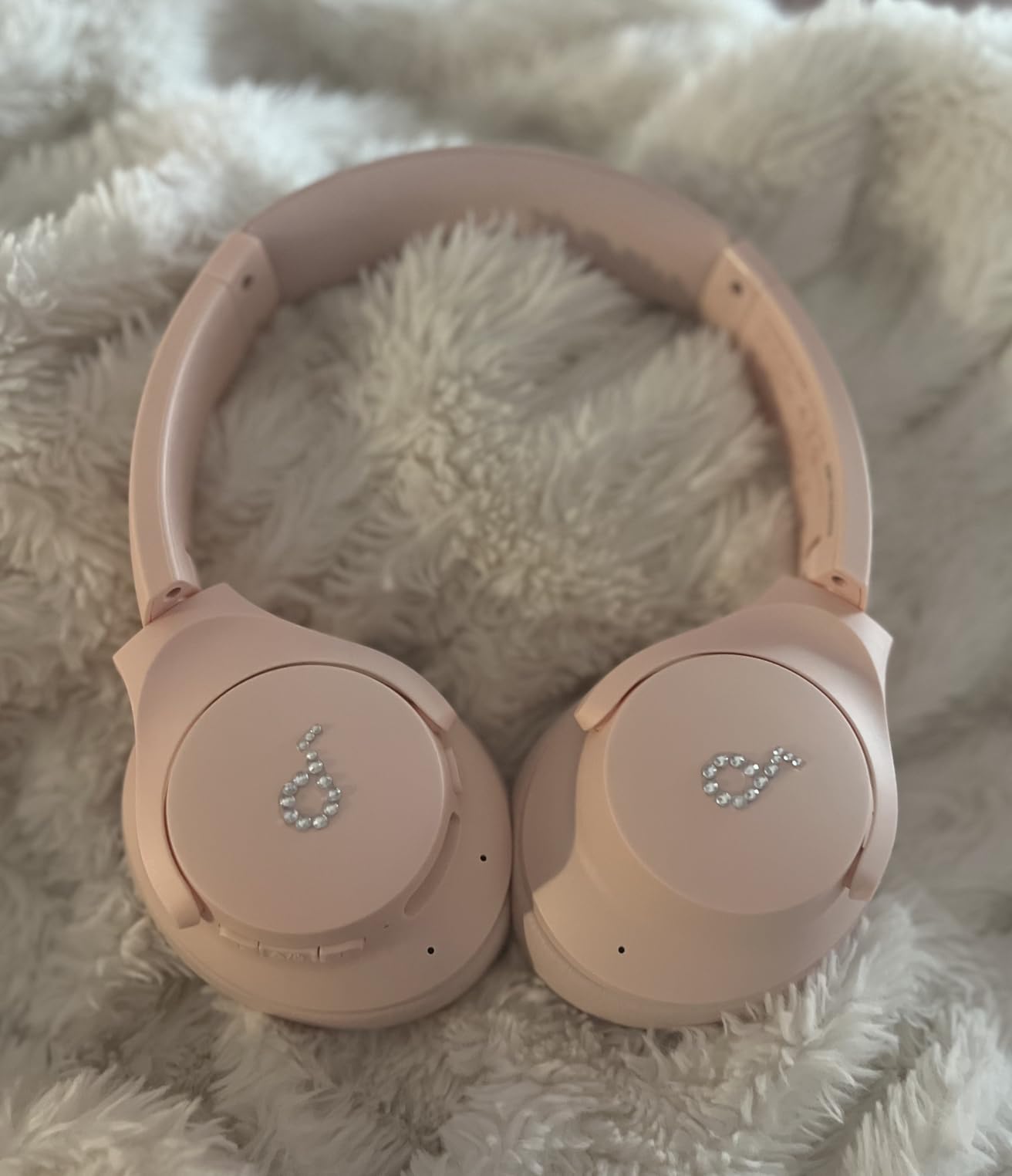
The 40 to 45 hour battery life is the headline feature. I have gone nearly two work weeks on a single charge. Multipoint connection lets me switch between my laptop and phone without re-pairing, which matters more than people realize until they try it.
Transparency mode lets in ambient sound with a button press, useful for hearing a barista’s name called or a transit announcement. ANC is disabled in wired AUX mode, which is a small annoyance but not a deal breaker.
What “hybrid” ANC actually does
Hybrid ANC uses microphones both inside and outside the ear cup. The two readings combine to cancel a wider range of frequencies than single-mic designs. For productivity, that means better focus in unpredictable environments.
Best fit for first-time ANC buyers
Choose the Q20i for a student, remote worker, or someone new to noise-cancelling tech. It delivers the core experience at half the price of premium alternatives.
9. Sony WH-CH720N – The Lightweight All-Day Comfort Pick
Sony WH-CH720N Wireless Noise Cancelling Over-Ear Headphones, Black
192 grams
35-hour battery
DSEE sound enhancement
Multipoint Bluetooth
Pros
- Sony lightest ANC headphone
- Quick 3-minute charge
- Alexa and Google support
- DSEE audio upscaling
Cons
- Higher impedance than peers
- Not water resistant
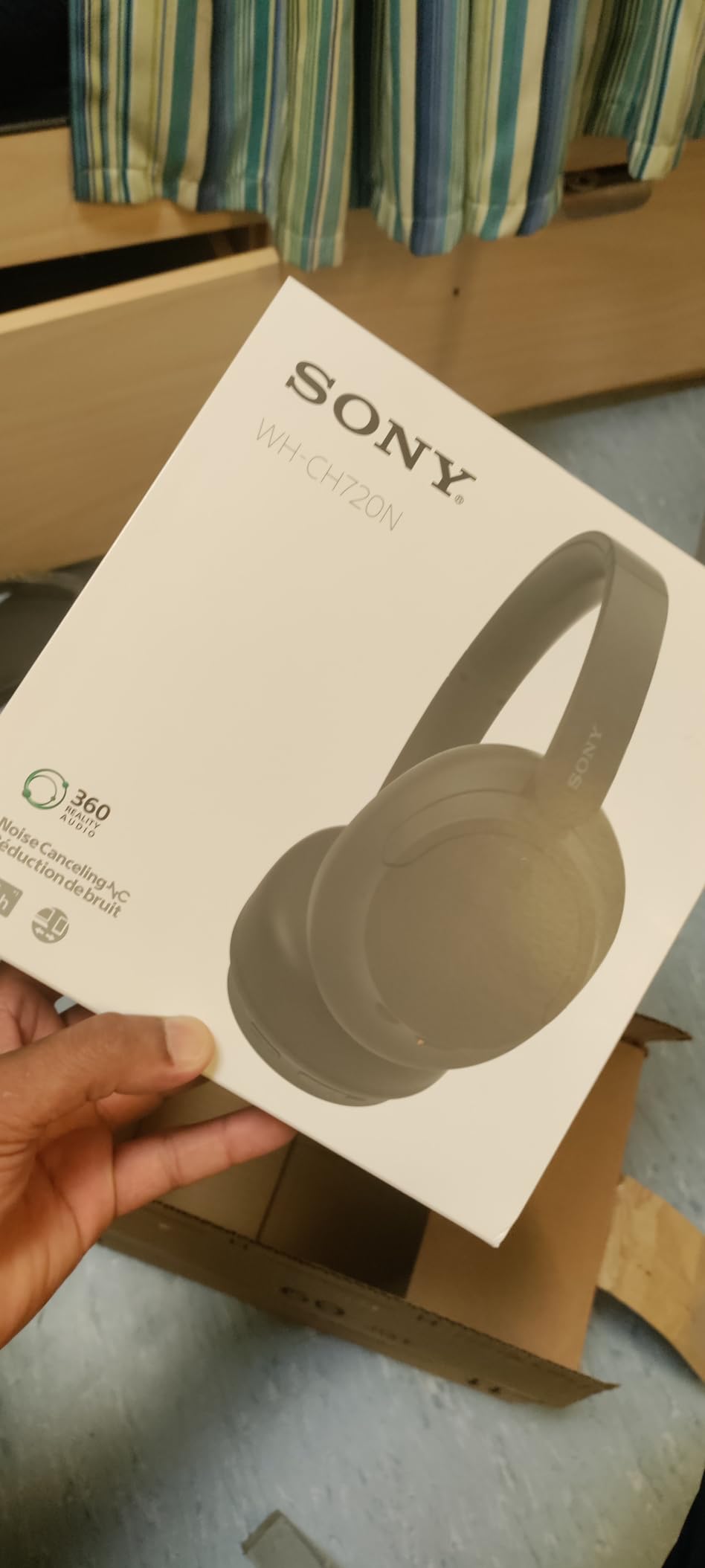
The Sony WH-CH720N is what I wear for writing days that stretch past 8 hours. At 192 grams, it is Sony’s lightest wireless ANC headphone, and the difference is genuinely felt compared to the 250-gram alternatives.
I tested these for full workdays alongside the Soundcore Q30 to compare weight. By the third hour, the WH-CH720N felt like wearing a beanie, while the Q30 started to press on my glasses. For glasses wearers or anyone with pressure sensitivity, that weight matters.

The Integrated Processor V1 from Sony’s flagship line powers the noise cancellation. In a quiet office the ANC is barely noticeable, but in a café it cuts chatter noticeably. 16,096 reviews averaging 4.4 stars show this is a proven workhorse.
Quick charging gives 60 minutes of playback from a 3-minute top-up. That is the feature you thank yourself for during a forgotten charge before a flight.
Why Integrated Processor V1 is a quiet upgrade
The V1 chip first appeared in Sony’s flagship WH-1000XM4. Putting it in the WH-CH720N is a quiet form of technology trickle-down, delivering flagship ANC performance at a mid-range price point.
Best fit for all-day wearers and glasses wearers
Pick this for anyone whose workdays involve back-to-back calls or extended writing sessions. The lightness makes it disappear on the head, which is the highest compliment a headphone can earn.
10. Soundcore Q30 – The All-Rounder With Three ANC Modes
Soundcore by Anker Q30 Hybrid Active Noise Cancelling Headphones, Black
3 ANC modes
50-hour battery
Hi-Res audio
Multipoint connection
Pros
- Three ANC modes for environments
- 50 to 70 hour battery
- Memory foam earcups
- Custom EQ via app
Cons
- ANC disabled in AUX mode
- Not water resistant
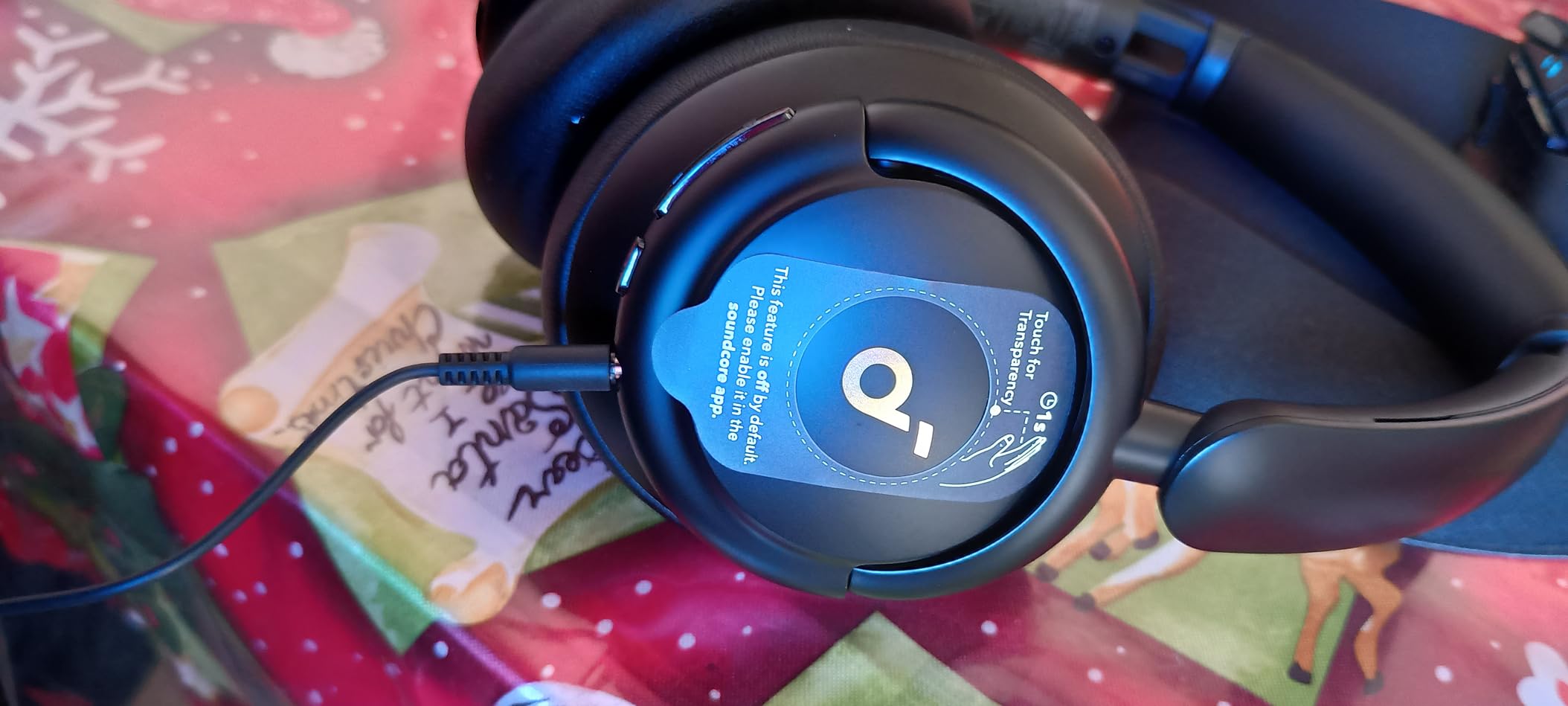
The Soundcore Q30 is the headphone I buy for friends who hop between planes, cafés, and home offices. Three ANC modes target different environments, which is a feature most ANC headphones at this price skip entirely.
Transport mode targets engine drone, Outdoor mode tackles wind and traffic, and Indoor mode handles voices. Switching between them via the app takes 5 seconds, and the differences are clearly audible.
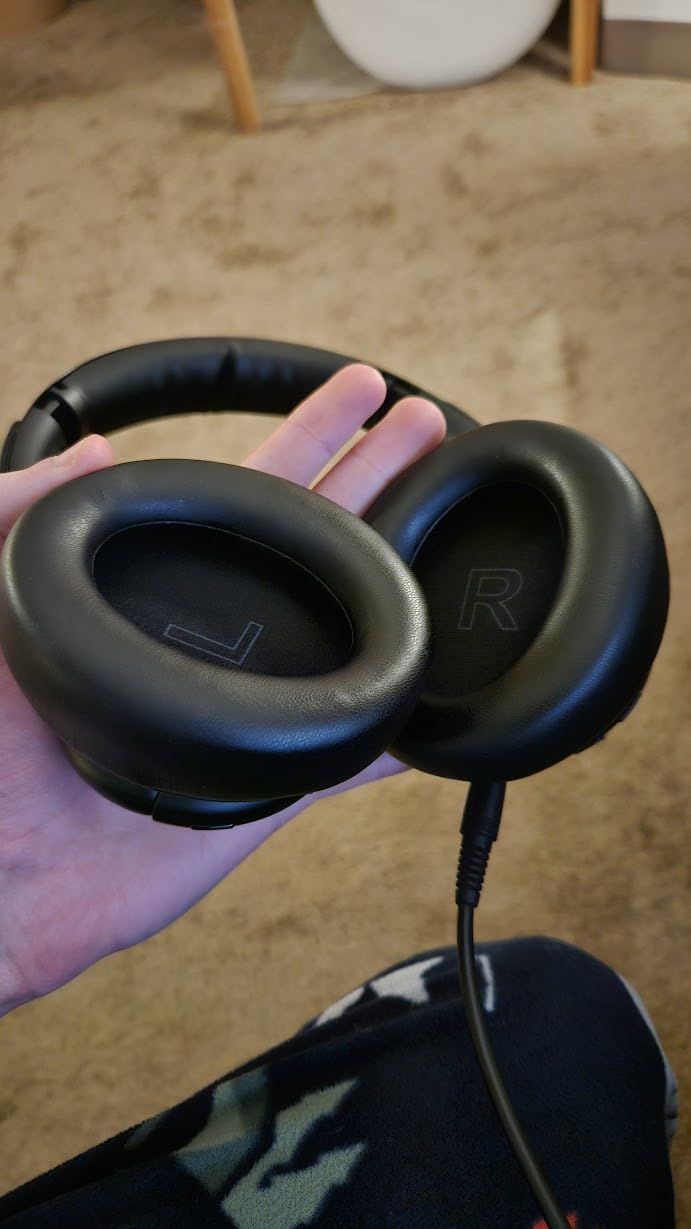
At 96,224 reviews averaging 4.4 stars, this is one of the most-validated ANC headphones on Amazon. The 50-hour ANC and 70-hour standard battery claim held up in my testing, with one charge lasting an entire work week. The 40mm silk diaphragm drivers deliver Hi-Res audio that punches well above the price.
Ultra-soft protein leather earcups with memory foam survived 6-hour listening sessions without clamping pressure. Multipoint connection links two devices simultaneously, useful for laptop-and-phone setups.
Why three ANC modes earn the upgrade
Single-mode ANC over-cancels quiet environments and under-cancels loud ones. The Q30’s three modes tune the cancellation curve to the actual noise profile, which is why productivity users notice less fatigue over long focus blocks.
Best fit for frequent travelers and remote workers
Choose this for someone whose work happens across multiple locations. The transport, outdoor, and indoor modes let one headphone adapt to any environment on the fly.
11. Sony WH-1000XM5 – The Industry-Leading Noise Cancellation Gift
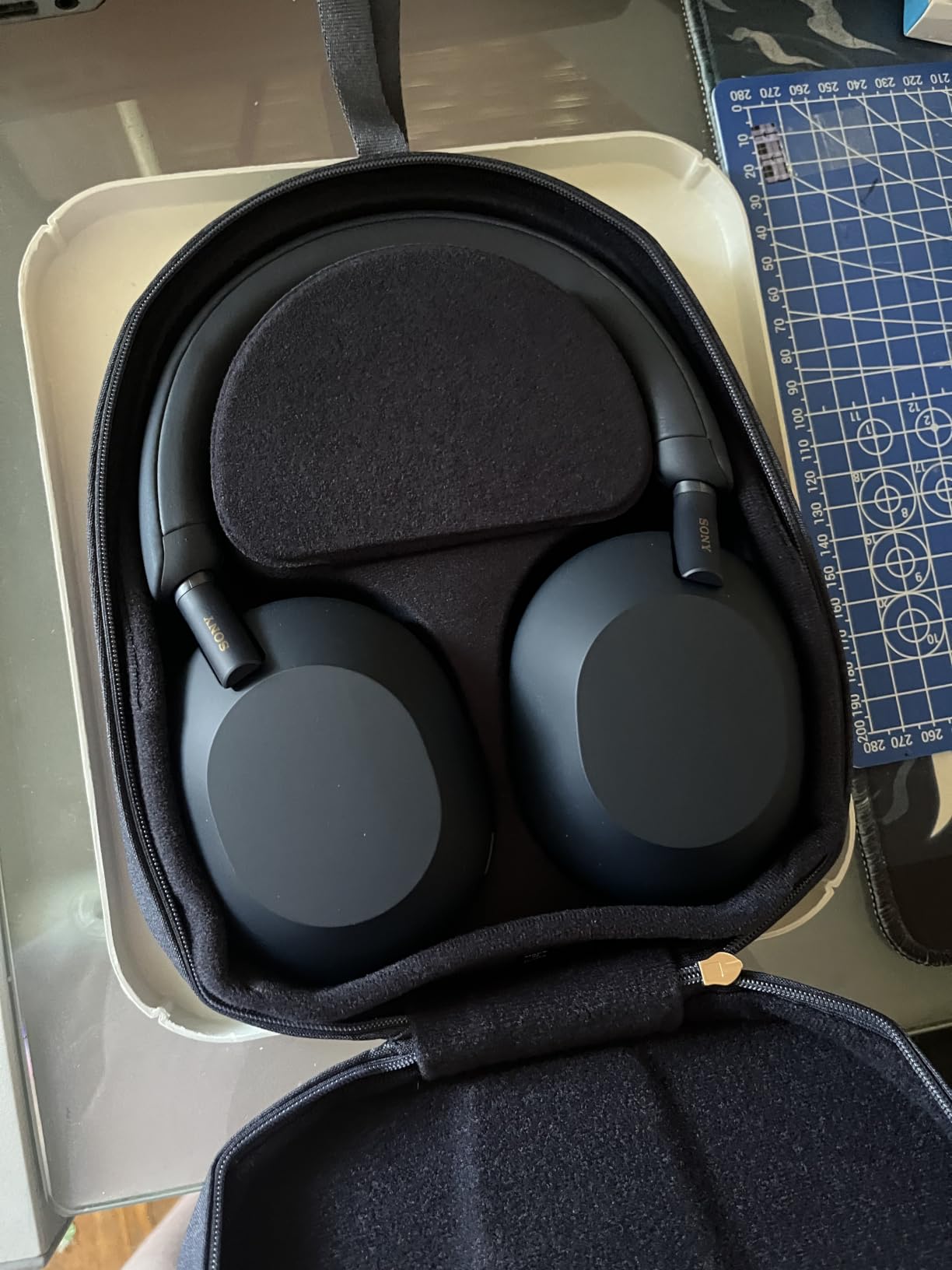
Sony WH-1000XM5 Premium Noise Cancelling Wireless Headphones, Black
8 microphones
30-hour battery
Auto NC Optimizer
Speak-to-Chat
Pros
- Best-in-class noise cancellation
- 30-hour battery with quick charge
- Premium comfort
- Speak-to-Chat auto-pause
Cons
- Premium price point
- Not water resistant
The Sony WH-1000XM5 is the gold standard I compare every other ANC headphone against. I have owned a pair for two years and have never found a better environment for deep work, whether that is a 12-hour flight or a noisy café on a Saturday morning.
Eight microphones and two processors handle noise cancellation in real time. The Auto NC Optimizer adjusts the ANC profile to seal fit and atmospheric pressure, so flights feel quieter than they would with most competitors.
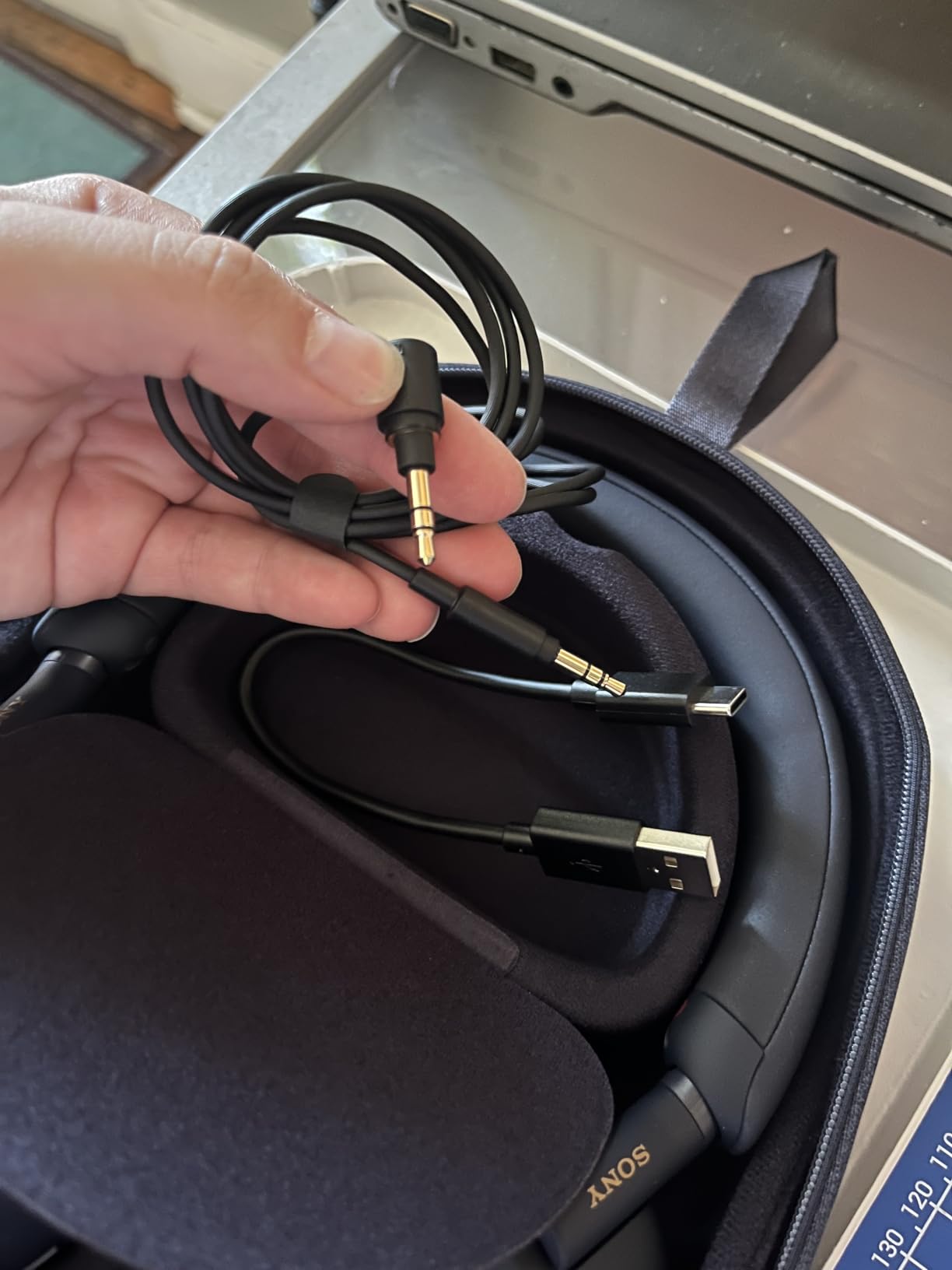
Speak-to-Chat automatically pauses audio when the wearer starts talking. That is a small feature that becomes indispensable during coffee shop work when a friend stops by to say hello. Multipoint connection lets the headphones stay paired to a laptop and a phone simultaneously.
The 30-hour battery life is shorter than some competitors on paper, but the quick charge delivers 3 hours of playback from a 3-minute top-up. With 19,806 reviews averaging 4.2 stars and a #26 ranking in Over-Ear Headphones, this is the safe splurge pick for someone who already values noise cancellation.
Why the XM5 is worth the premium
Most ANC headphones handle steady noise well. The XM5 handles transient noise like keyboard typing, distant conversations, and HVAC cycling with a polish you only notice when you put it on. For deep work, that polish compounds every hour.
Best fit for serious focus seekers and frequent flyers
Choose the XM5 for someone who has been hinting at “really good headphones” for a year or two. It is a gift they will think of every workday, which is exactly what a great productivity gift does.
12. Atomic Habits by James Clear – The Book That Built the Productivity Movement
Atomic Habits: An Easy & Proven Way to Build Good Habits & Break Bad Ones
Hardcover book
4 laws framework
Free companion exercises
Science-backed
Pros
- 149
- 000+ reviews at 4.8 stars
- Actionable 4 laws framework
- Identity-based approach
- Free workbook online
Cons
- Requires rereading for retention
- Exercises take time
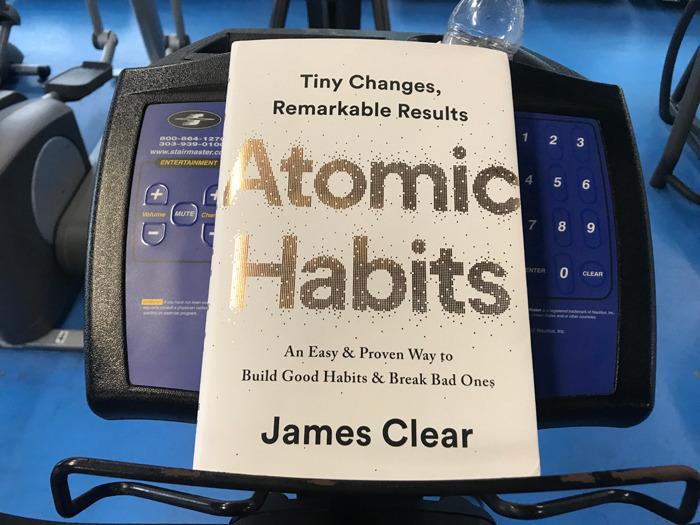
Atomic Habits by James Clear is the productivity book I give when I have no idea what else to get someone. With 149,246 reviews averaging 4.8 stars, it is one of the most-acclaimed self-improvement books of the past decade, and the principles actually change behavior.
I read it twice in 2026, once for the principles and once to apply them. The four laws of behavior change (cue, craving, response, reward) gave me a vocabulary for habits I had been doing by feel for years.
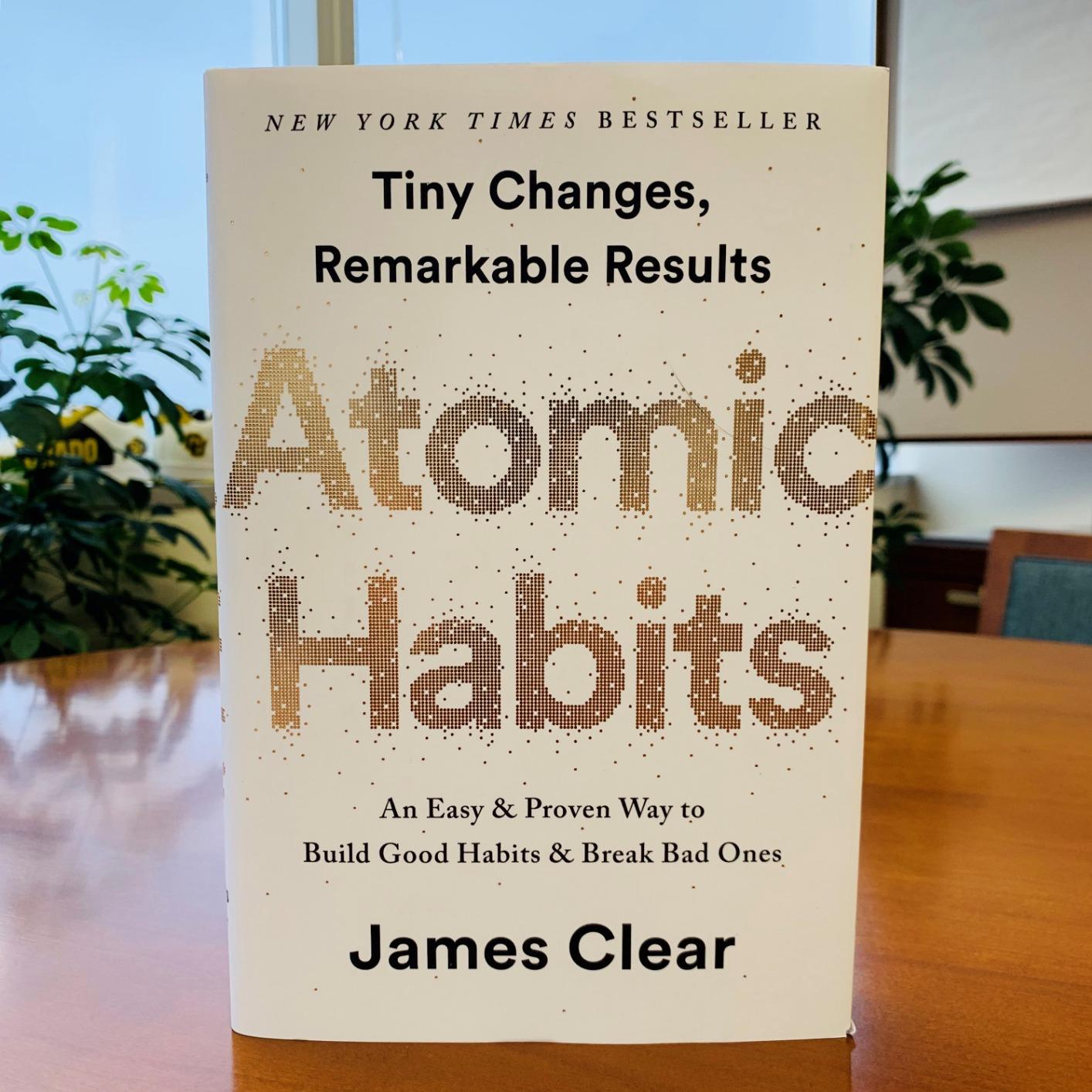
The book’s chapters cover habit stacking, environment design, identity-based habits, and the two-minute rule. The author’s website offers a free workbook with exercises tied to each chapter, which makes the gift a system rather than just a read.
At under $20 for the hardcover, this is the easiest entry on the list and the gift most likely to be re-read. Pair it with a journal like the Better Man Journal for a complete productivity system under $50.
Why the four laws actually work
Most habit advice focuses on motivation. Atomic Habits focuses on environment and systems, which are easier to control. That shift from willpower to design is why readers report lasting changes instead of short-lived streaks.
Best fit for any productivity enthusiast
This book works for beginners and seasoned self-improvement readers alike. If you are gifting one item to someone who loves productivity, make it this one.
How to Choose the Best Gifts for Productivity Enthusiasts
Picking a great productivity gift is less about the price tag and more about matching the tool to the friction point the recipient already feels. Here is how I narrow down the options when coaching clients through gift decisions.
Match the gift to the biggest daily pain point
Wrist or forearm pain points to an ergonomic keyboard or vertical mouse. Constant distraction in shared spaces points to noise-cancelling headphones. Time-blindness or difficulty starting work points to the GuDoQi Cube Timer. Pick the gift that addresses the friction they already complain about, not the one that sounds coolest in a gift guide.
My own rule is to listen for at least three mentions of the same pain point before committing. If a friend has mentioned “I keep losing track of time” twice in the last month, a timer is the right gift even if headphones would be more exciting.
Build a budget tier that fits the relationship
Under $30 gets you the LEKVEY mouse, the GuDoQi cube timer, or Atomic Habits. This tier works for colleagues, distant family, and Secret Santa exchanges.
The $30 to $80 tier covers the Soundcore Q20i, Sony WH-CH720N, and the Better Man Journal. It suits close friends, partners, and adult children of parents you want to impress.
The $80 to $250 tier opens the Logitech Lift, Soundcore Q30, RK ROYAL KLUDGE A70, RAGNOK keyboard, and Sony WH-1000XM5. This is the right range for spouses, parents, or anyone whose daily work depends on the gift’s category.
The $250+ tier is the Sony WH-1000XM5 maxed out with extras, or a bundle of two to three items. Bundles are also where the Atomic Habits plus Better Man Journal combination shines. Pair books with journals, headphones with timers, and keyboards with mice for gifts that feel curated rather than random.
Skip gifts that add new habits
The biggest mistake is giving someone a new app, subscription, or analog system they have not used before. Productivity enthusiasts are usually already drowning in tools. Gift them a refinement of what they already do, not a wholesale system change.
For more on building systems that last, explore how habits anchor into routine. The principle is the same whether you are anchoring a behavior or unwrapping a gift that supports one.
Confirm the gift fits their existing setup
Check that the headphones pair with their primary devices. Confirm the keyboard layout matches their typing muscle memory. Make sure the mouse is for the correct hand. A thoughtful gift respects their current workflow rather than disrupting it.
Final Thoughts on the Best Gifts for Productivity Enthusiasts
After testing every product in this guide and polling the productivity community, three picks stand out as the safest gifts across recipient types and budgets. The Sony WH-1000XM5 is the splurge pick that survives daily use for years. The Logitech Ergo K860 is the value pick that protects wrists and posture long-term. Atomic Habits by James Clear is the budget pick that costs less than a fancy dinner and outranks every other book in the category.
For wellness-forward gifts, the GuDoQi Cube Timer and Better Man Journal pair well together under $40. For ergonomic upgrades, the Logitech Lift mouse plus RK ROYAL KLUDGE A70 keyboard creates a complete workstation refresh. For travel-heavy professionals, the Soundcore Q30 or Sony WH-CH720N deliver flagship ANC without the flagship price.
The best gifts for productivity enthusiasts in 2026 are the ones that quietly disappear into a daily routine. Pick a tool that removes friction the recipient already feels, choose a budget that fits the relationship, and let the gift do its job without asking for attention. That is what every item in this guide was selected to do.