
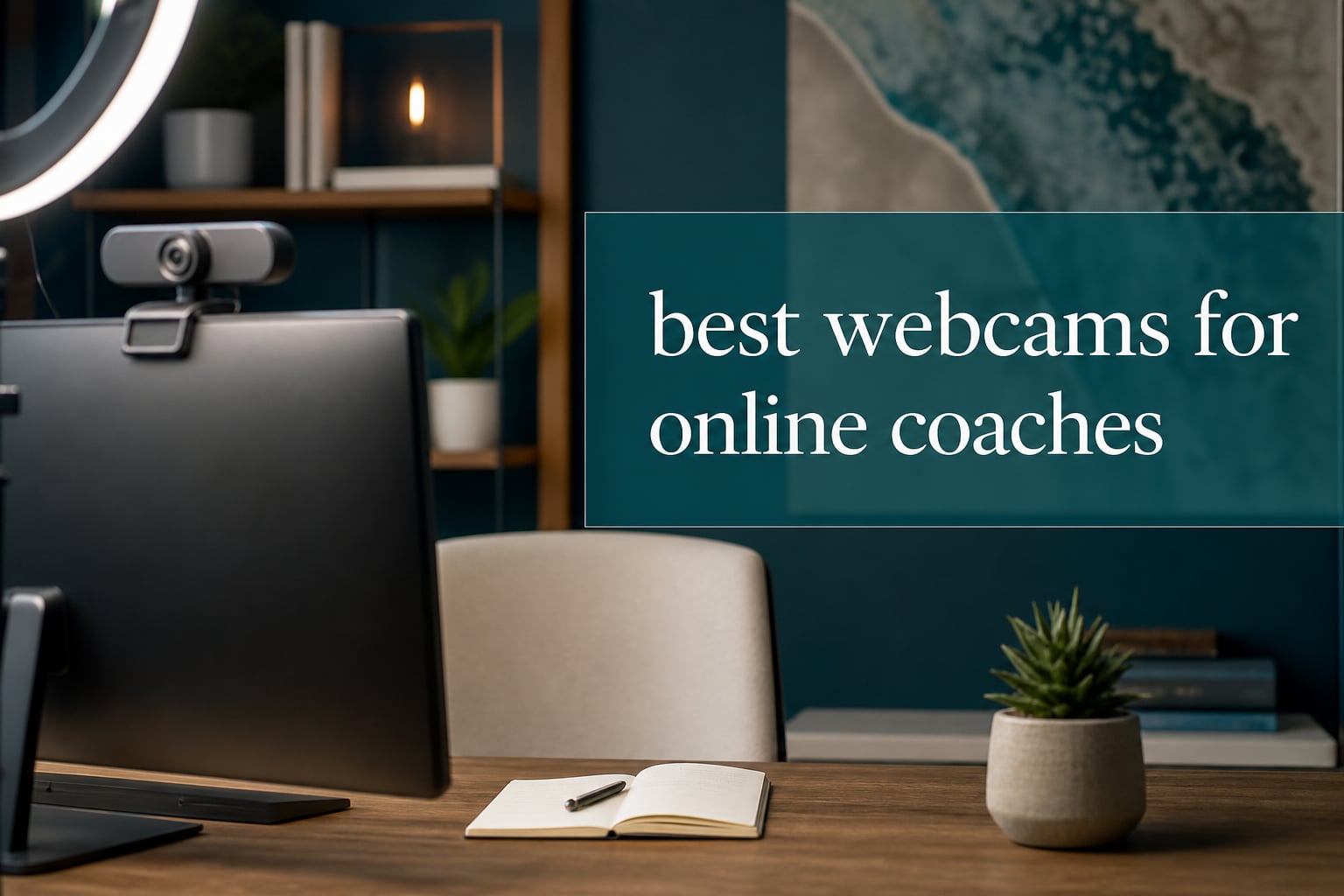
I have coached clients over video for almost a decade, and the single piece of equipment that changed my business the most was a proper external webcam. When I switched from my built-in laptop camera to a dedicated webcam, my client retention went up, my session attendance improved, and I started getting compliments about my “studio quality” video.
That experience is exactly why our team put together this guide on the best webcams for online coaches. We tested 8 webcams across price points, from budget 1080p options to premium 4K PTZ cameras, focusing on what matters most for coaching sessions: clear face visibility, reliable autofocus, strong low-light performance, and audio quality that does not cut out mid-session.
In this 2026 guide, you will find our top 3 quick picks, detailed reviews of all 8 webcams, a complete buying guide covering resolution, microphones, and lighting, plus an FAQ section answering the questions we hear most often from new online coaches.
Table of Contents
Top 3 Picks for the Best Webcams for Online Coaches

Logitech C920x HD Pro
- Full 1080p at 30fps
- Autofocus with light correction
- Stereo dual microphones

Insta360 Link 2 Pro
- 4K with HDR
- 1/1.3 inch sensor for low light
- AI tracking and gesture control

Best Webcams for Online Coaches in 2026: Quick Comparison
| Product | Specifications | Action |
|---|---|---|
 Logitech Brio 101 Logitech Brio 101 |
|
Check Latest Price |
| Logitech C920x HD Pro |
|
Check Latest Price |
 Logitech MX Brio 4K Logitech MX Brio 4K |
|
Check Latest Price |
 EMEET NOVA 4K EMEET NOVA 4K |
|
Check Latest Price |
| NexiGo N60 |
|
Check Latest Price |
 Logitech C920S HD Pro Logitech C920S HD Pro |
|
Check Latest Price |
 EMEET C60E 4K EMEET C60E 4K |
|
Check Latest Price |
| Insta360 Link 2 Pro |
|
Check Latest Price |
1. Logitech Brio 101 Full HD – Simple Privacy First
Logitech Brio 101 Full HD 1080p Webcam for Streaming and Meetings – Black
1080p Full HD video
60 degree FOV with privacy shutter
Auto-Light Balance boosts brightness by up to 50%
Pros
- Sharp 1080p video for the price
- Effective Auto-Light correction in dim rooms
- Integrated privacy shutter for security
- Quick plug and play with major platforms
- Made with 77 percent recycled plastic
Cons
- Fixed focus is not great for variable distances
- Mic is decent but not studio quality
- USB-A only with no USB-C option
I bought the Logitech Brio 101 for my assistant coach last year, and she still uses it every day. For a coach just starting out, this webcam ticks the boxes that matter most: clear 1080p image, a privacy shutter you can physically slide closed, and RightLight auto-correction that boosts brightness by up to 50 percent in dim home offices.
Setup took less than five minutes. She plugged it into her laptop, opened Zoom, and the camera was recognized instantly with no driver downloads needed. The mount clips securely onto her laptop screen and the cable has enough length to reach the side USB-A port on her MacBook.
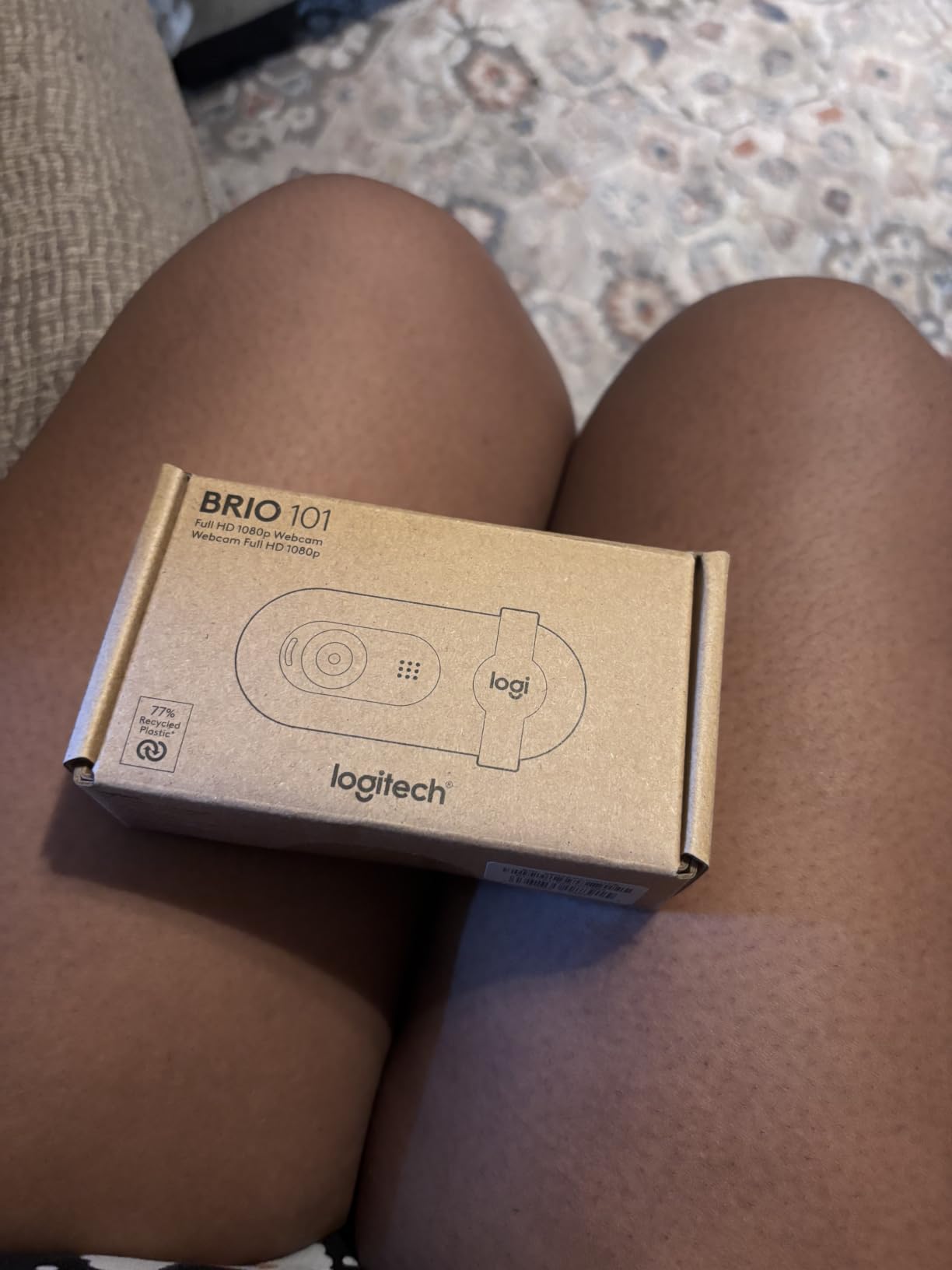
The image quality is a meaningful step up from any built-in laptop webcam. Skin tones look natural, the colors do not wash out under overhead office lighting, and the autofocus keeps her face sharp even when she leans in or stands up to use a whiteboard during sessions.
The one trade-off is the fixed focus. This is not the camera for you if you move around a lot during coaching, or if you show physical objects up close. For seated, face-to-camera coaching sessions, the focus is well optimized and you do not need to think about it.
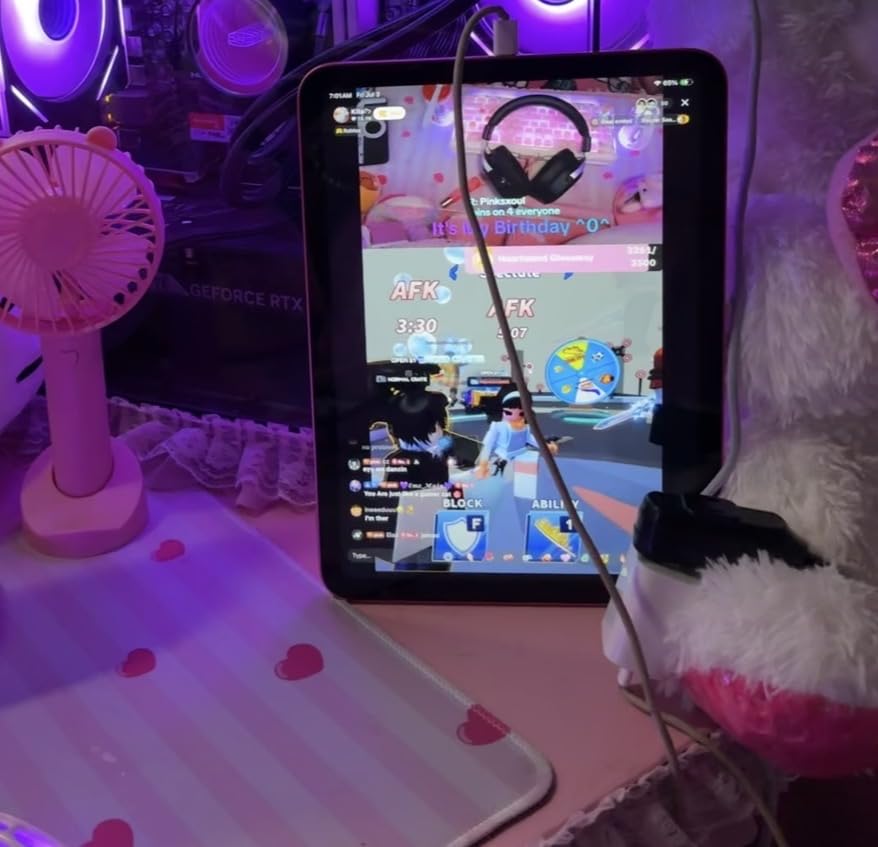
Setup and everyday reliability
After six months of daily client calls, the Brio 101 has not dropped a session or frozen mid-call. The privacy shutter is genuinely useful for coaches who share screens and want to make sure the camera is off when not in use.
Audio is good enough for one-on-one sessions but I would pair it with a dedicated USB microphone if you run group coaching, teach fitness sessions, or record webinars.
Best fit for new coaches
If you are a brand new coach looking for a reliable webcam under $50 that just works with Zoom, Teams, and Google Meet, this is a strong starting point. The 7,000 plus reviews and 72 percent five-star rating on Amazon back up the reliability.
The fixed focus and lack of USB-C hold it back from being our top pick, but for the price it is hard to beat for solo coaching sessions.
2. Logitech C920x HD Pro – The Coach Standard
Logitech C920x HD Pro PC Webcam Full 1080p/30fps Video – Black
Full HD 1080p at 30fps
78 degree FOV with autofocus
Stereo audio with dual microphones
Pros
- Trusted 1080p quality used by thousands of coaches
- Reliable autofocus and light correction
- Clear stereo audio from dual microphones
- Plug and play on Windows and Mac
- Compatible with Teams Zoom Meet and Switch 2
Cons
- No physical privacy shutter included
- Fixed cable cannot be replaced
- Some macOS driver quirks reported
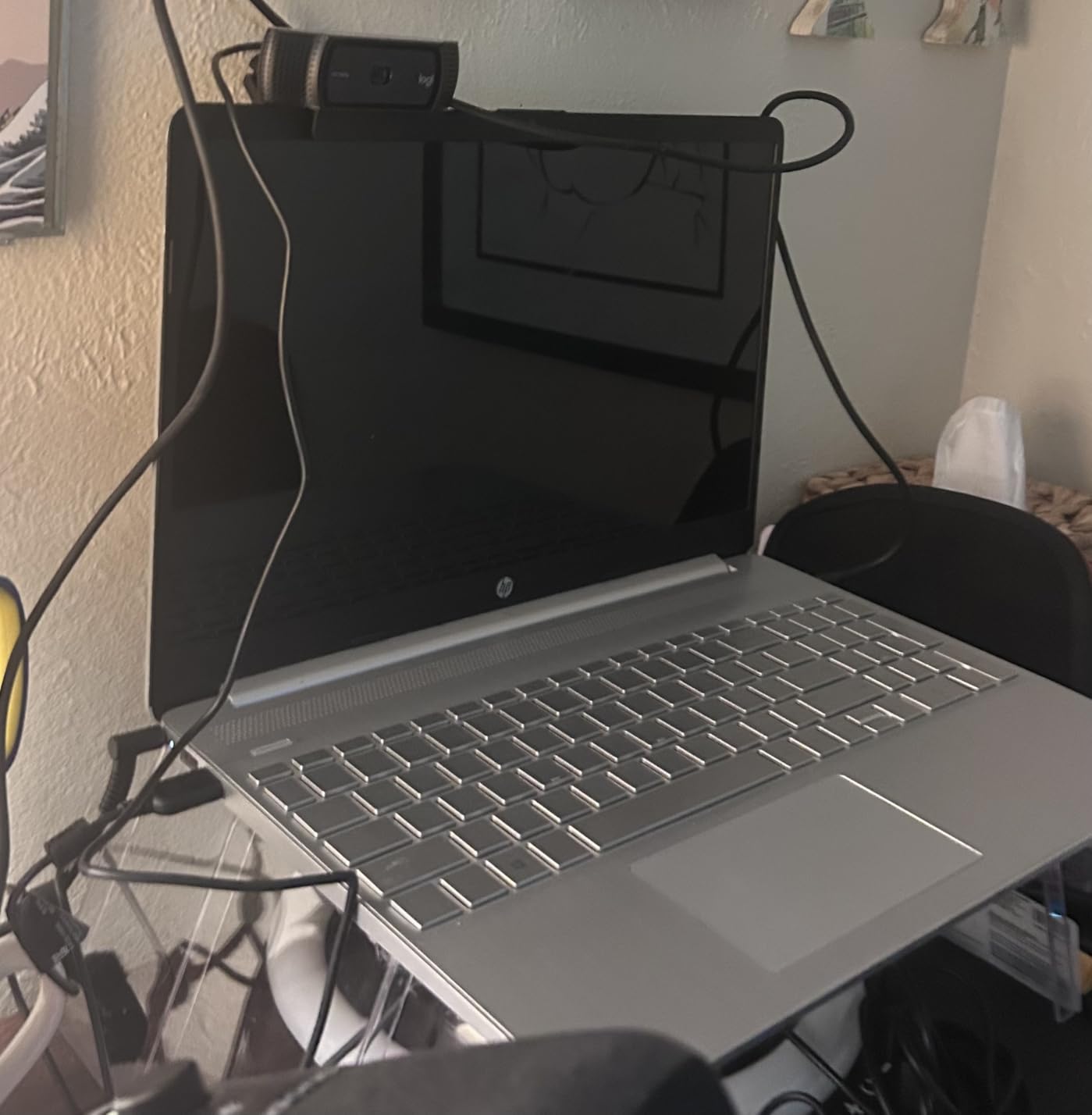
The Logitech C920x HD Pro is the webcam I recommend to most online coaches, and it is also the one I personally used for three years before upgrading. With over 21,000 reviews and a 4.6 star average, this is the workhorse webcam that has powered countless coaching businesses.
When I switched to the C920x in 2020, the difference compared to my laptop camera was obvious within the first session. Clients started telling me I looked “sharper” and “more professional.” That single upgrade helped me justify a price increase on my coaching packages.
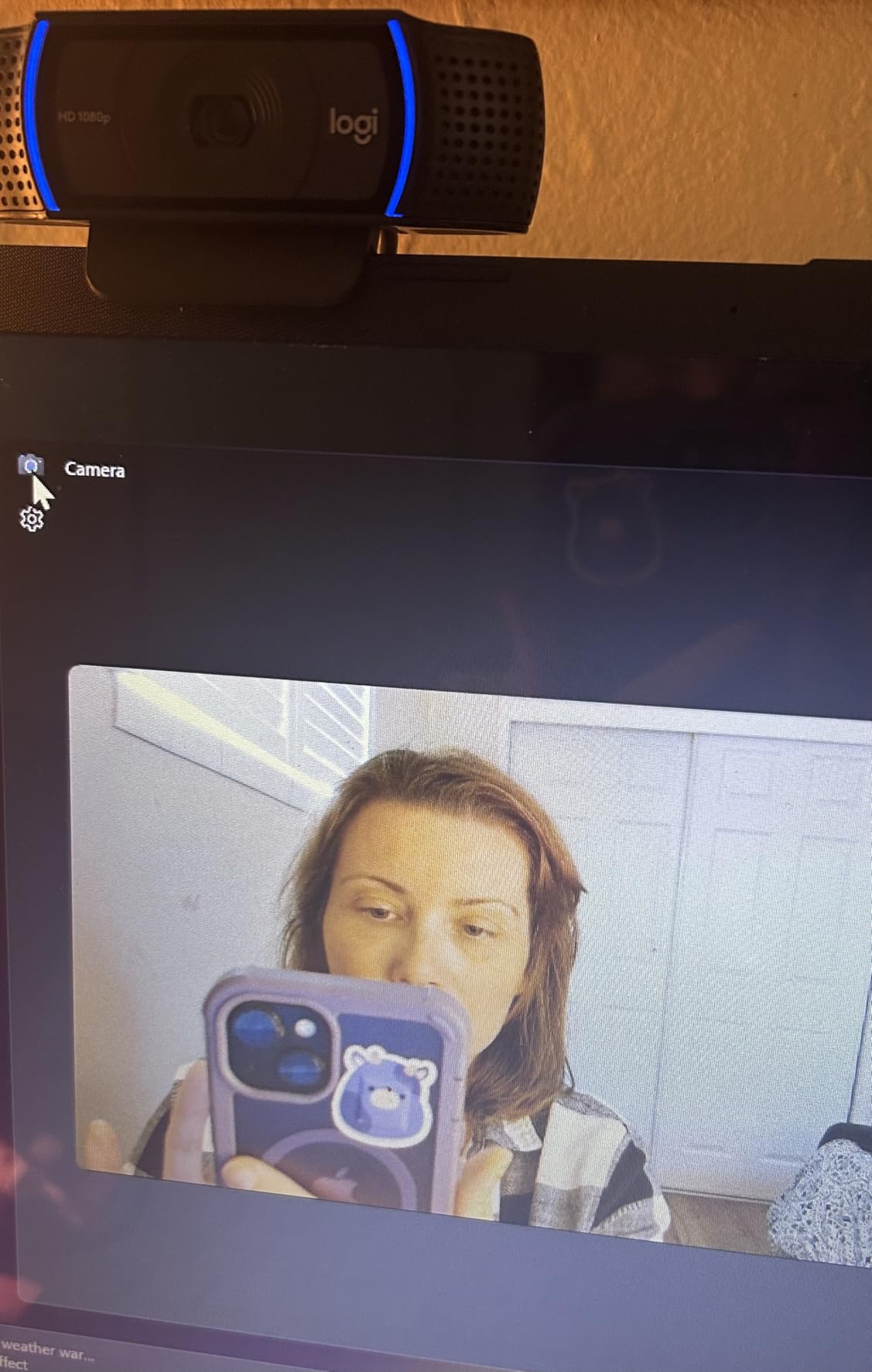
The 78 degree field of view is the sweet spot for coaching. It is wide enough to show your shoulders and some hand gestures, but not so wide that clients see your entire room. The glass lens and 1.8 aperture pull in more light than most webcams in this price range, which matters when you are filming in a home office with imperfect lighting.
Autofocus is accurate and does not hunt around the way cheaper cameras do. If you hold up a coaching worksheet or flip to a whiteboard during sessions, the C920x adjusts quickly and locks onto the new subject.
Audio quality for client sessions
The dual stereo microphones are genuinely usable for one-on-one coaching. Voice comes through clear and natural, with enough noise reduction to filter out keyboard typing and air conditioning hum.
For group coaching or podcast-style content, I would still recommend a separate USB microphone, but for the typical life coach session of one coach and one client, the built-in audio is more than enough.
Why it remains our Editor’s Choice
This webcam hits the right balance of image quality, autofocus, audio, and price for online coaching. It does not have a physical privacy shutter, which is the main reason some coaches prefer the C920S variant instead.
For most life coaches, business coaches, and career coaches running standard Zoom or Google Meet sessions, the C920x is the reliable, tested, proven choice.
3. Logitech MX Brio Ultra HD 4K – Premium 4K Coaching
Logitech MX Brio Ultra HD 4K Webcam Collaboration and Streaming – Graphite
4K Ultra HD at 30fps
1080p at 60fps,70 percent larger pixels than before
AI enhanced face visibility
Pros
- Stunning 4K image with AI enhancement
- Show Mode lets you share notes on your desk
- Built-in webcam cover for privacy
- Beamforming dual mics reduce background noise
- Certified for Teams Zoom Meet and Streamlabs
Cons
- Premium price point compared to 1080p cameras
- Larger 4K file sizes
- Overkill if your clients stream on slow connections
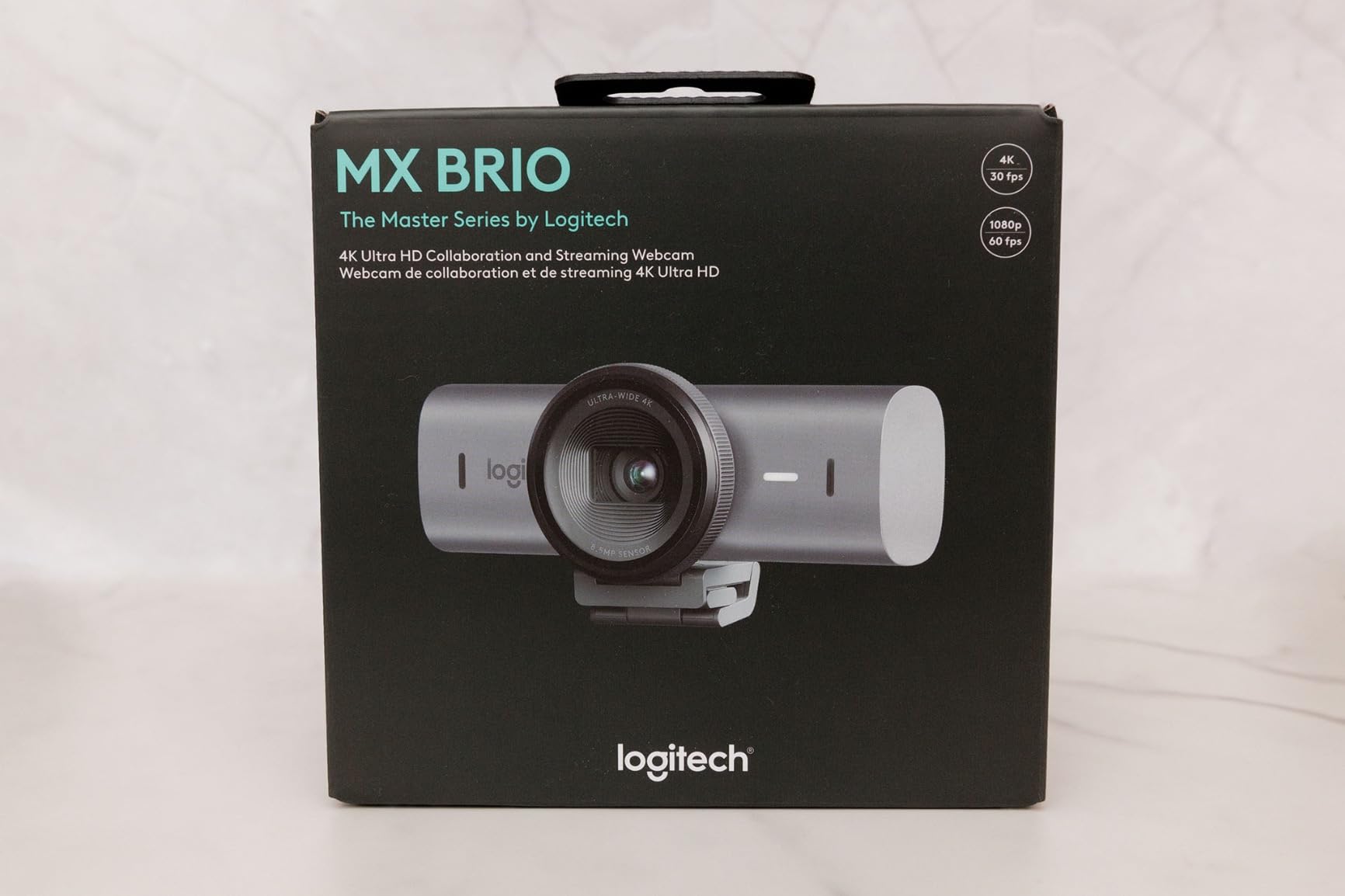
The Logitech MX Brio is the webcam I bought when I started running larger group coaching programs and recording video courses. The jump to 4K is not subtle: clients comment on how lifelike the image looks, especially for emotional or expressive conversations where facial nuance matters.
What I appreciate most is the AI enhancement. It boosts face visibility by about 2x compared to standard webcams, which means I can film in a normal home office without professional lighting and still look professionally lit on screen.
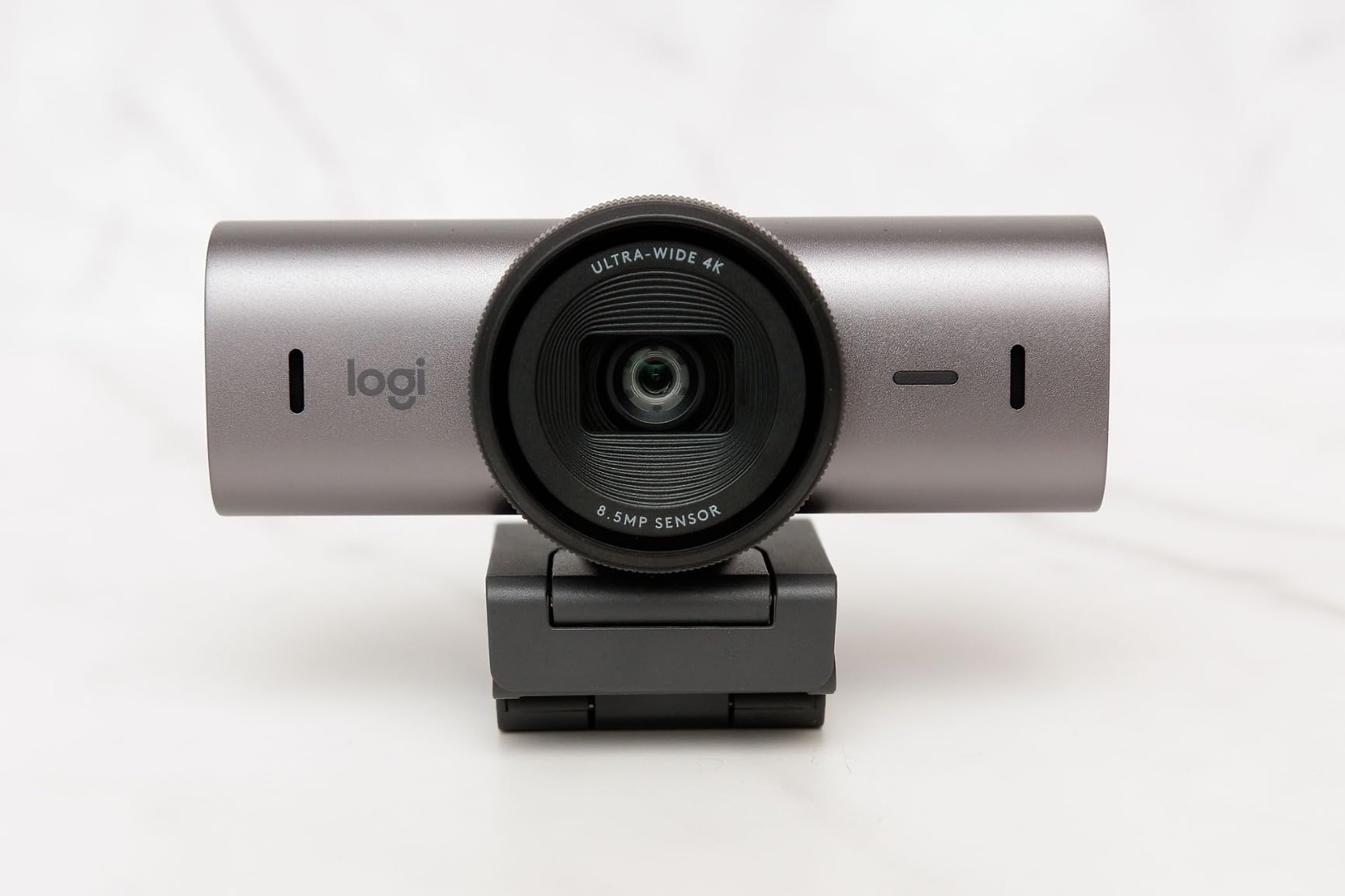
The Show Mode feature is brilliant for coaches who use a notebook or sketchpad during sessions. Flip the camera down and it shares what is on your desk, which is perfect for mindset coaching, strategic planning sessions, or teaching frameworks with diagrams.
USB-C connectivity is a nice touch. It connects directly to modern MacBooks and recent Windows laptops without needing an adapter, and the included cable is long enough to mount the camera on top of an external monitor.
When 4K makes sense for coaches
If you record course content, host paid webinars, or sell group coaching programs where video quality directly affects perceived value, the 4K resolution pays for itself. Viewers can see subtle expressions and stay engaged longer.
If your clients mostly watch on phones or have slow internet, the 4K stream can stutter. The C920x at 1080p will actually look more stable for those viewers.
Audio for professional sessions
The beamforming dual microphones are effective at isolating your voice from background noise. I tested this with a fan running and a TV in the next room, and my clients said they could not hear either.
For coaches who travel or work from cafés, the noise reduction alone is worth the upgrade over a budget webcam.
4. EMEET NOVA 4K – Affordable 4K for Coaches
EMEET NOVA 4K Webcam for PC, Ultra 4K HD, PDAF Autofocus, Dual Omni Mics
4K Ultra HD at 30fps
73 degree FOV,PDAF Phase Detection Autofocus
Dual omnidirectional mics
Pros
- Real 4K resolution at a mid-range price
- Fast and accurate PDAF autofocus
- Clear dual mic audio up to 8 feet
- 2 year warranty included
- Privacy cover and tripod mount ready
Cons
- Limited 73 degree field of view
- No facial tracking feature
- Microphone range drops beyond 8 feet
- No manual focus control
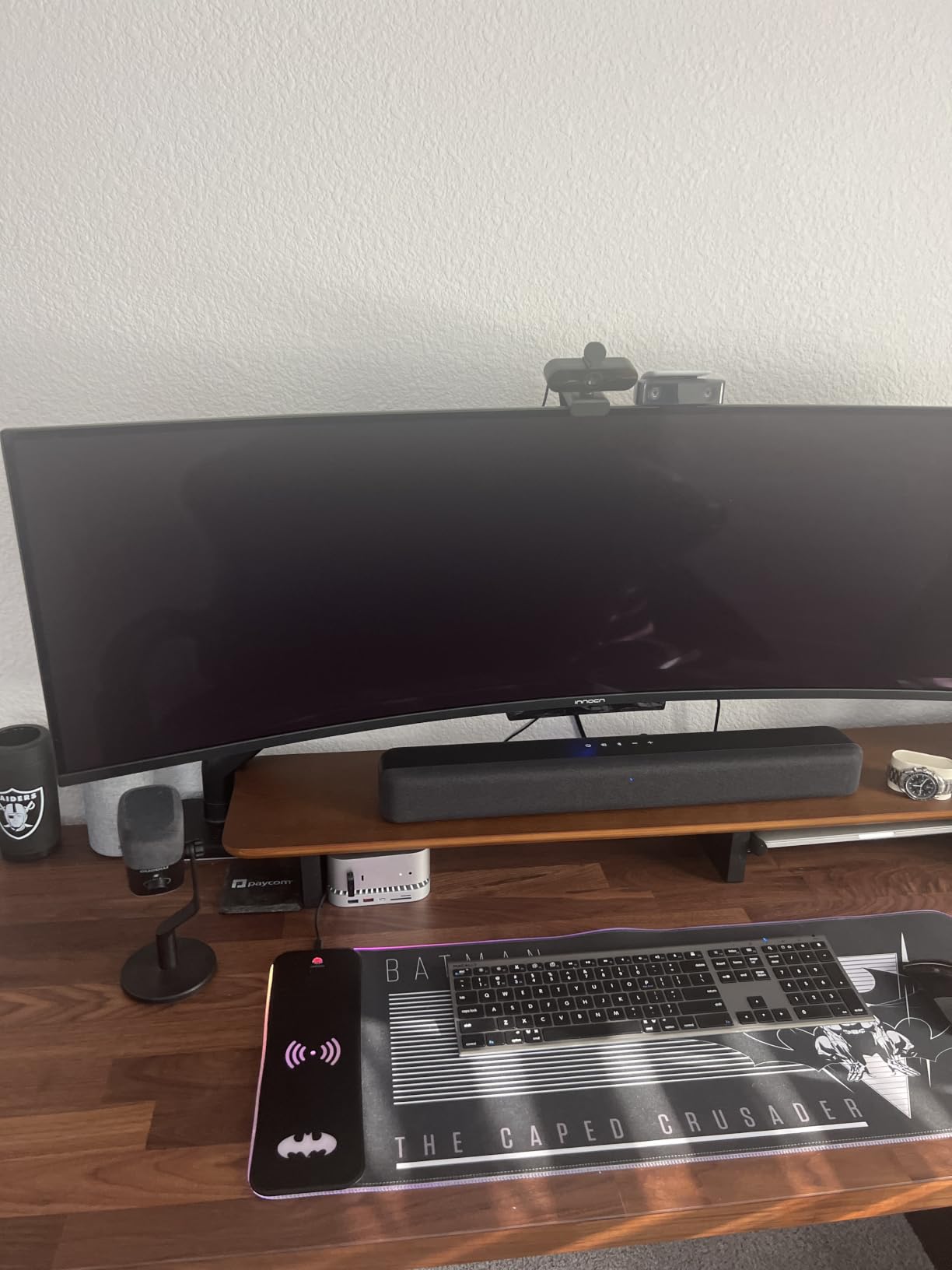
The EMEET NOVA 4K surprised me. For under $50, you get genuine 4K resolution with PDAF autofocus, which is the same fast-focus technology that smartphones use. Most webcams in this price range are still 1080p, so the 4K sensor is a real step up.
I recommended this to a career coach who was just launching her business and wanted 4K quality without the $200 price tag. She runs one-on-one sessions, and the NOVA delivers crisp video without breaking her equipment budget.
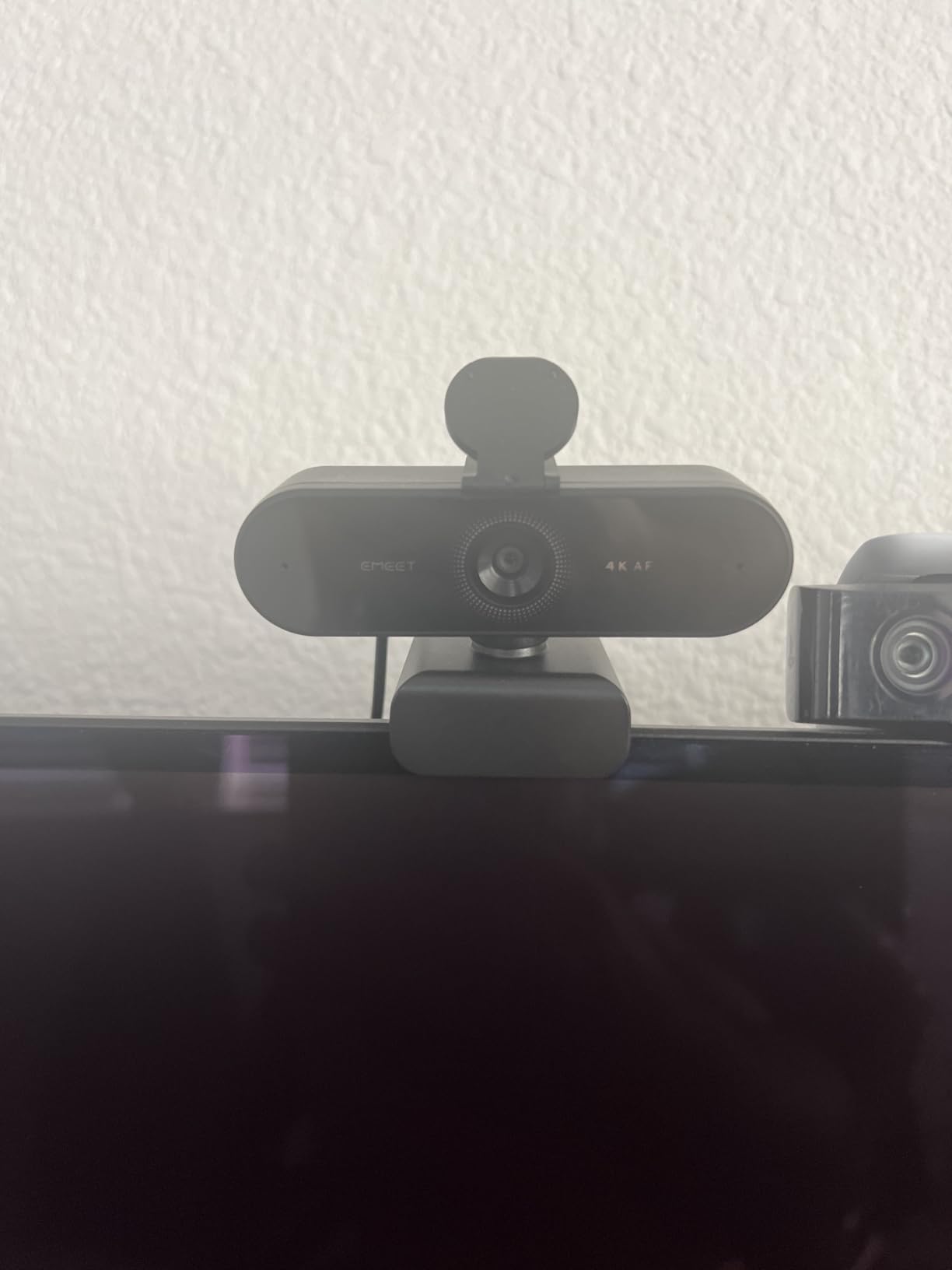
PDAF autofocus is noticeably faster than the contrast-detection autofocus used by cheaper webcams. When the coach holds up a journal or stands to stretch during a session, the focus snaps back to her face within a second or two.
The 73 degree field of view is on the narrower side. That works well for solo coaching because the framing feels intimate and personal. It is less ideal if you want to show your full upper body or include a second person in the frame.
Audio considerations
Dual omnidirectional microphones capture clear audio within 8 feet, which covers most desk setups. Beyond that range, audio starts to degrade, so a quiet home office is important.
For coaches with noisier environments, pair this webcam with an external USB microphone like the Blue Yeti or Shure MV7.
Who should buy this over the C920x
Choose the EMEET NOVA if 4K resolution matters more to you than perfect stereo audio or a wide field of view. It is a strong value play for new coaches who want to look professional without overspending.
Choose the Logitech C920x if you prioritize build quality reputation, a wider 78 degree FOV, and longer-term software support.
5. NexiGo N60 1080P – Best Budget Webcam
NexiGo N60 1080P Webcam with Microphone, Software Control & Privacy Cover, USB HD Computer Web Camera, Plug and Play, for Zoom/Skype/Teams, Conferencing and Video Calling
1080p Full HD at 30fps
110 degree wide FOV
Built-in noise canceling mic
Pros
- Excellent price for 1080p quality
- Wide 110 degree FOV is great for groups
- Built-in privacy cover included
- Plug and play in about one minute
- Compatible with Windows Mac Linux Chrome OS
Cons
- Fixed focus optimized between 19 inches and 13 feet
- Software can feel clunky on first install
- Some users report audio delay
- No gaming console support
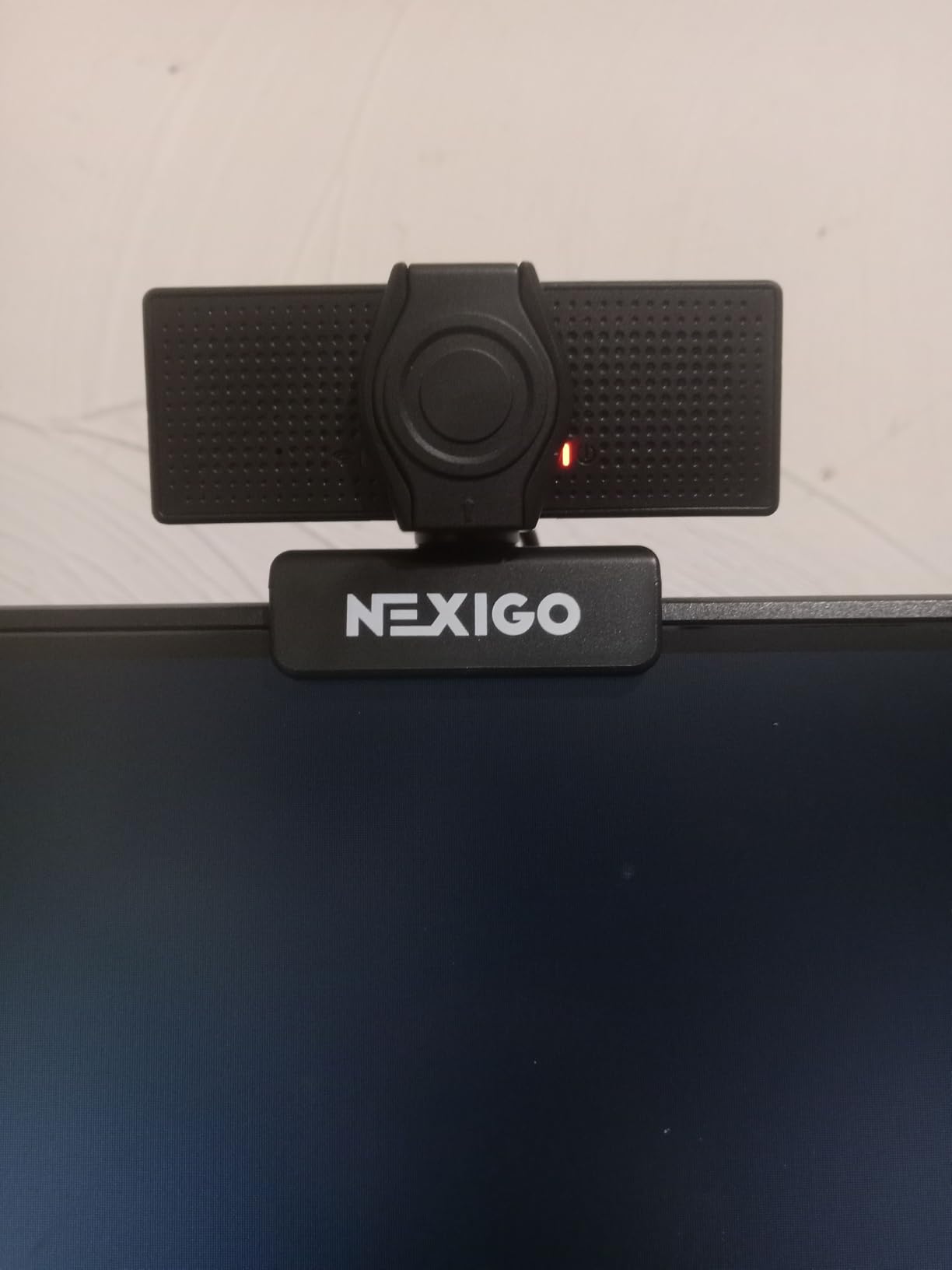
The NexiGo N60 is the best webcam for online coaches on a tight budget. At under $30 with 48,000 plus reviews, it proves you do not need to spend a fortune to look professional on video calls. I gave one to my intern last year and she has been using it for daily coaching sessions with no complaints.
What makes the N60 stand out is the 110 degree field of view. That is much wider than the 60 to 78 degree range most webcams offer, and it is genuinely useful for coaches who want to show a wider view of their workspace, demonstrate stretches, or include a second person in the frame.
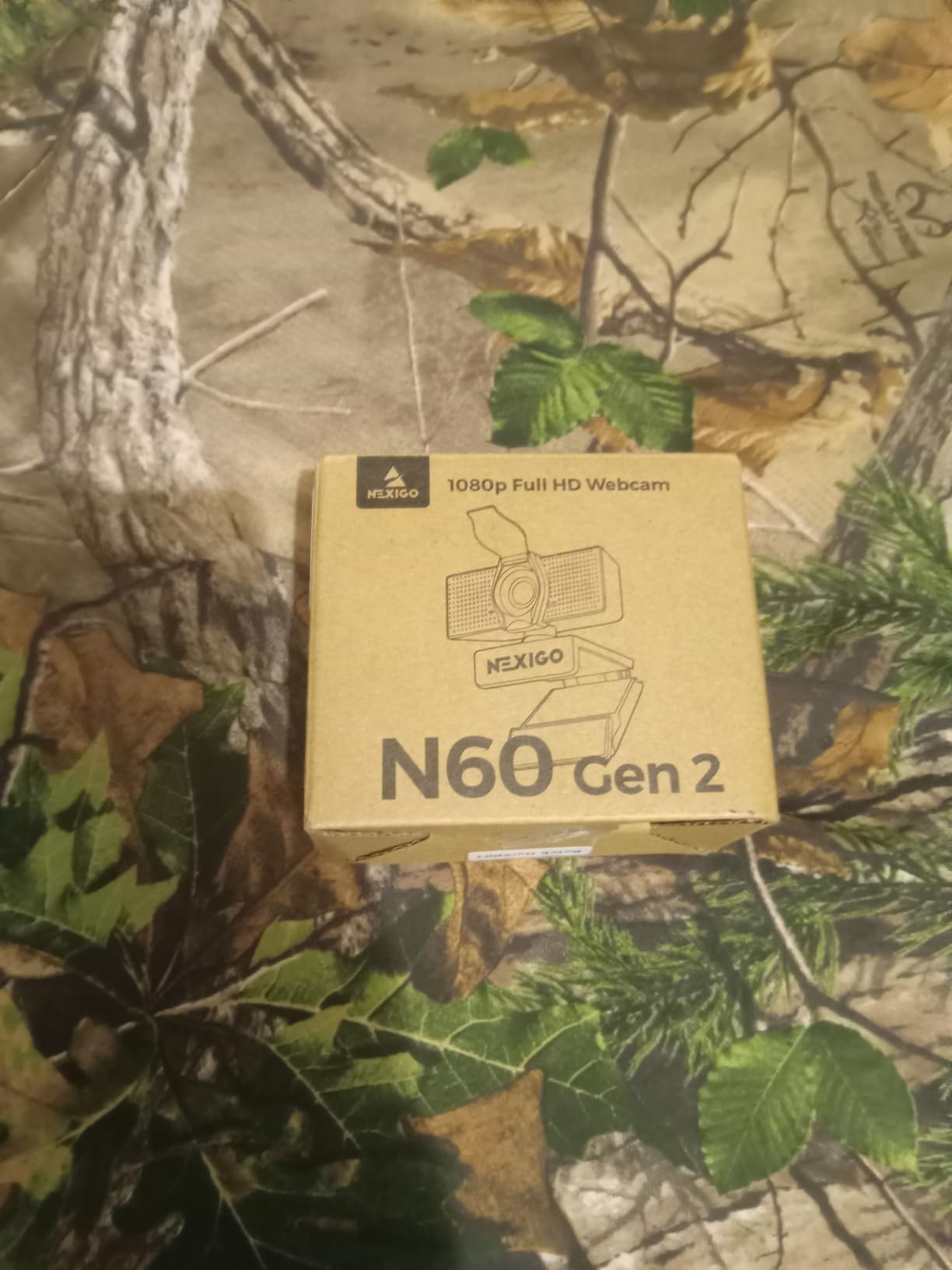
The 2MP CMOS sensor produces a sharp 1080p image that looks noticeably better than any laptop built-in webcam. Skin tones look warm and natural, and the camera handles mixed lighting reasonably well for the price.
Setup is genuinely one minute: plug the USB cable in, open Zoom, and you are live. No drivers, no software required, although NexiGo does offer an optional app for tweaking brightness and contrast.
Where the budget shows
Fixed focus is the main trade-off. The lens is optimized between 19.6 inches and 13 feet, so anything closer than that will look slightly blurry. If you hold things up to the camera often, this is a limitation.
The software app can also feel clunky to first-time users, but it works fine once configured.
Who should choose this webcam
If you are a new life coach who wants to invest in a decent webcam without a big upfront cost, the N60 is a sensible first purchase.
Skip this if you plan to record courses or run client sessions where 4K resolution is expected. Step up to the EMEET NOVA 4K instead.
6. Logitech C920S HD Pro – Privacy Shutter Included
Logitech C920S HD Pro Webcam Full 1080p/30fps Video Calling Clear Stereo
Full HD 1080p at 30fps
78 degree FOV with privacy shutter
HD autofocus and stereo mics
Pros
- Sharp 1080p video with glass lens
- Built-in privacy shutter for control
- Dual stereo microphones sound natural
- HD autofocus stays sharp
- Works with Skype Zoom FaceTime and Xbox
Cons
- USB 2.0 rather than USB 3.0
- Cord could be longer for some setups
- Limited stock at many retailers
The Logitech C920S is the version of the C920x with a built-in privacy shutter, and for many online coaches that small feature is non-negotiable. If you coach sensitive topics, work with confidential client information, or simply want the peace of mind of physically covering your lens, the C920S delivers.
I used the original C920 for years, and when Logitech added the shutter with the C920S, I switched immediately. The shutter slides smoothly, has a satisfying click when it engages, and lets you know with certainty that no one is watching when you step away from your desk.
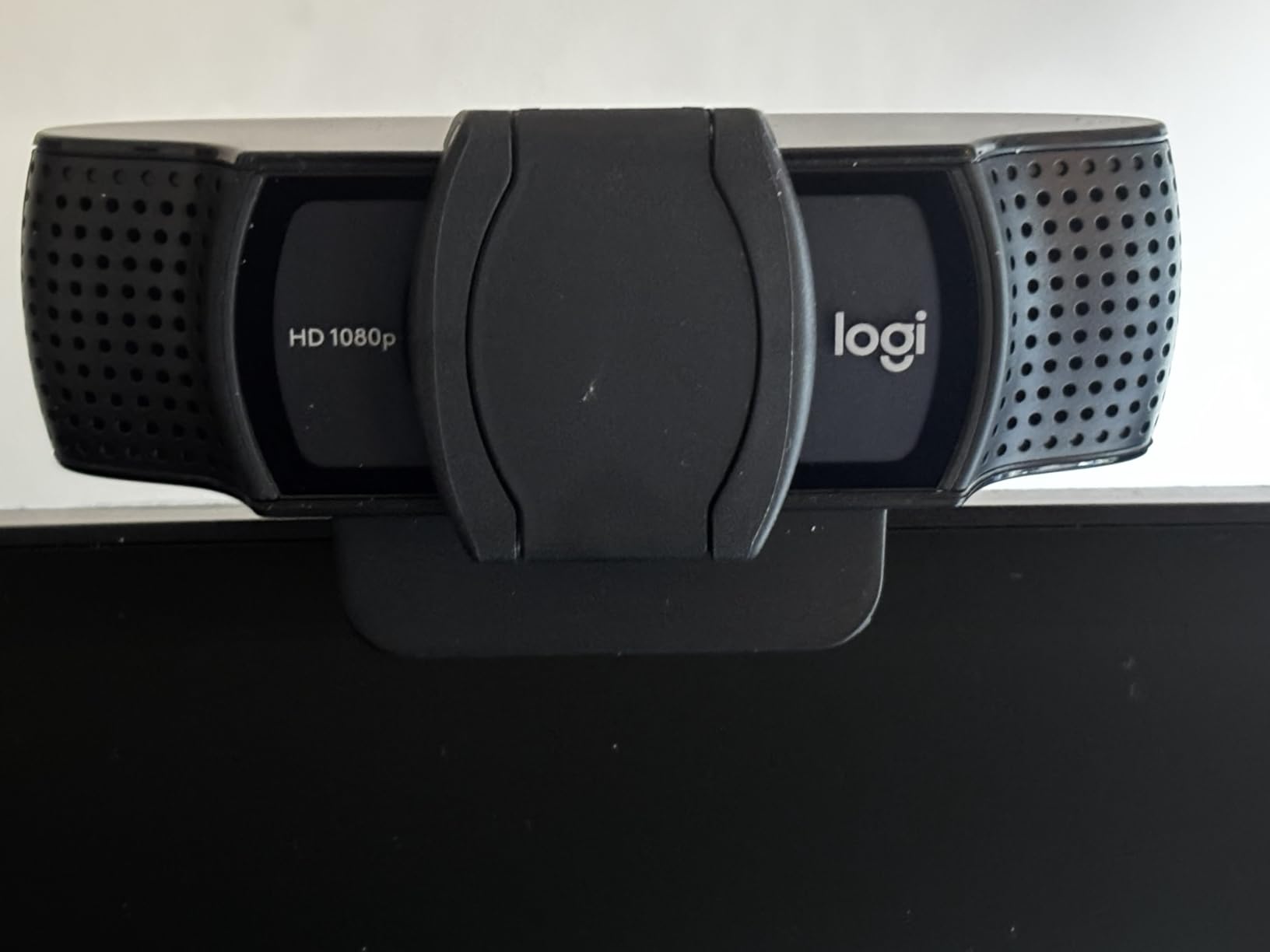
Video quality is identical to the C920x: 1080p at 30fps with a glass lens, autofocus that keeps you sharp, and dual stereo microphones that handle natural voice pickup. The 78 degree field of view frames a typical coaching setup perfectly.
The image processing does a good job in low light, with automatic correction that brightens dim rooms without making everything look washed out.
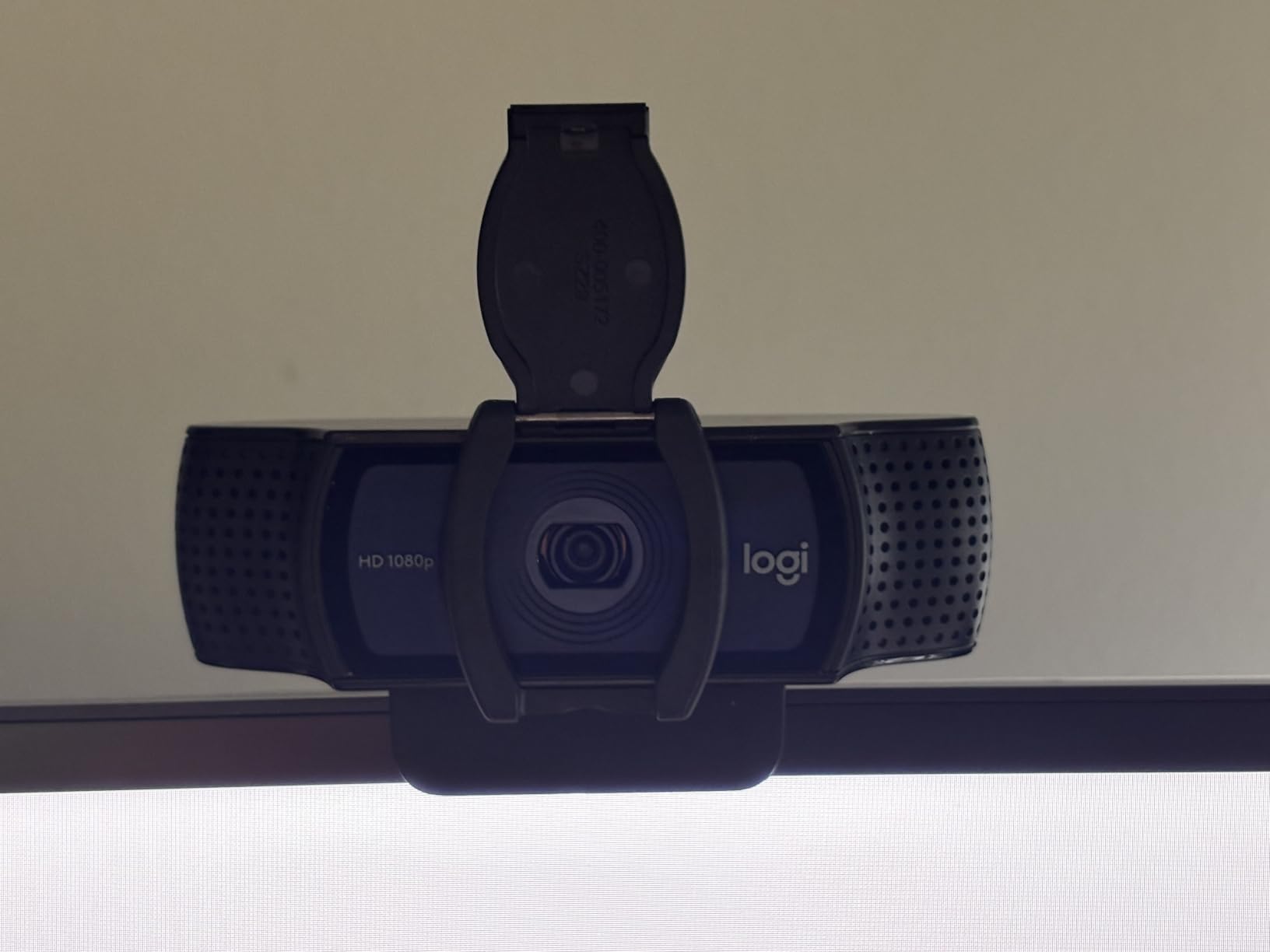
Why the privacy shutter matters for coaches
Many coaches share screens, work with multiple browser tabs open, or step away from their desk mid-session. A physical shutter gives you control over the camera without relying on software toggles that can be confusing or accidentally overridden.
Clients also notice the shutter. It signals that you take their privacy and your professionalism seriously.
What you give up vs the C920x
Functionally, the C920S and C920x are essentially the same camera. The shutter is the main difference. The C920x sometimes dips a bit lower in price, but if the shutter matters, the C920S is worth the small premium.
If you do not need the shutter and want to save every dollar, the C920x is the better pick.
7. EMEET C60E Dual-Camera 4K – Best Zoom Versatility
EMEET C60E Dual-Camera 4K Webcam for Streaming, Wide-Angle & Telephoto
4K with dual cameras
Max 11X hybrid zoom,PDAF autofocus with remote control
RGB lighting with dual mics
Pros
- Innovative dual camera system offers real versatility
- Smooth 11X hybrid zoom with PDAF stability
- Remote control is genuinely useful
- Fun RGB lighting for branding
- Excellent value for 4K quality
Cons
- Zoom not available in 4K 60FPS or YUY2 modes
- Not compatible with Windows Hello
- USB 2.0 limits bandwidth
The EMEET C60E is one of the most interesting webcams I have tested this year, and it is a great match for coaches who want one camera to handle multiple jobs. The dual-camera setup combines a wide-angle lens and a telephoto lens on a shared 4K sensor, which lets you zoom smoothly from a full room shot to a tight face shot without losing quality.
I tested this with a fitness coach who runs both seated mindset sessions and movement-based coaching. She uses the wide-angle mode for full-body coaching and the zoom lens for close-up face-to-face sessions, all controlled with the included remote.
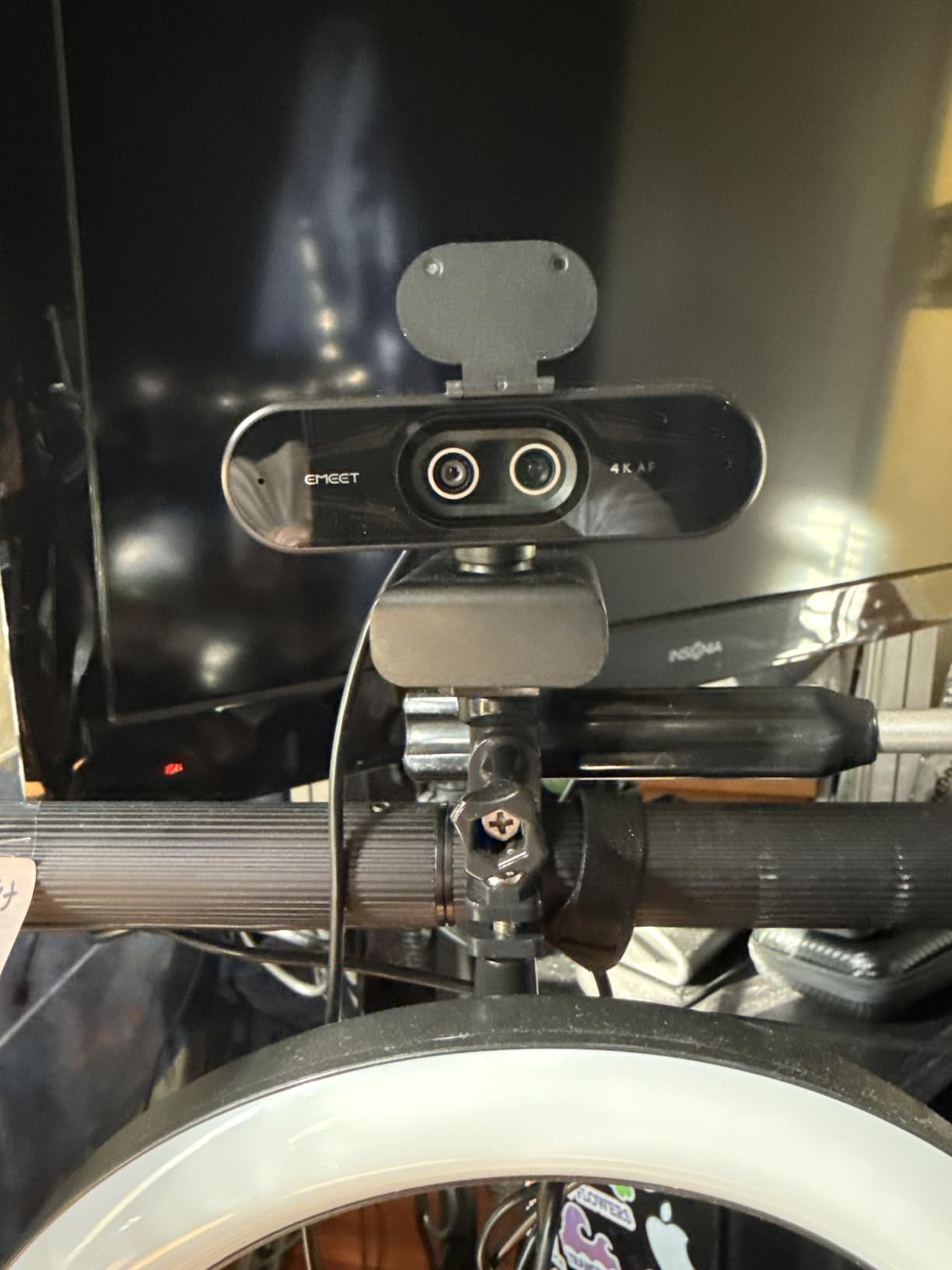
The PDAF autofocus is fast and accurate, which is critical when you are zooming in and out. Cheaper webcams lose focus when you change focal length, but the C60E stays locked on throughout the zoom transition.
The RGB lighting strip on the front is more useful than I expected. Coaches who stream on Twitch or YouTube can set the lighting to match their brand colors, and it adds personality during long sessions.
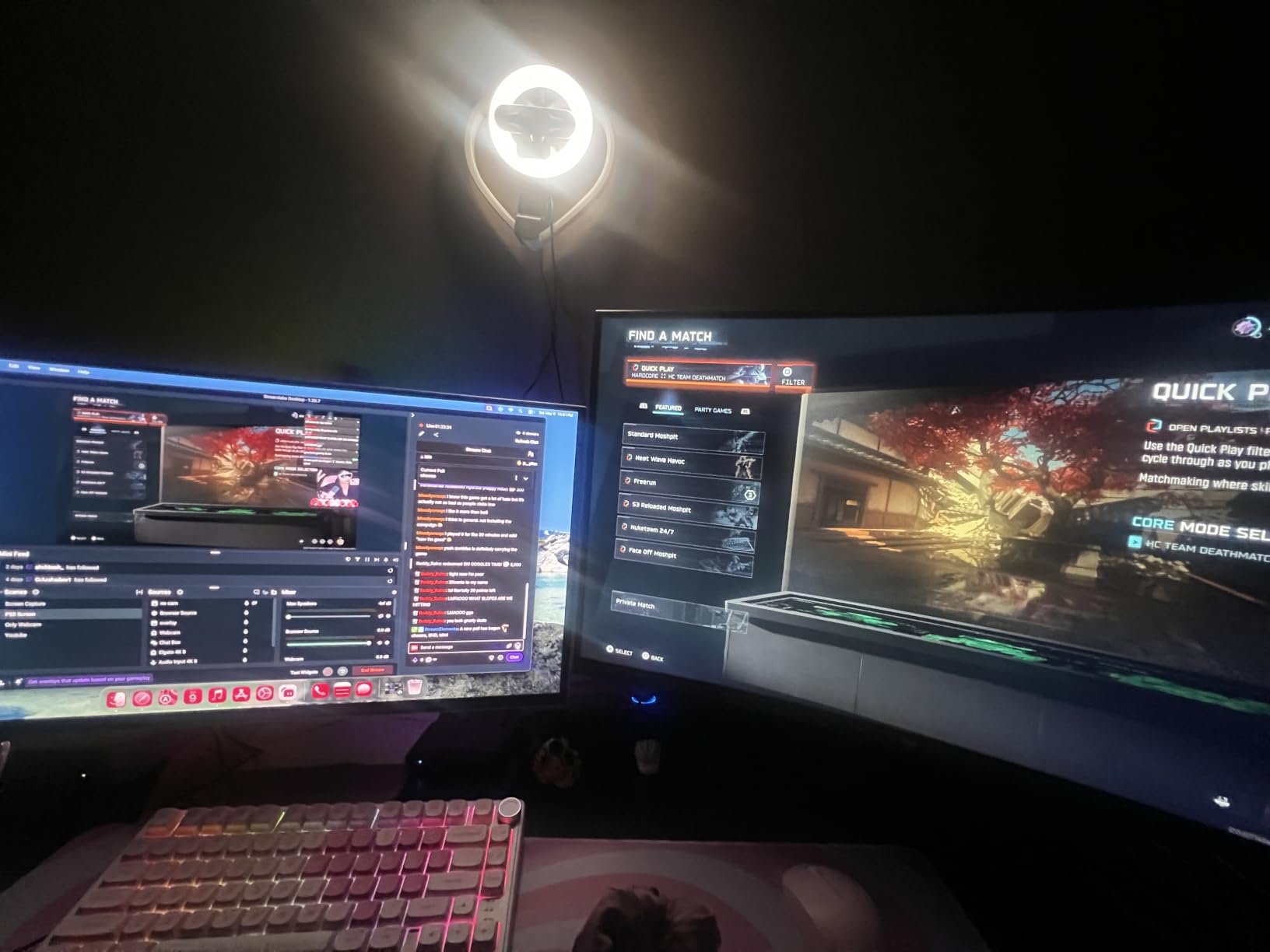
Best use cases in coaching
Coaches who demonstrate movements, show physical objects, or switch between showing themselves and showing notes on a desk benefit most from the dual-camera setup.
If you only run seated talking-head sessions, the extra zoom flexibility will not earn its keep and a simpler 4K webcam like the Logitech MX Brio is a better fit.
Things to know before buying
The C60E does not work with Windows Hello facial recognition, so if you rely on that to log in, choose a different camera.
USB 2.0 limits the highest 4K 60fps mode, so you will be using 4K at 30fps or 1080p at 60fps for most uses.
8. Insta360 Link 2 Pro – Premium 4K with AI Tracking
Insta360 Link 2 Pro – 4K PTZ Webcam for PC/Mac, 1/1.3” Sensor, Low-Light, AI Tracking, HDR, Directional Noise-Canceling Mics, Supports Stream Deck, Zoom, Teams, Twitch for Streaming or Meetings
4K HDR video
1/1.3 inch large sensor,AI tracking and gesture control
Directional noise canceling mics
Pros
- Best-in-class 4K image quality with HDR
- AI tracking pans and tilts to follow you
- Outstanding low light with the 1/1.3 inch sensor
- Natural bokeh effect for cinematic look
- Dual directional mics isolate your voice
- Stream Deck and gesture integration
Cons
- Premium price near $250
- Not compatible with ARM-based Windows
- No Windows Hello support
- Only 4X digital zoom
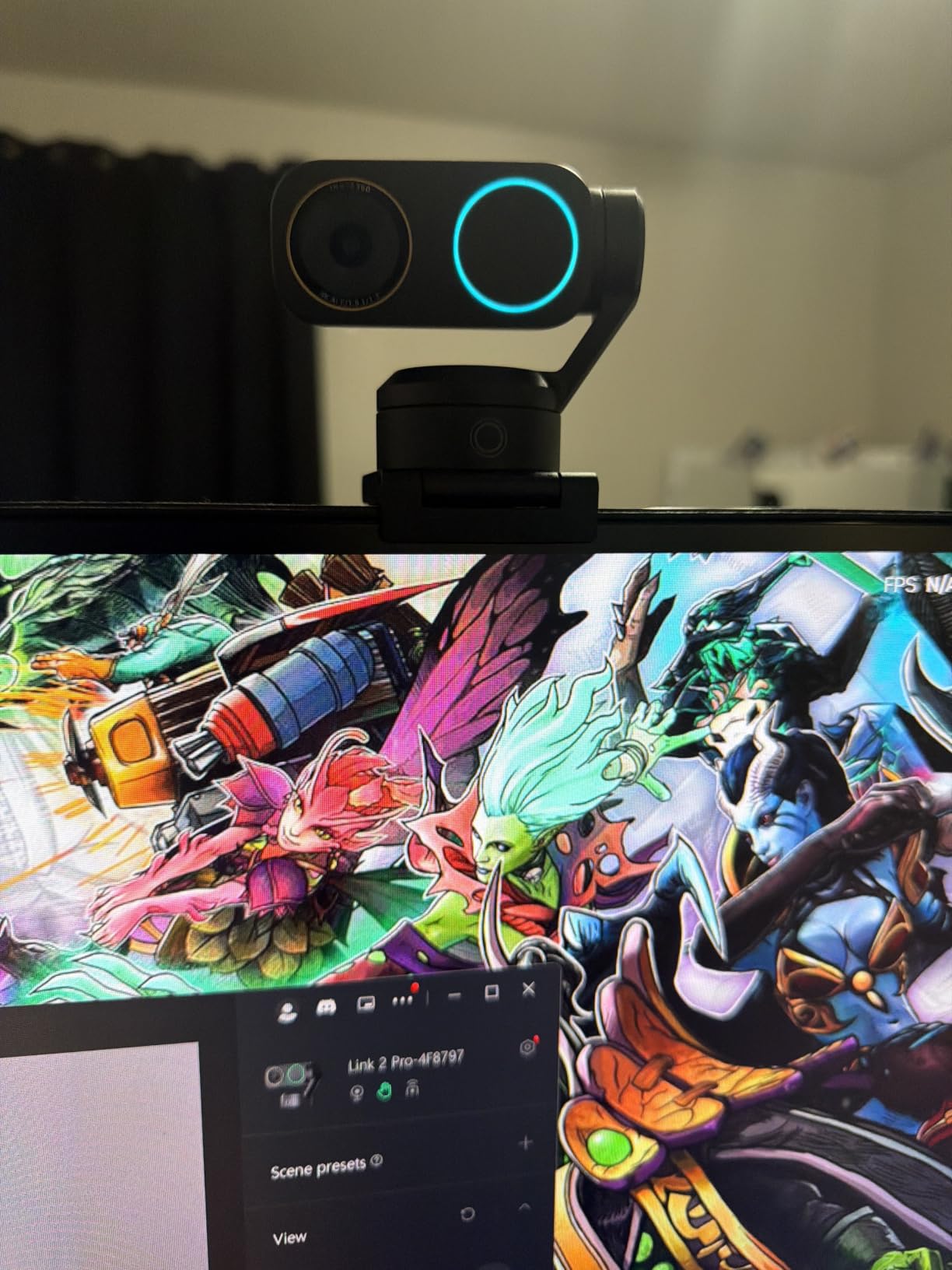
The Insta360 Link 2 Pro is the best webcam for online coaches who want the absolute best, full stop. I upgraded to this after testing for several weeks, and the image quality genuinely looks like a mirrorless camera, not a webcam. The 1/1.3 inch sensor is dramatically larger than anything else on this list, which is why low-light performance is so exceptional.
For coaches who record premium content or run high-ticket masterminds, this webcam justifies its premium price. The image has a natural depth-of-field effect that makes you look like you are shooting on a real camera.
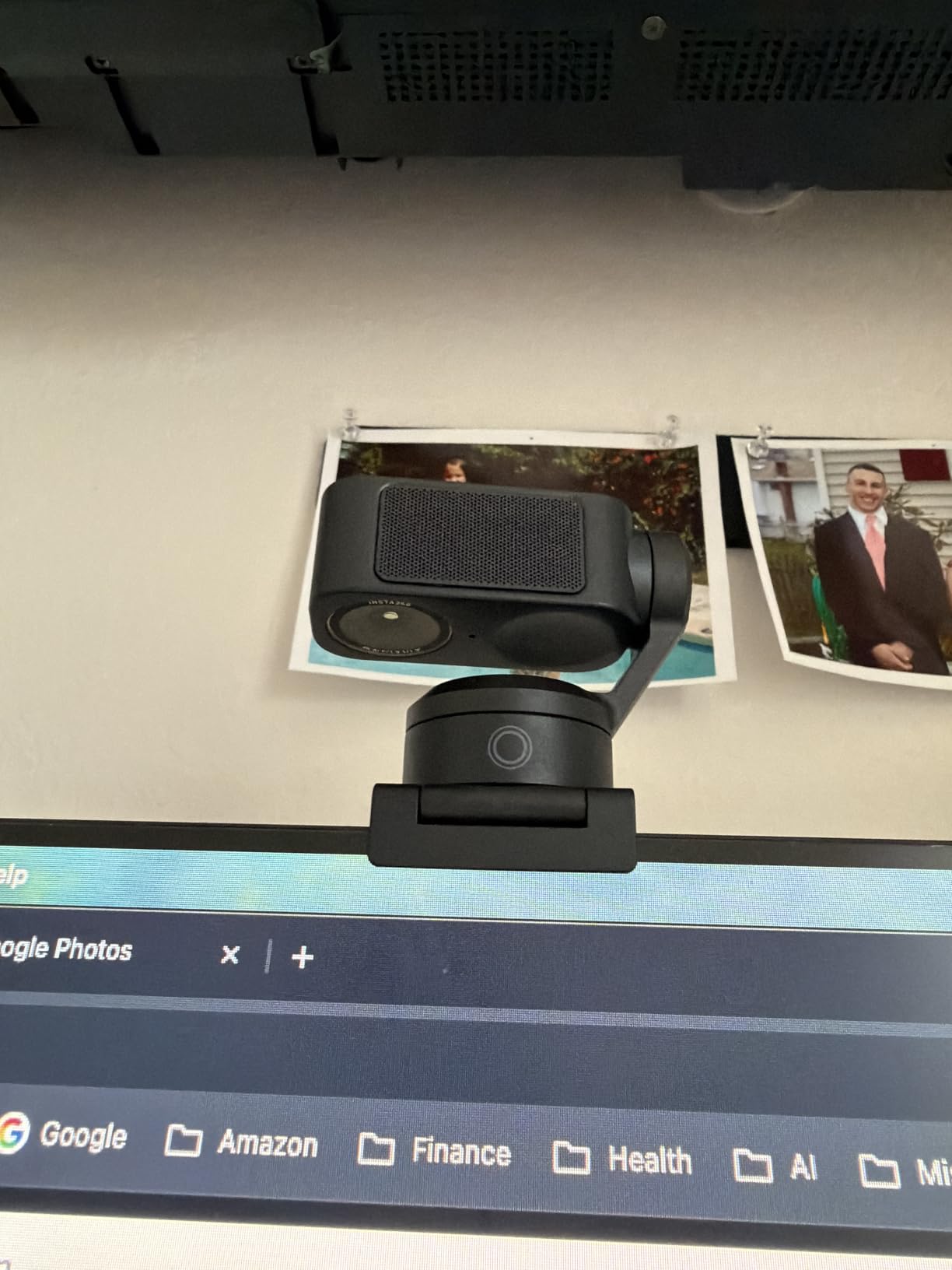
AI tracking is the standout feature for active coaches. Walk across the room to use a whiteboard and the camera physically pans and tilts to follow you. Hold up a hand gesture and it activates preset modes like DeskView, Whiteboard, or 4K Portrait.
The HDR support balances bright windows and dim corners of your office beautifully. Even when I filmed directly in front of a window with afternoon sun coming in, my face stayed properly exposed and the background did not blow out.
Audio that is genuinely usable
Dual directional microphones with beamforming actually focus on your voice and reject off-axis noise. In my test with two kids playing in the next room, my clients said they could not hear them at all.
If you record podcasts or audio courses, the Link 2 Pro’s built-in audio is the first webcam I have used that I would not feel obligated to replace with a separate microphone.
Who should invest in the Link 2 Pro
Established coaches charging premium rates, course creators selling high-ticket programs, and webinar hosts who care deeply about how they look on camera will get the most out of this webcam.
New coaches just starting out do not need to spend this much. Begin with the Logitech C920x and upgrade later when revenue supports it.
What to Look for in a Webcam for Online Coaching
Choosing a webcam for online coaching is different from picking one for streaming or gaming. Your clients are paying attention to your face, your expressions, and your presence, not fast motion or color effects. Here are the factors our team prioritizes when reviewing cameras for coaches.
Resolution: Is 1080p enough for online coaching?
For most online coaching sessions, 1080p Full HD is more than enough. Clients watch on phones, tablets, and laptops where the difference between 1080p and 4K is hard to see. A solid 1080p webcam like the Logitech C920x looks excellent in real-world coaching sessions.
4K starts to make sense if you record courses, host webinars, sell high-ticket coaching programs, or want the most detailed facial expressions on screen. In those cases, the extra sharpness and the ability to crop in during post-production are valuable.
Autofocus and image quality
Autofocus matters more than most coaches realize. If you hold up a coaching worksheet, lean toward the camera, or stand up to demonstrate something, autofocus keeps your image sharp. Webcams with PDAF (phase detection) autofocus, like the EMEET NOVA and C60E, are noticeably faster than older contrast-detection models.
Microphone quality vs external audio
For one-on-one sessions, a quality built-in microphone like the dual stereo mics on the Logitech C920x or the C920S is perfectly adequate. For group coaching, podcast-style sessions, or course recording, invest in a separate USB microphone. Webcam microphones are improving, but a dedicated mic gives you studio-grade audio.
Low-light performance for home offices
Most coaches film in home offices without professional lighting. Look for a webcam with auto light correction, HDR support, or a larger sensor. The Insta360 Link 2 Pro with its 1/1.3 inch sensor handles dim rooms better than any other webcam on this list.
Field of view and framing
A 60 to 78 degree field of view works well for solo coaching where your face and upper body fill the frame. Wider 90 to 110 degree FOVs are useful for showing more of your workspace, including a second person, or demonstrating full-body movements like stretches or posture work.
Compatibility with Zoom, Teams, Meet, and other platforms
All eight webcams in this guide work with Zoom, Microsoft Teams, Google Meet, and the major coaching platforms like Practice Better and Kajabi. Stick with mainstream brands to avoid driver compatibility headaches on macOS and Windows.
Budget vs premium considerations
A reasonable webcam for online coaching starts around $30 and goes up to $250. Most coaches find their sweet spot between $50 and $100. Spend more only if you need 4K, AI tracking, or premium audio. Spend less if you are just starting out and need a reliable upgrade over your laptop camera.
FAQ About Webcams for Online Coaches
What is the best webcam for online meetings?
The Logitech C920x HD Pro is our top pick for online meetings and coaching sessions. It delivers sharp 1080p video at 30fps with reliable autofocus, stereo audio, and works with Zoom, Teams, Google Meet, and other major platforms out of the box. With over 21,000 reviews and a 4.6 star average, it is the most trusted webcam among online coaches in 2026.
Is 1080p enough for online coaching?
Yes, 1080p Full HD is more than enough for most online coaching sessions. Clients watch on phones, laptops, and tablets where 1080p looks excellent. Step up to 4K only if you record courses, host paid webinars, or want maximum detail for facial expressions. For one-on-one sessions, a quality 1080p webcam like the Logitech C920x is the right choice.
What webcam do life coaches use most?
Most life coaches use Logitech webcams, particularly the C920, C920x, or C920S models. These cameras have been the industry standard for years because they combine reliable 1080p video, accurate autofocus, and clear stereo microphones at a reasonable price. Coaches who want 4K quality often upgrade to the Logitech MX Brio or Insta360 Link 2 Pro.
Do I need a 4K webcam for video calls?
No, you do not need a 4K webcam for typical video calls or one-on-one coaching sessions. 1080p delivers more than enough detail for Zoom and Google Meet, and the videos stream smoothly even on slower internet connections. 4K is worth the investment only if you record professional content, host webinars for large audiences, or need the extra sharpness for course materials.
How important is the microphone in a coaching webcam?
The microphone is important, but you do not need a premium one for one-on-one coaching. Built-in webcam mics on the Logitech C920x and C920S capture clear voice audio that works for daily sessions. For group coaching, podcasts, or course recording, invest in a dedicated USB microphone for noticeably better audio quality and noise rejection.
Final Verdict: Choosing the Best Webcam for Your Coaching Practice
After testing all 8 webcams, our team has clear recommendations for online coaches. If you want the best overall package for one-on-one coaching sessions, the Logitech C920x HD Pro remains our Editor’s Choice for its proven reliability, sharp 1080p video, and natural stereo audio. If privacy matters to your practice, choose the Logitech C920S for its integrated physical shutter.
For coaches on a budget, the NexiGo N60 delivers solid 1080p quality for under $30, while the Logitech Brio 101 adds a privacy shutter and auto-light correction at a similar price. Coaches who want 4K without breaking the bank should look at the EMEET NOVA, while those running high-ticket programs should invest in the Insta360 Link 2 Pro for unmatched image quality and AI tracking.
No matter which webcam you choose from this list of best webcams for online coaches, you will see an immediate improvement in client perception and session quality. Pick the one that matches your budget and coaching style, set it up in front of good natural light, and your next session will be your most professional yet in 2026.