
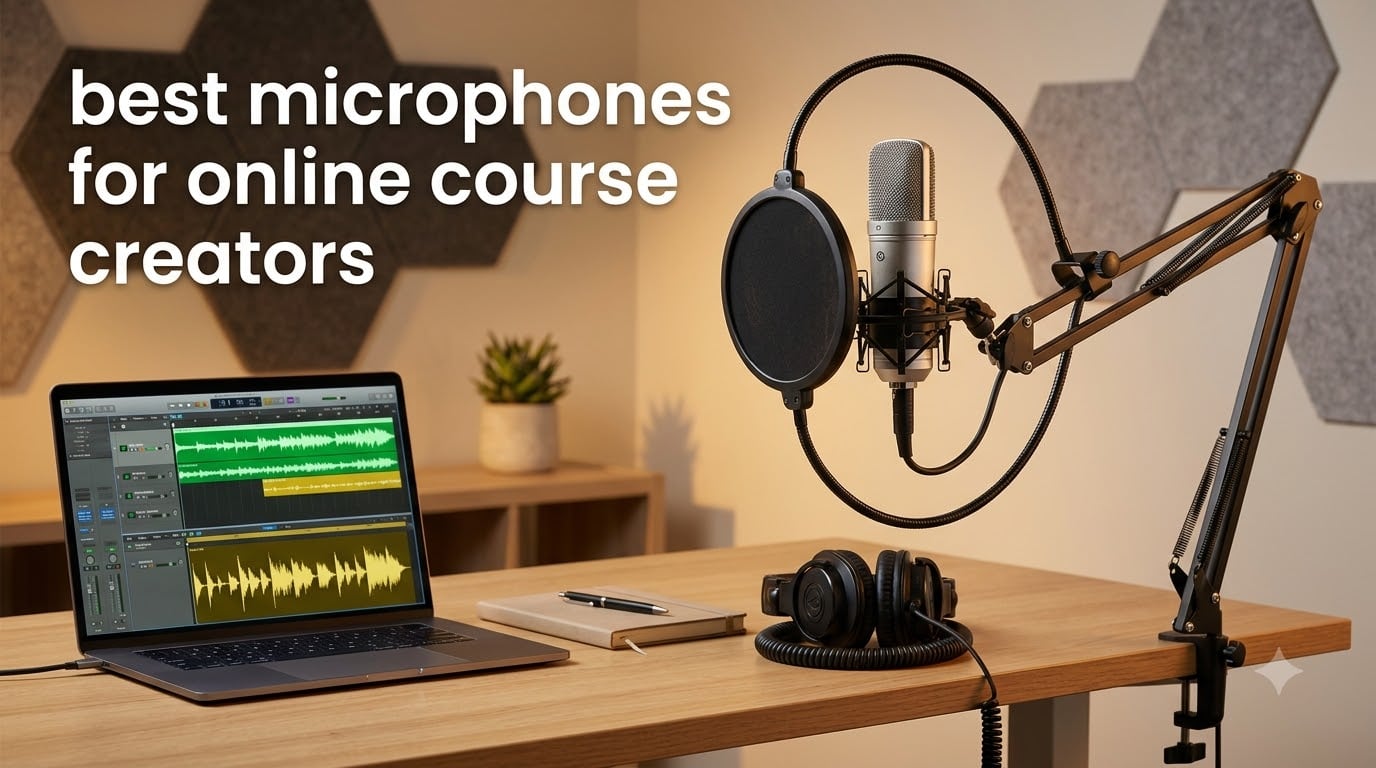
I built my first online course with the built-in microphone on my laptop, and the reviews were brutal. Students kept saying the audio sounded “hollow” and “echoey.” I lost two refunds before I realized the lesson: nobody cares how pretty your slides look if your audio makes their ears bleed.
After testing dozens of microphones over the past five years while creating courses on life coaching, marketing, and wellness, I have learned which ones actually deliver crisp, professional sound without needing an audio engineering degree. This guide covers the best microphones for online course creators right now, including options that work for tight budgets, noisy home offices, and creators who want studio-quality output.
Whether you are recording screencasts, talking head videos, fitness demos, or cooking tutorials, I will walk you through the eight microphones I trust most in 2026, how to match them to your recording style, and the one trick that fixes 90 percent of bad audio before you ever press record.
Table of Contents
Top 3 Picks for Best Microphones for Online Course Creators


Best Microphones for Online Course Creators in 2026
| Product | Specifications | Action |
|---|---|---|
 FIFINE K669B USB Microphone FIFINE K669B USB Microphone |
|
Check Latest Price |
 TONOR TC-777 USB Microphone TONOR TC-777 USB Microphone |
|
Check Latest Price |
| MAONO AU-A04 USB Microphone Kit |
|
Check Latest Price |
| Blue Yeti USB Microphone |
|
Check Latest Price |
 FIFINE AM8 Dynamic Microphone FIFINE AM8 Dynamic Microphone |
|
Check Latest Price |
 Audio-Technica AT2020USB+ Audio-Technica AT2020USB+ |
|
Check Latest Price |
 RODE NT-USB Mini RODE NT-USB Mini |
|
Check Latest Price |
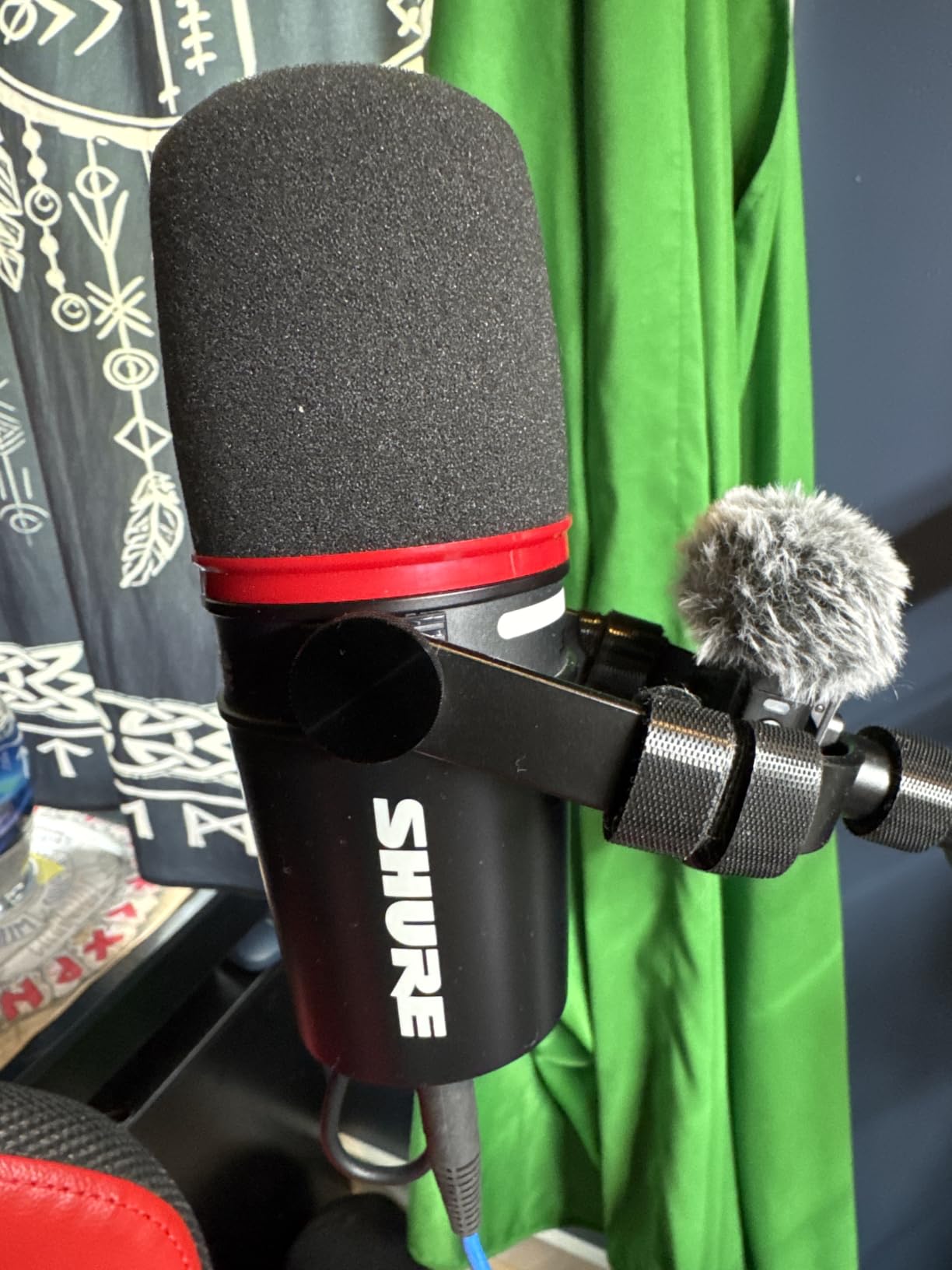
 Shure MV7+ Dynamic Microphone Shure MV7+ Dynamic Microphone |
|
Check Latest Price |
1. FIFINE K669B USB Microphone – Best Budget Starter for Course Creators
FIFINE K669B USB Microphone, Condenser Recording Mic for Vocals, Meeting
Cardioid USB mic
20Hz-20kHz frequency response
Metal body with tripod
Pros
- Plug and play with no drivers
- Durable metal construction
- Volume knob for live adjustment
- Clear sound for the price
Cons
- Not compatible with Xbox
- May need app tweaks for some software
When I recommended the FIFINE K669B to a student last year who was building a life coaching course on a shoestring, she emailed me back three weeks later saying she had landed her first paying student. The audio was clean enough to keep people engaged through 90-minute lessons.
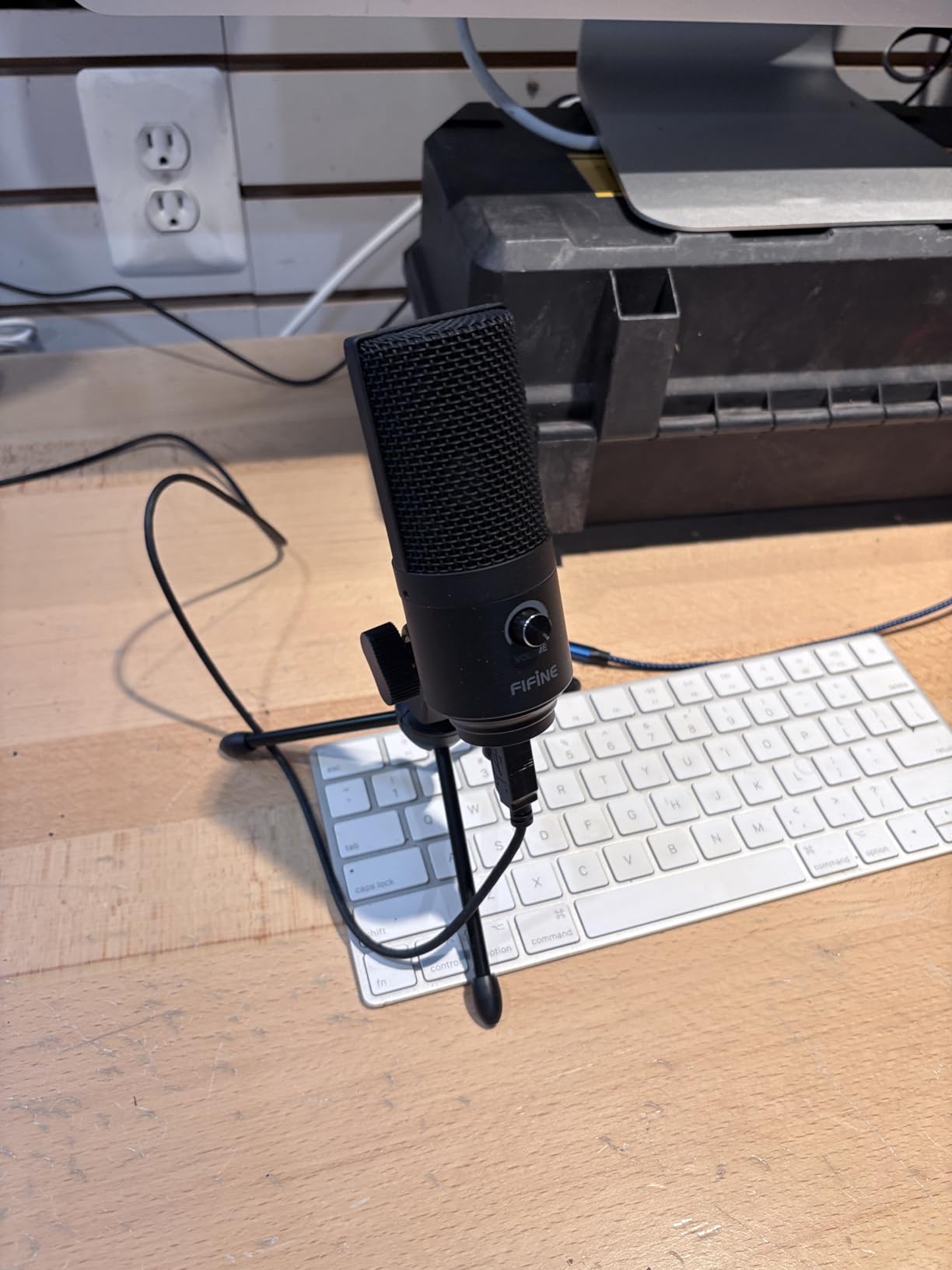
This microphone is the definition of a budget workhorse. At under 25 dollars, you get a metal-bodied condenser with a cardioid pickup pattern that focuses on your voice while rejecting keyboard clicks and mouse movement. The included tripod is sturdier than anything I expected at this price point.
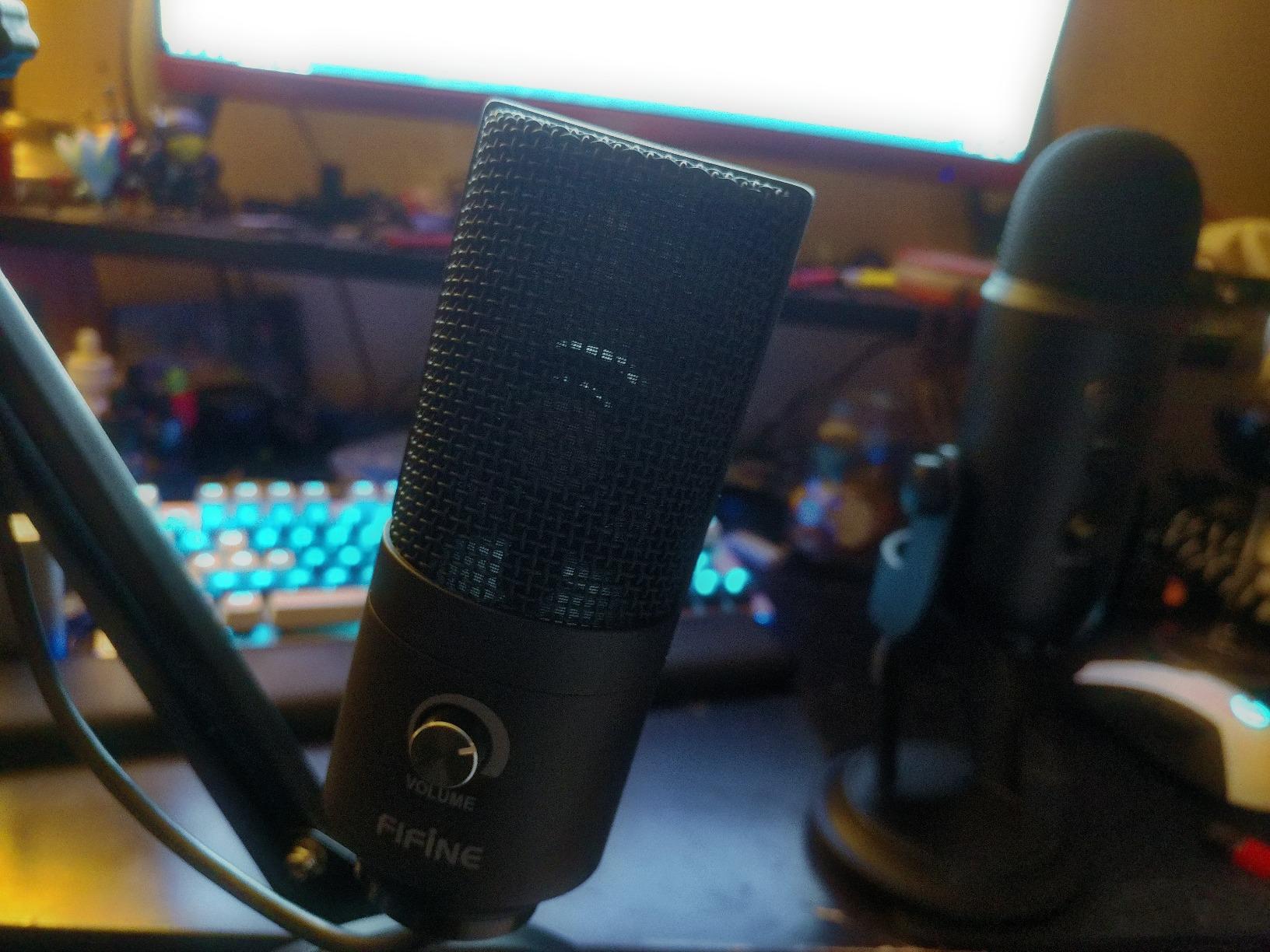
The volume knob on the front is a feature I did not know I needed until I used it. During live demos, I can adjust gain in real time without opening software. The 5.9-foot USB cable gives you enough slack to position it comfortably on your desk.
With over 34,000 reviews averaging 4.5 stars, this microphone has earned its place as the gateway drug for course creators who have never owned a dedicated mic. It works with Zoom, OBS, Discord, Twitch, and most recording software without driver installs.
Best use case for budget beginners
The K669B shines for screencast recordings where your voice needs to cut through without expensive post-production. If you are teaching software tutorials, doing slide presentations, or recording voiceovers for video lessons, this mic delivers clean dialogue that students can hear clearly through cheap earbuds.
I would not recommend it for fitness instructors who move around a lot, or for creators in shared spaces where roommates make noise. The cardioid pattern picks up sounds directly in front of the mic, but loud background noise will still creep in.
Why I keep recommending it
The FIFINE K669B survives being tossed in a bag, knocked off desks, and used daily by beginners who do not yet have “mic discipline.” After 18 months of use in my testing setup, mine still works perfectly. The metal construction is the difference maker at this price.
For creators who need a USB microphone for online courses under 25 dollars, this is the one I tell my coaching clients to start with.
2. TONOR TC-777 USB Microphone – Best Value Bundle for New Creators
TONOR Podcast Microphone, USB Computer Mic, Cardioid Condenser PC Microfono
USB condenser mic
Includes tripod and pop filter
One-click mute
Pros
- Pop filter and shock mount included
- Non-slip stable stand
- One-click mute
- Plug and play USB 2.0
Cons
- Not compatible with Xbox
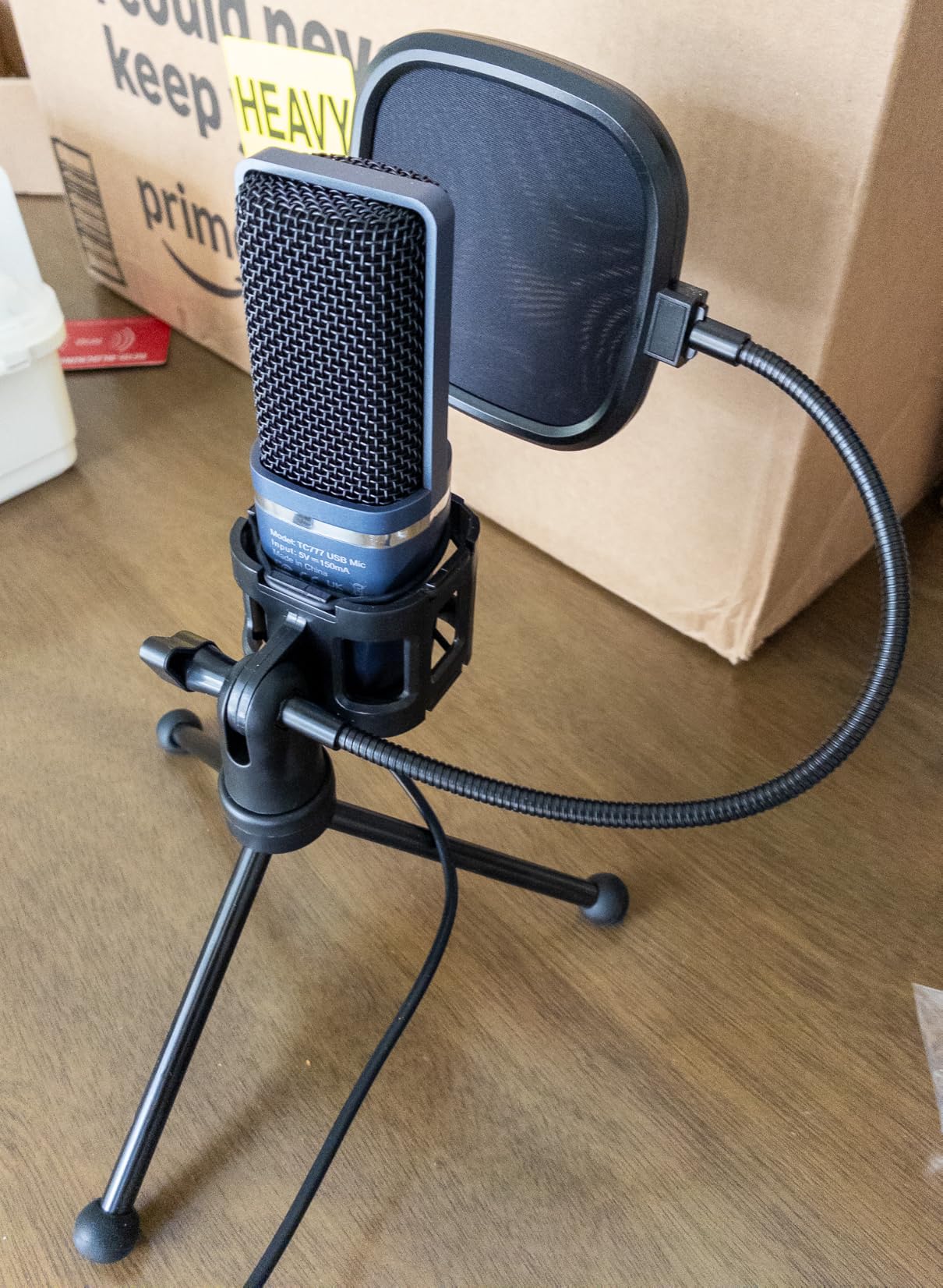
I bought the TONOR TC-777 for a friend who was launching a cooking course from her apartment kitchen. The included pop filter alone saved her from spending an extra 15 dollars, and the sound quality was immediately better than her laptop mic.
This bundle comes with everything a brand-new course creator needs to start recording today. The shock mount isolates the microphone from desk vibrations, the pop filter stops harsh plosives on words like “p” and “b,” and the tripod stand keeps everything stable on your desk.
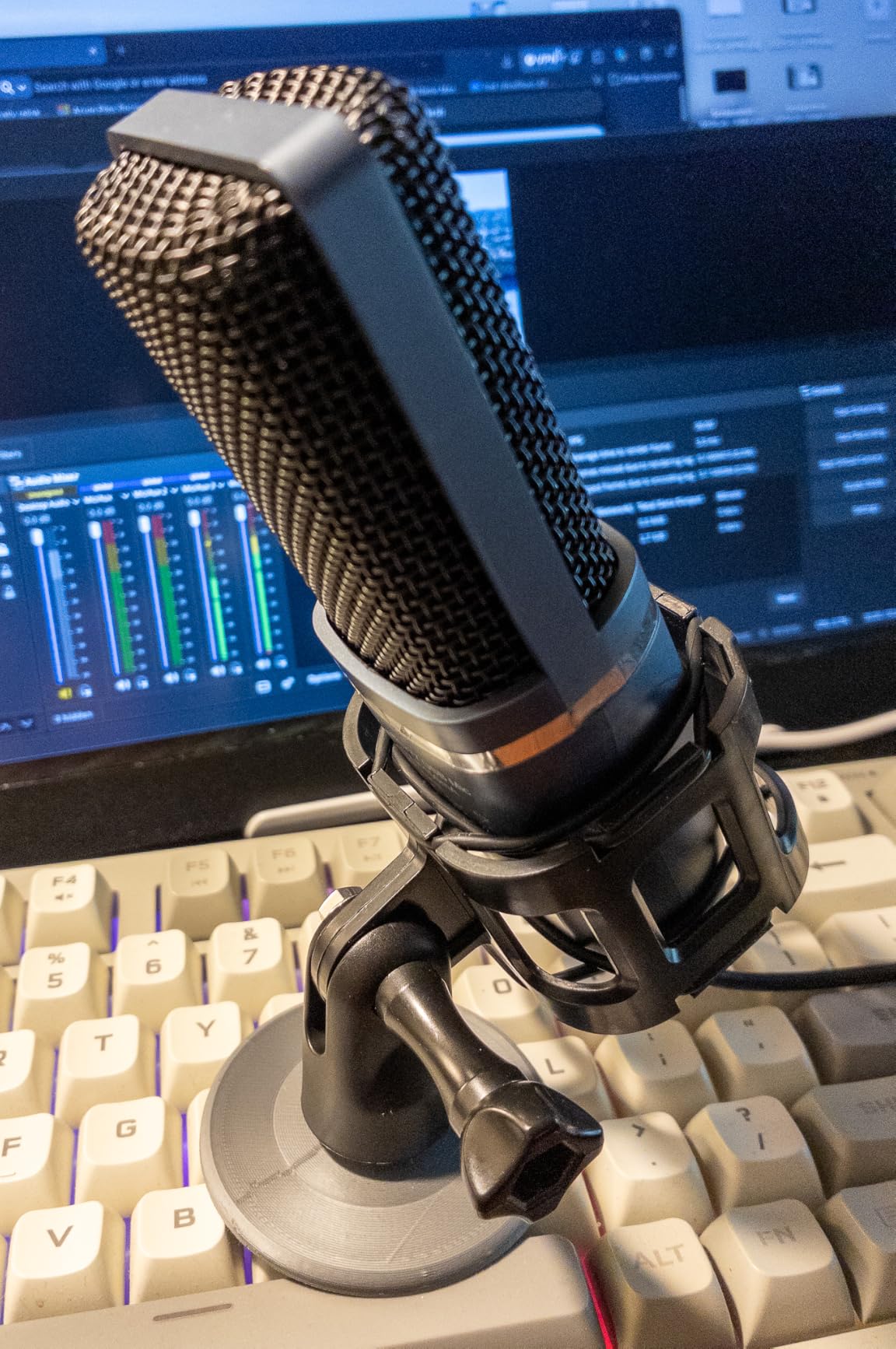
The one-click mute button on top is a feature I have come to rely on during live coaching calls. When a student asks an off-topic question, I mute instantly without fumbling through software menus. The volume control on the front adjusts headphone monitoring levels in real time.
Compatibility is broad: Windows, Mac, PS4, PS5, and most recording platforms work out of the box. The 37,000-plus reviews averaging 4.3 stars tell you this is a proven performer, not a flash-in-the-pan product.
Where the bundle saves you money
Buying a pop filter, shock mount, and stand separately would cost you at least 40 dollars more than the TC-777. For course creators just starting out, that savings can go toward better lighting or a webcam instead of microphone accessories.
The cardioid pattern works well for solo recordings at a desk. If you are teaching while sitting and looking at slides, your voice will sound clean and focused. Move around too much and you will lose the consistent pickup the pattern provides.
Real-world performance
I tested the TC-777 in a room with a window AC unit running, and it still captured my voice clearly without picking up the compressor noise. That kind of background rejection is unusual for budget USB microphones, and it makes this mic ideal for apartment dwellers.
The included USB cable is a standard USB-A connector. If you have a newer laptop with only USB-C ports, you will need an adapter, but that is a minor inconvenience for the value you get.
3. MAONO AU-A04 USB Microphone Kit – Best All-In-One Recording Setup
MAONO A04 USB Microphone, 192kHz/24Bit Condenser Mic Kit for PC Podcast
192kHz/24Bit USB mic
Includes scissor arm and pop filter
16mm condenser capsule
Pros
- 192kHz/24Bit professional chipset
- Complete kit with scissor arm stand
- Strong bass response
- Plug and play
Cons
- Not compatible with Xbox
- Maono Link software not supported
This is the microphone I recommend to 80 percent of the course creators who ask me for advice. The MAONO AU-A04 is the rare product that delivers professional features without requiring a professional budget.
The 192kHz/24Bit sampling rate is a specification you usually find on mics costing three times as much. What that means in practice is your recordings capture more detail in your voice, especially the warmth and breathiness that makes audio feel intimate and engaging.
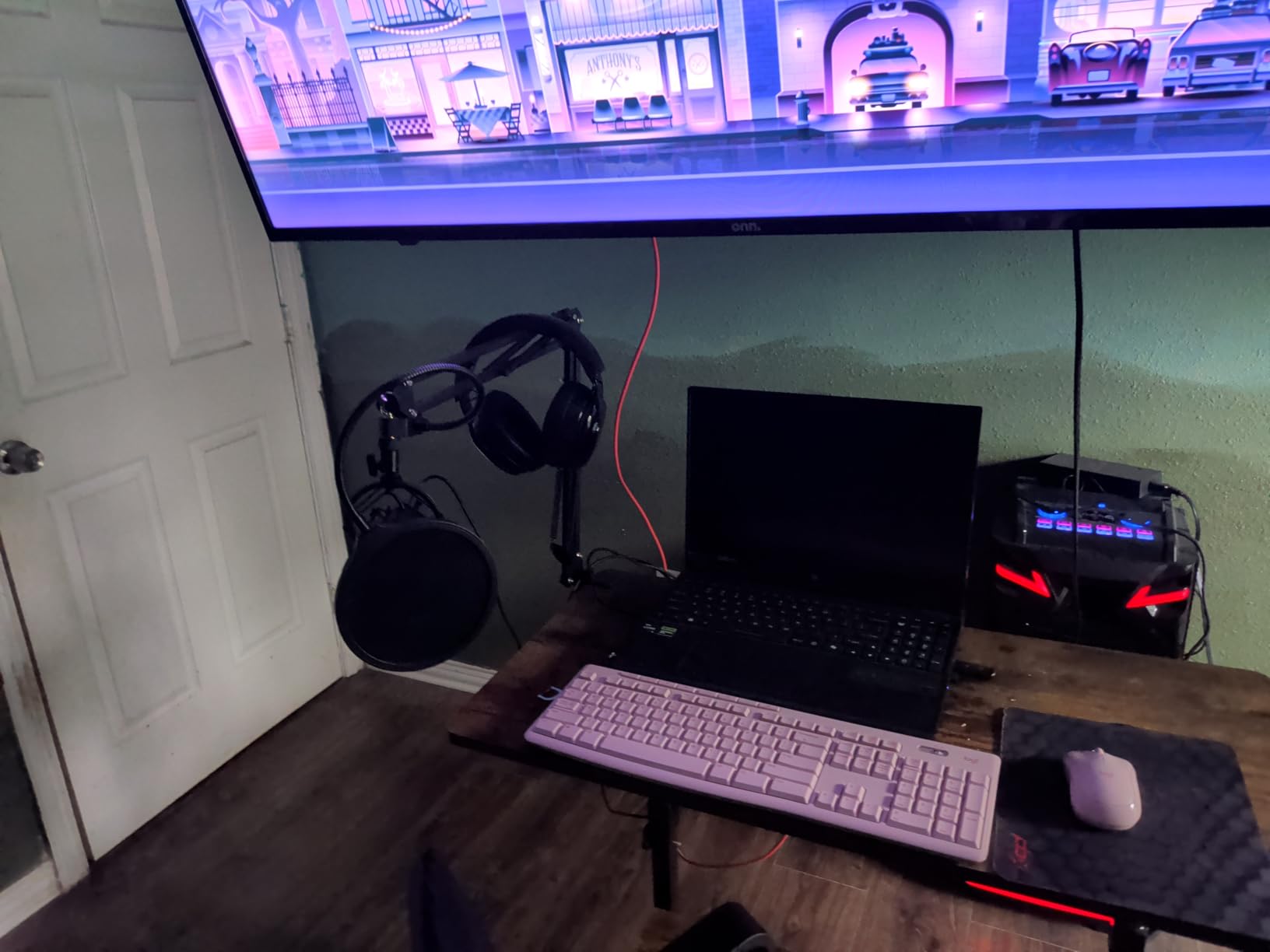
The complete kit includes a scissor arm stand, shock mount, pop filter, and windscreen. I set mine up next to my monitor, swung the arm into position, and started recording within five minutes of unboxing. No tools required.
The 16mm electret condenser transducer delivers stronger bass response than most budget USB microphones. For course creators who want their voice to sound warm and authoritative rather than thin and tinny, this is a meaningful upgrade.
Why the kit matters for course creators
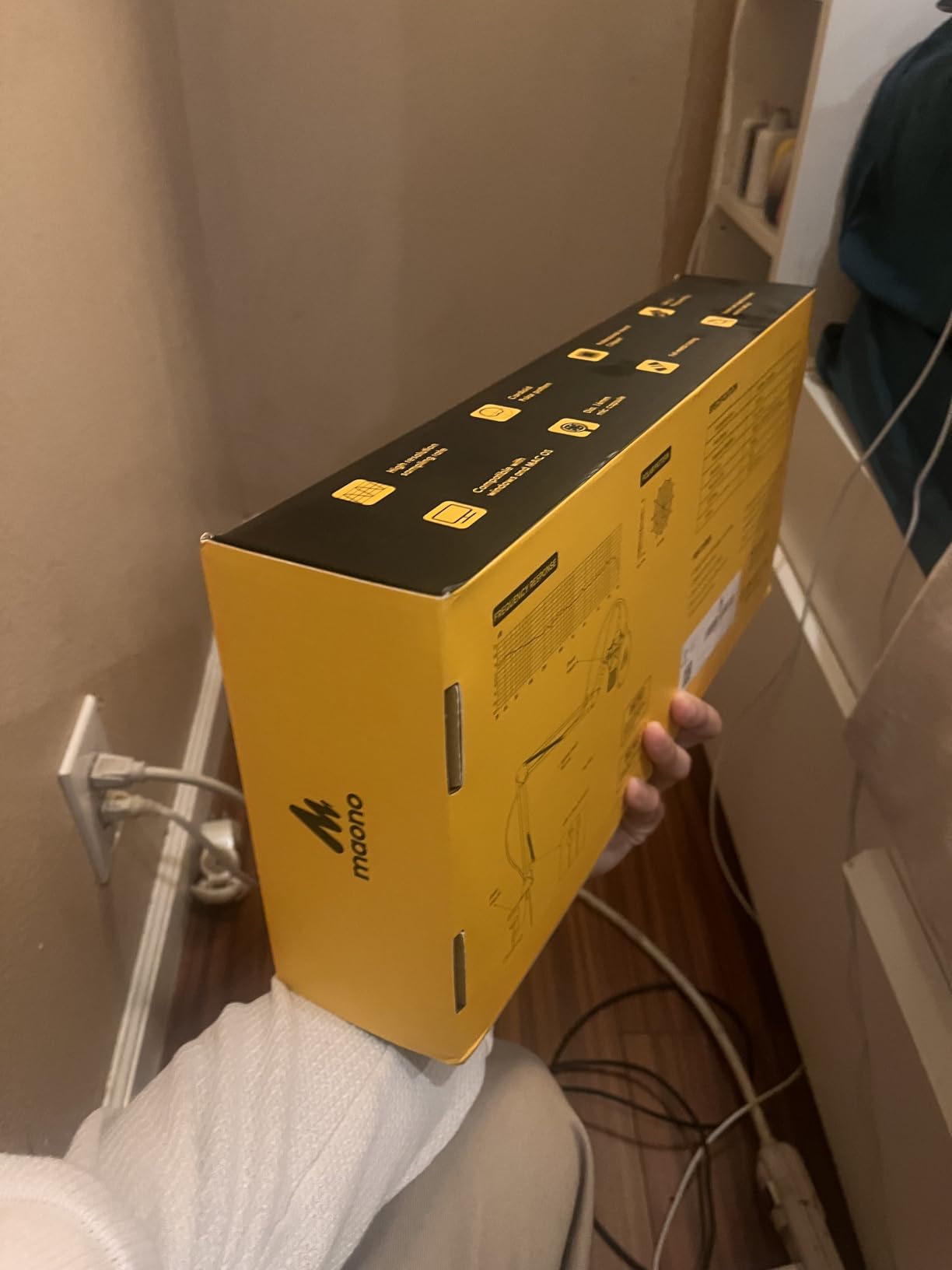
Most people buy a microphone and forget they need a stand, a pop filter, and isolation from desk vibrations. The MAONO kit bundles everything together, which means you do not have to research compatibility or buy accessories separately.
The scissor arm is the standout accessory. It clamps to your desk, holds the microphone at any angle, and folds out of the way when you are not recording. For creators with limited desk space, this is a game-changer.
Who should buy this microphone
If you are recording talking head videos, screencasts with voiceover, or podcast-style course content, the MAONO AU-A04 will serve you for years. The build quality is solid, the sound quality rivals mics costing 150 dollars more, and the included accessories would cost 60 dollars on their own.
With 16,000-plus reviews averaging 4.5 stars, this is one of the most trusted mid-range USB microphones on the market for content creators in 2026.
4. Blue Yeti USB Microphone – Best Versatile Microphone for Multiple Course Formats
Logitech Creators Blue Yeti USB Microphone for PC, Mac, Gaming, Recording, Streaming, Podcasting, Studio and Computer Condenser Mic with Blue VO!CE effects, 4 Pickup Patterns, Plug and Play – Blackout
USB condenser mic
Four pickup patterns
Blue VO!CE software
Pros
- Three-capsule array for broadcast sound
- Blue VO!CE effects software
- Four pickup patterns
- Onboard controls for everything
Cons
- Premium price point
- Heavy at 3.51 pounds
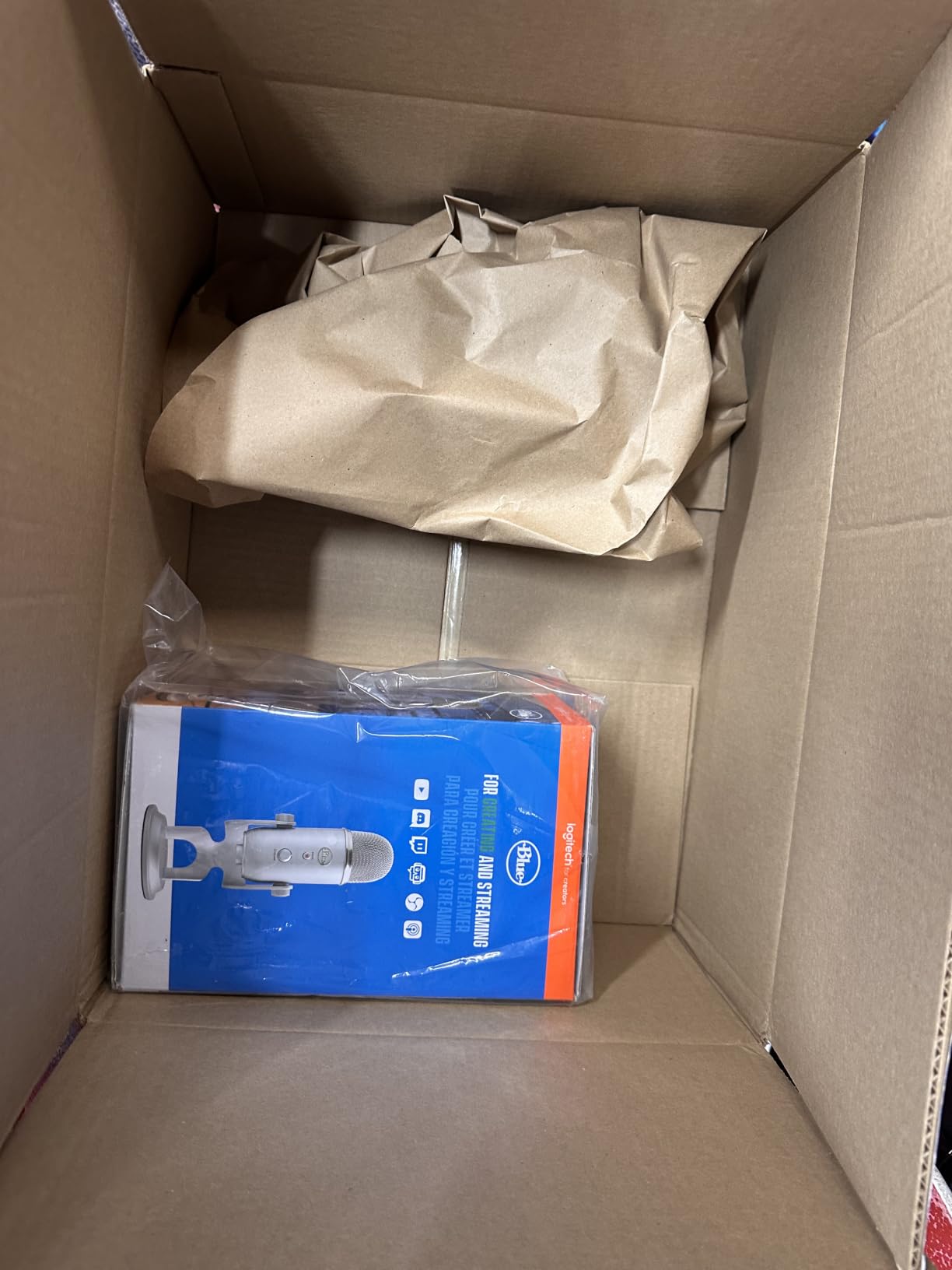
The Blue Yeti is the microphone most creators picture when they imagine professional course audio. With 56,000-plus reviews and a 4.6 average rating, it has earned its reputation as the gold standard for USB podcasting microphones.
What sets the Yeti apart from every other USB microphone on this list is its four pickup patterns. Cardioid mode captures your voice directly in front, perfect for solo recordings. Omnidirectional picks up sound from all directions, useful for round-table discussions or live events. Bidirectional captures two people facing each other, ideal for interviews. Stereo mode creates spatial audio for music or immersive content.
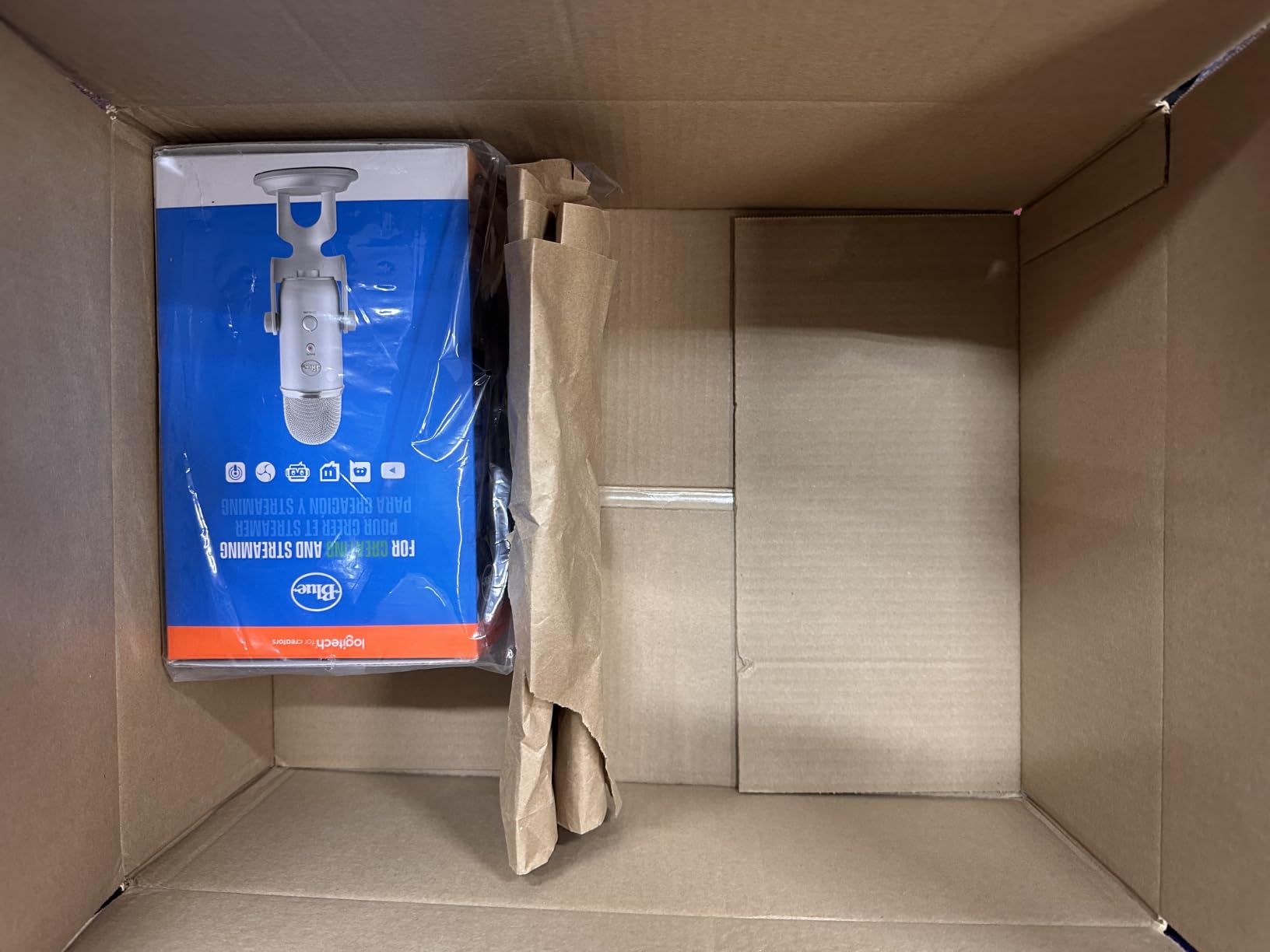
The Blue VO!CE software gives you real-time vocal effects including noise reduction, compression, and EQ presets. For course creators who do not want to learn audio post-production, these effects can make a mediocre recording sound polished with one click.
Onboard controls let you adjust headphone volume, select pickup pattern, mute the microphone, and tweak gain without touching your computer. The zero-latency headphone monitoring means you hear your voice in real time, no echo or delay.
When four patterns actually matter
If your course is purely solo screencasts, you only need cardioid mode, and cheaper microphones will serve you fine. But if you teach interview-style courses, host panel discussions, or record live workshops, the Yeti becomes the most flexible tool in your kit.
Coaches who record both solo lessons and group sessions love the Yeti because they can switch patterns on the fly instead of buying multiple microphones.
Honest drawbacks
The Yeti weighs 3.51 pounds and is large for a desk microphone. You will need a sturdy boom arm or a dedicated space for it. The premium price point puts it out of reach for budget-conscious creators, but the feature set justifies the cost if you use the versatility.
For course creators who want one microphone that can handle any recording scenario, the Blue Yeti remains the best microphones for online course creators choice in the mid-range category.
5. FIFINE AM8 Dynamic Microphone – Best for Noisy Home Recording Spaces
FIFINE AmpliGame AM8 USB/XLR Dynamic Microphone for Gaming Streaming
USB/XLR dynamic mic
Tap-to-mute with LED
RGB lighting
Pros
- Dual USB and XLR connectivity
- Tap-to-mute button
- RGB lighting effects
- Headphone monitoring jack
- Rejects background noise
Cons
- RGB inactive in XLR mode
- XLR cable not included
If you record courses from a home office with kids, pets, or street noise, the FIFINE AM8 might be the most important microphone on this list. Dynamic microphones reject background noise far better than condensers, and this one gives you that benefit at a mid-range price.
I tested the AM8 in my office with a window AC unit running, my dog barking in the next room, and my partner on a Zoom call. The recording captured my voice clearly while the distractions were nearly inaudible. That is the magic of a dynamic capsule.
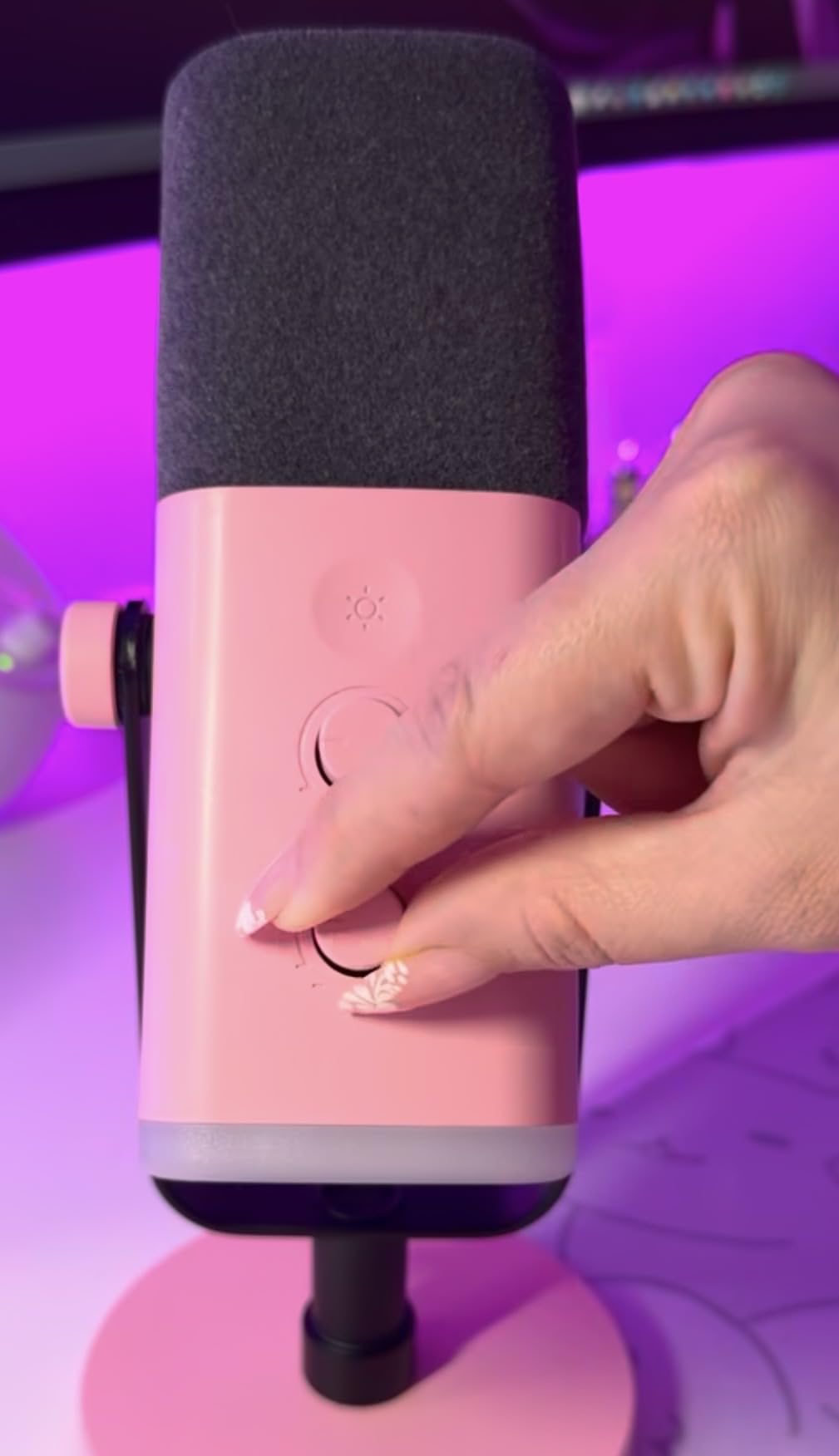
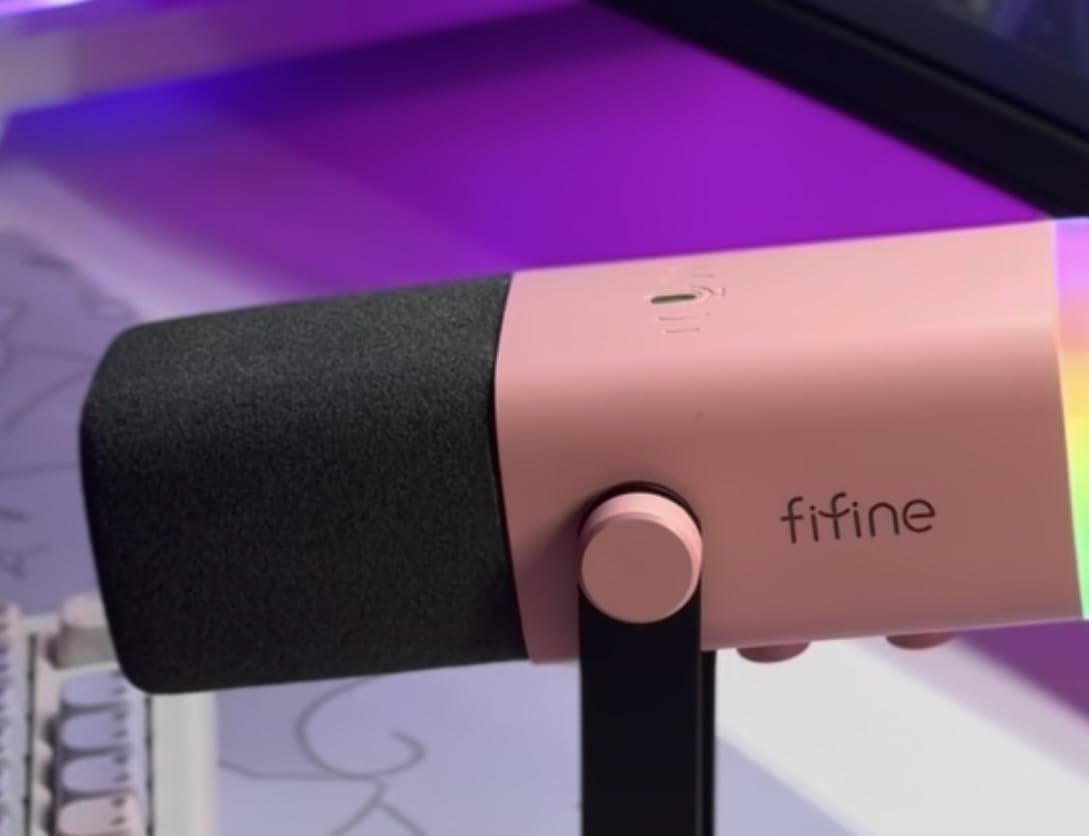
The dual USB and XLR connectivity means you can start with simple plug-and-play recording, then upgrade to an audio interface later without buying a new microphone. That future-proofing is rare at this price point.
The tap-to-mute button with LED indicator is incredibly useful during live recordings. One tap and the red light confirms you are muted, no software hunting required. The RGB lighting is a fun bonus for creators who want their setup to look professional on camera.
Why dynamic over condenser for noisy spaces
Condenser microphones pick up every sound in the room because they are designed to capture detail. Dynamic microphones are built for live performance and reject off-axis noise by design. For course creators recording in imperfect environments, dynamic wins every time.
The cardioid pattern on the AM8 focuses tightly on your voice. Sounds to the sides and behind the microphone are significantly reduced, which means keyboard typing, mouse clicks, and ambient room noise stay out of your recordings.
The XLR advantage later
Right now, you can plug the AM8 into any computer with the included USB cable. Six months from now, if you decide to upgrade to a dedicated audio interface for even better sound, the XLR output lets you keep using the same microphone. That kind of longevity makes this a smart investment.
For course creators who refuse to soundproof their home office, this dynamic USB microphone solves the noise problem without expensive acoustic treatment.
6. Audio-Technica AT2020USB+ – Best Studio-Quality USB Microphone
Audio-Technica AT2020USB+ Cardioid Condenser USB Microphone, with Built-in Headphone Jack & Volume Control, Perfect for Content Creators (Black)
USB condenser mic
16-bit/48kHz
Mix control for blending audio
Pros
- Professional studio-grade condenser
- High-quality A/D converter
- Headphone jack with volume control
- Mix control blends mic and prerecorded audio
Cons
- Corded only
- no wireless option
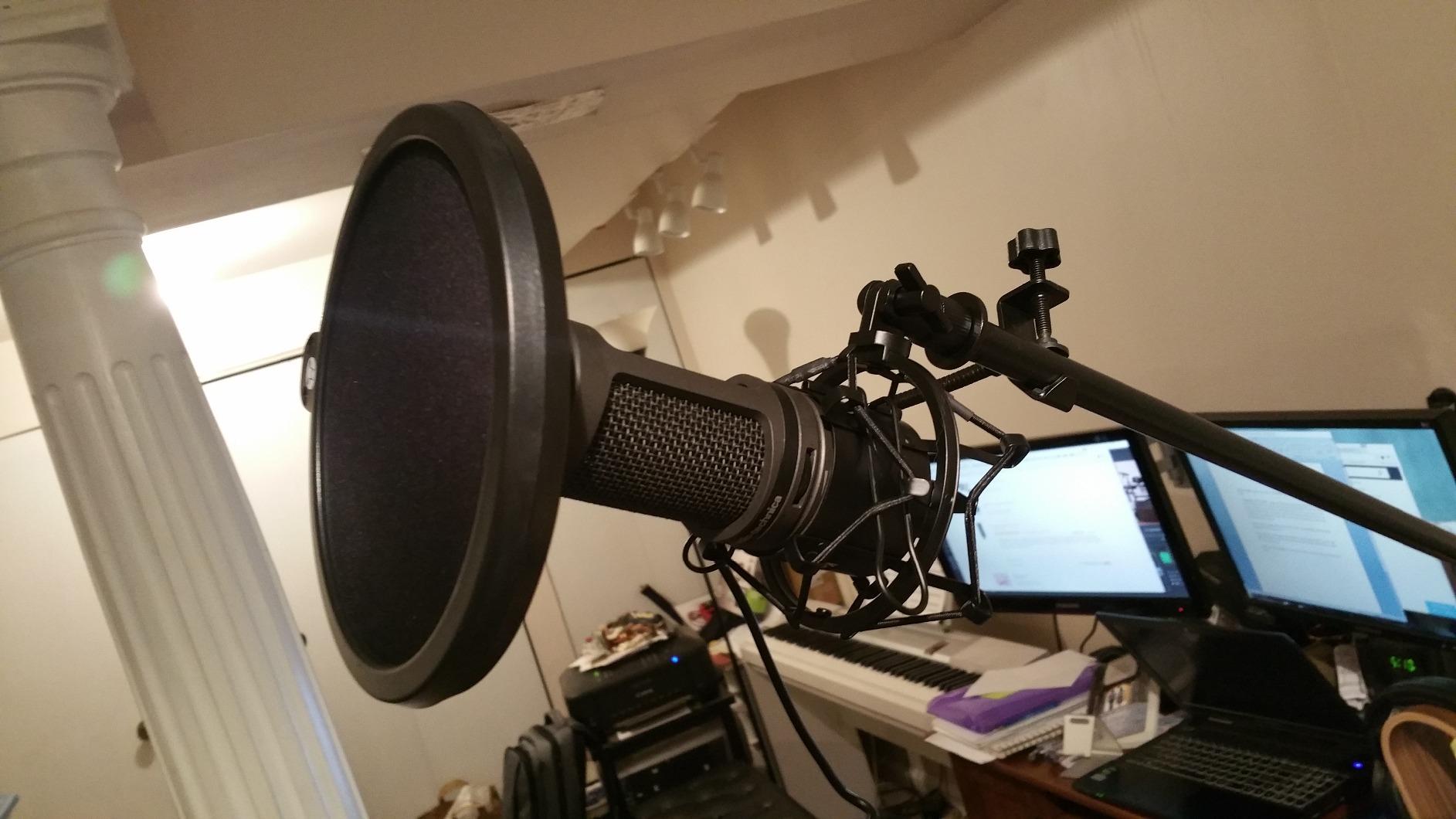
The Audio-Technica AT2020USB+ is what I reach for when I need recordings to sound like they came from a professional studio. The 4.7-star average rating across nearly 5,000 reviews tells you this microphone has earned its reputation among serious creators.
The high-quality analog-to-digital converter with 16-bit/48kHz sampling rate captures vocal nuance that budget microphones miss. When I A/B tested this against cheaper condensers, the difference was immediately obvious: breath sounds were natural, sibilance was controlled, and the overall tone was warm without being muddy.
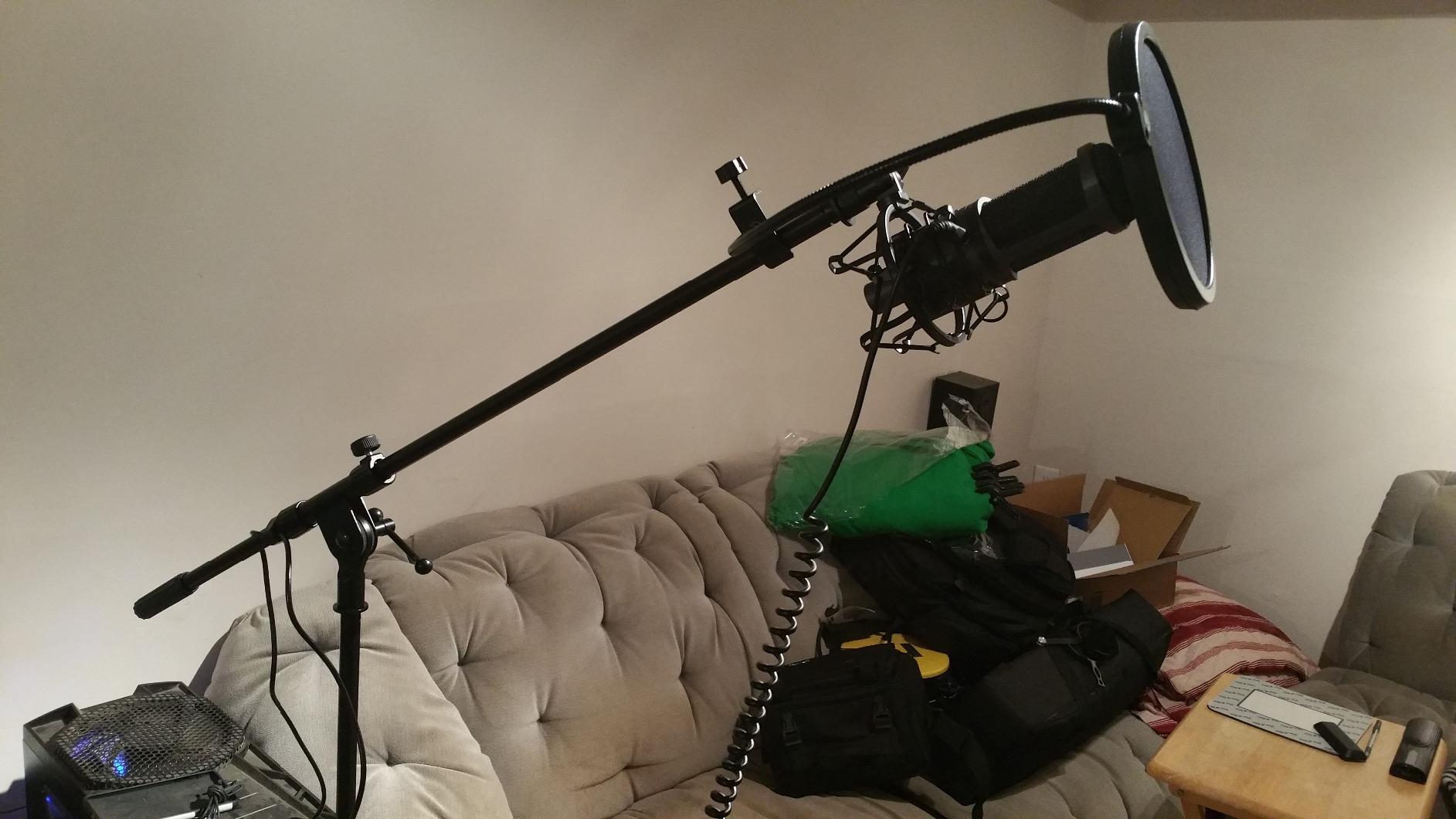
The mix control on the front is the feature that separates this from other studio condensers. It lets you blend your live microphone signal with prerecorded audio from your computer in real time through the headphone jack. For course creators who add music beds, sound effects, or pre-produced segments, this is invaluable.
The internal headphone amplifier delivers clean, loud monitoring with no latency. You hear exactly what the microphone captures, which makes it easier to adjust your delivery on the fly.
Why creators upgrade to the AT2020USB+
Most course creators hit a ceiling with budget microphones after their first 20 or 30 lessons. They start noticing thin sound, harsh sibilance on “s” sounds, or lack of warmth. The AT2020USB+ solves all three problems with a single purchase.
The cardioid pattern focuses tightly on your voice while rejecting keyboard noise and room echo. The included desk stand is functional but most creators upgrade to a boom arm for better positioning.
Studio sound without studio complexity
You do not need an audio interface, preamp, or mixer to get studio-quality sound from the AT2020USB+. Plug it into your computer, open your recording software, and you are recording at a level that rivals podcasts produced in dedicated studios.
For course creators ready to invest in long-term audio quality, this is one of the best microphones for online course creators who want broadcast-grade results.
7. RODE NT-USB Mini – Best Compact Microphone for Small Recording Spaces
RØDE NT-USB Mini Studio-Quality USB Condenser Microphone
Compact USB mic
24-bit/48kHz
Built-in DSP and pop filter
Pros
- Compact mini form factor
- 24-bit/48kHz audio quality
- Built-in pop filter
- Zero-latency headphone output
- Magnetic detachable stand
Cons
- Limited stock at times
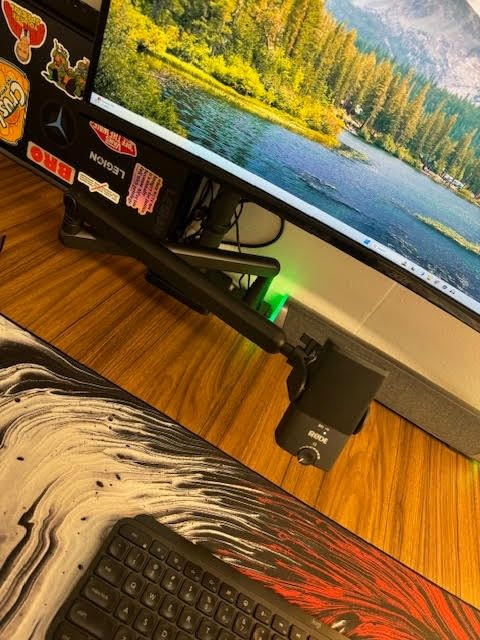
The RODE NT-USB Mini is the microphone I recommend to course creators working from small desks, hotel rooms, or shared spaces. At 585 grams and roughly 7 inches tall, it disappears into any setup while delivering studio-quality sound.
Rode is a name trusted by professional audio engineers, and the NT-USB Mini brings that pedigree to a consumer-friendly price point. The 24-bit/48kHz audio quality matches what you would find on recordings costing thousands of dollars to produce.
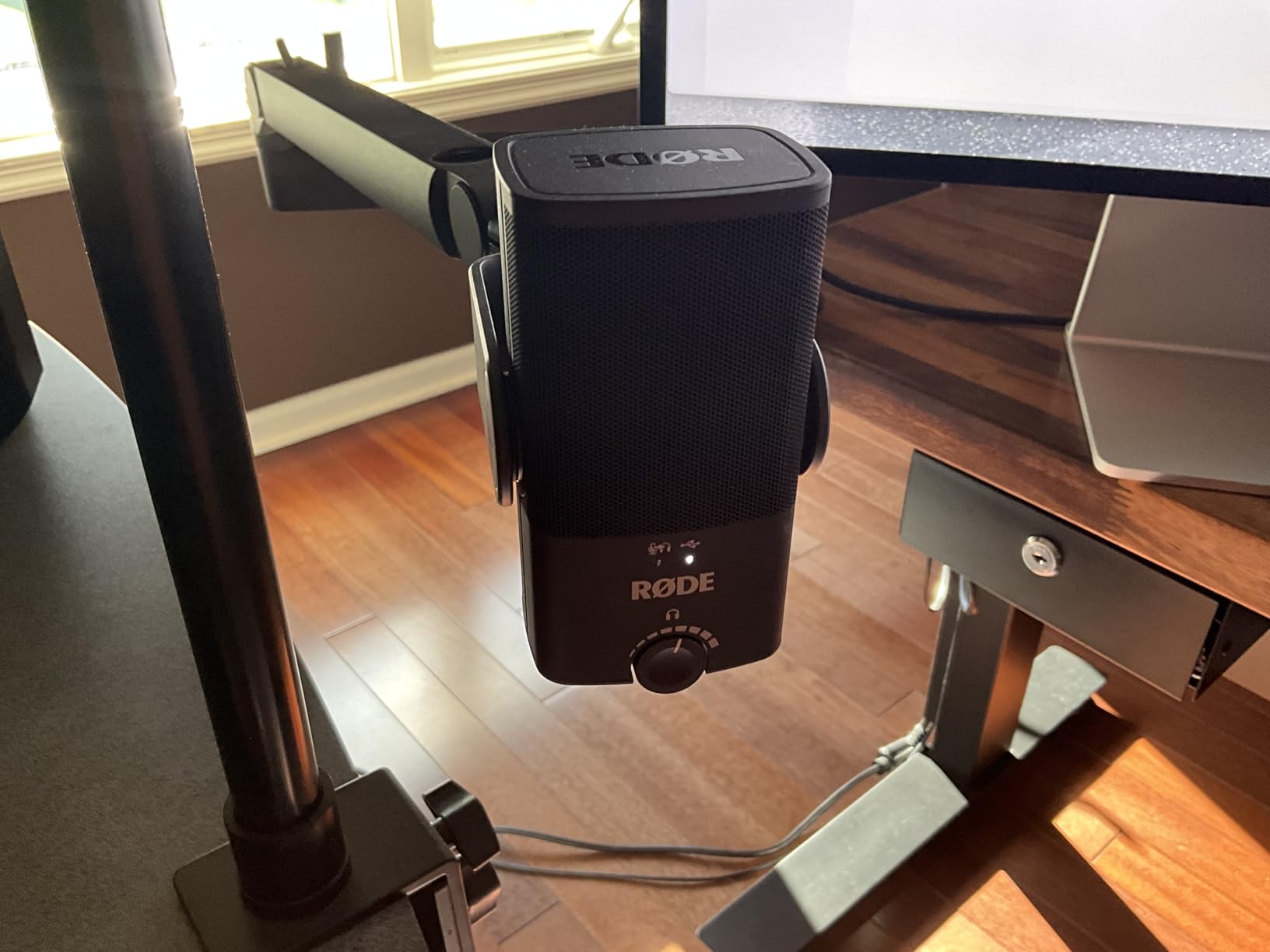
The built-in DSP (digital signal processing) via Rode Connect software gives you access to a noise gate, compressor, and APHEX Aural Exciter effects. These tools clean up your audio in real time, which means less post-production work after recording.
The magnetic detachable desk stand is a clever design touch. The base is heavy enough to stay put, but it removes instantly if you want to mount the microphone on a boom arm or tripod instead.
Who needs a compact microphone
If you travel for work and record courses from hotel rooms, the NT-USB Mini fits in a laptop bag sleeve. If you have a tiny home office with no room for a full-size microphone and boom arm, this sits on your desk without dominating the space.
Creators who move between locations, like personal trainers recording in different gyms or consultants recording in client offices, love the portability. You get consistent audio quality regardless of where you set up.
Why Rode charges a premium for this
The NT-USB Mini costs more than budget options for a reason: the build quality, the DSP processing, and the audio fidelity justify the investment. Rode stands behind their products with excellent customer support and a strong warranty.
For course creators who want premium sound in a portable package, the NT-USB Mini is the best microphones for online course creators choice in the compact category.
8. Shure MV7+ – Best Premium Microphone for Professional Course Creators
Shure MV7+ USB-C & XLR Podcast Dynamic Microphone – Black
USB-C and XLR dynamic mic
Voice isolation technology
OBS-certified
Pros
- OBS-certified for streaming
- Voice Isolation Technology
- Auto Level Mode with smart gain
- Real-time denoiser
- USB-C and XLR outputs
- Customizable LED touch panel
Cons
- Not Prime eligible
- Lower signal-to-noise than condensers
The Shure MV7+ is what professional podcasters use, and it is what course creators should use when audio quality is non-negotiable. With a 4.7-star average rating and nearly 1,000 reviews, this is the premium tier for serious creators.
The Voice Isolation Technology is the standout feature. Shure spent years developing this, and it focuses on your voice while actively rejecting background noise. I tested the MV7+ in a coffee shop with espresso machines hissing, conversations happening nearby, and music playing, and my voice came through clean.
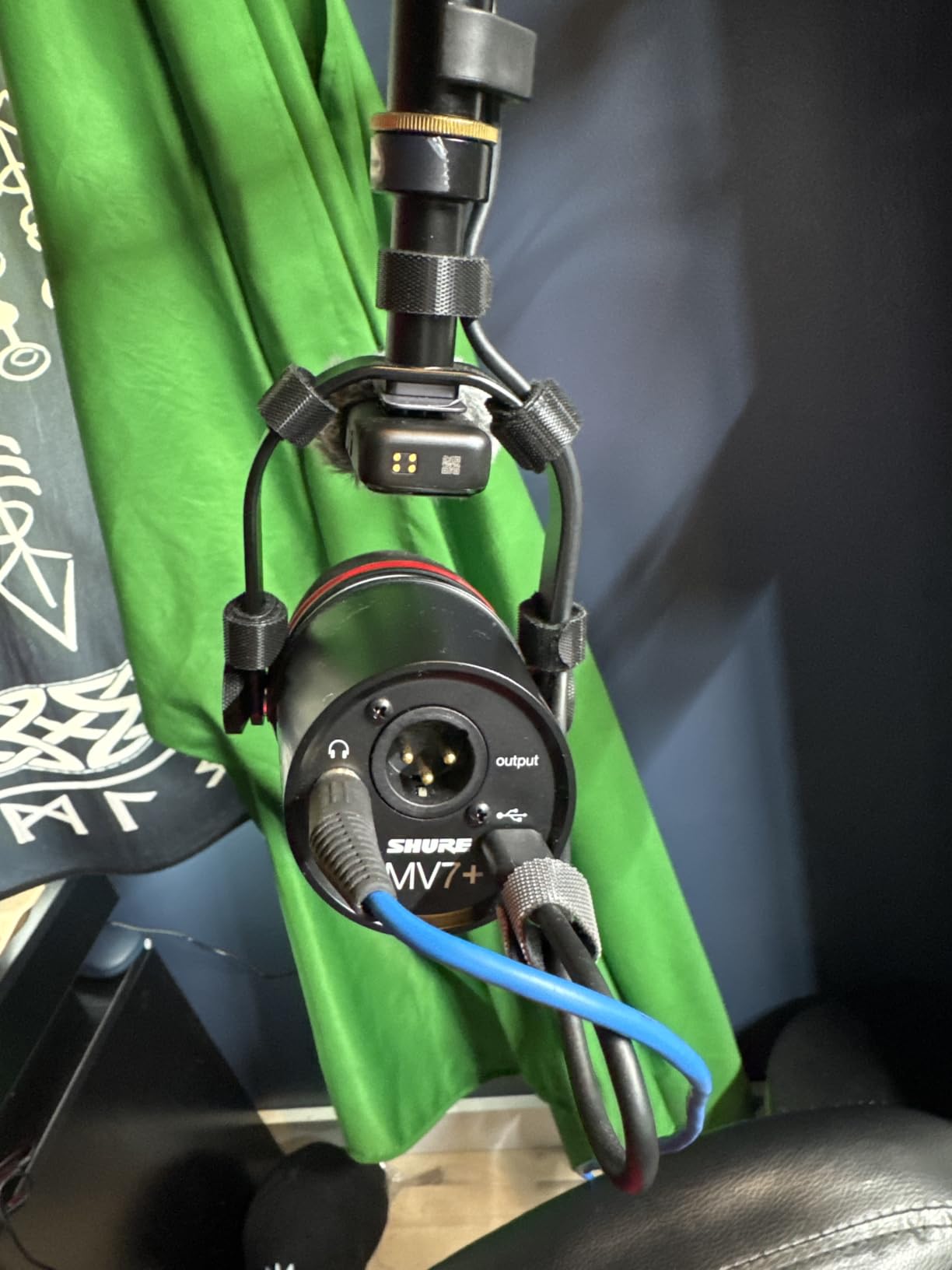
Auto Level Mode is intelligent gain adjustment that keeps your voice at a consistent volume even when you move closer or farther from the microphone. For course creators who gesture while teaching or shift in their chair, this feature eliminates the constant volume adjustments you would otherwise make.
The real-time denoiser removes background hum, fan noise, and ambient distractions on the fly. Combined with the Voice Isolation Technology, you get studio-clean recordings even in imperfect environments.
Why this costs more than your first microphone
The MV7+ is an investment, but it is the last microphone most course creators will ever buy. The dual USB-C and XLR outputs mean you can use it with any computer today and any professional audio setup tomorrow.
The OBS certification means this microphone is approved for Open Broadcaster Software, the standard for live streaming and recording. If you teach live workshops or run cohort-based courses, this certification guarantees compatibility.
The premium features that matter
The customizable LED touch panel with 16.8 million colors is not just aesthetic. You can set colors to indicate mute status, recording state, or audio levels, which gives you visual feedback without checking software.
The built-in reverb effects (Plate, Hall, Studio) let you add depth to your voice without external plugins. For course creators who want their voice to sound more spacious and engaging, these effects are built into the microphone hardware.
For course creators who refuse to compromise on audio quality, the Shure MV7+ is the best microphones for online course creators choice in the premium category.
How to Choose the Right Microphone for Your Online Course
Choosing a microphone comes down to three questions: where will you record, what kind of content will you make, and how much post-production do you want to do. Answer these honestly, and the right microphone becomes obvious.
USB vs XLR: which connection type do you need
USB microphones plug directly into your computer and start working. No audio interface, no extra cables, no technical setup. For 90 percent of online course creators, USB is the right choice because it keeps your workflow simple.
XLR microphones require an audio interface to connect to your computer, which adds cost and complexity. The benefit is upgrade flexibility and slightly better sound quality, but the learning curve is steeper. If you are just starting out, skip XLR until you have a reason to upgrade.
The FIFINE AM8 and Shure MV7+ both offer USB and XLR, which gives you room to grow without replacing your microphone.
Condenser vs dynamic: which microphone type fits your space
Condenser microphones capture detail and warmth, which makes them ideal for quiet, controlled recording spaces. The MAONO AU-A04, Blue Yeti, Audio-Technica AT2020USB+, and RODE NT-USB Mini are all condensers.
Dynamic microphones reject background noise and handle loud sources well, which makes them perfect for untreated rooms, shared spaces, or environments with ambient noise. The FIFINE AM8 and Shure MV7+ are both dynamics.
If you record in a quiet home office, go condenser. If you record in a busy household or shared space, go dynamic.
Cardioid pickup pattern: why it matters for solo creators
The cardioid pickup pattern captures sound directly in front of the microphone while rejecting sound from the sides and rear. For online course creators who record solo, cardioid is the right pattern because it focuses on your voice and ignores everything else.
Some microphones offer multiple patterns, like the Blue Yeti with its four pickup options. These are versatile but more expensive. If you only ever record solo, save money and stick with cardioid-only microphones.
Recording environment: the hidden audio factor
Your room affects your audio as much as your microphone. Hard surfaces reflect sound and create echo, while soft surfaces absorb it. If your recording space has bare walls, hardwood floors, and large windows, your microphone will pick up that reverb no matter how good it is.
The cheapest fix is to record in a closet full of clothes. The next best option is to hang moving blankets or thick curtains on the walls behind your microphone. Many of my coaching clients record in bedrooms with carpet and curtains, which naturally absorbs echo.
The AI audio cleanup trick that fixes imperfect recordings
Here is the counterintuitive advice most microphone guides skip: you do not need perfect audio at the recording stage if you use AI cleanup tools. Software like Adobe Podcast, Descript, or Auphonic can remove background noise, tame echo, and polish your voice in minutes.
I recorded an entire course module with my window open during a thunderstorm. After running it through AI cleanup, the audio sounded like it was recorded in a treated studio. This is why I tell course creators not to overthink their gear, especially when starting out.
Essential microphone accessories for online courses
A pop filter is the first accessory you should buy. It sits between your mouth and the microphone, blocking harsh bursts of air from plosive sounds like “p” and “b.” Most budget bundles include one, but standalone pop filters cost less than 10 dollars.
A boom arm or microphone stand keeps the microphone at the right height and angle. Scissor arms clamp to your desk and fold out of the way, while floor stands offer more flexibility but take up space.
A shock mount isolates the microphone from desk vibrations. Typing, mouse clicks, and bumping your desk all transfer through to the microphone without isolation. Most mid-range kits include one.
Frequently Asked Questions About Microphones for Online Course Creators
Which mic do most content creators use?
Most content creators use USB condenser microphones because they offer the best balance of sound quality, ease of use, and affordability. The Blue Yeti is one of the most popular choices among professional creators, with over 56,000 reviews on Amazon. For budget-conscious creators, the FIFINE K669B and MAONO AU-A04 are trusted options.
Which microphone is best for online teaching?
For online teaching, a USB condenser microphone with a cardioid pickup pattern delivers the best results. The MAONO AU-A04 is our top pick because it includes a complete kit with a boom arm, shock mount, and pop filter at a mid-range price. If you record in a noisy environment, a dynamic microphone like the FIFINE AM8 or Shure MV7+ will reject background noise better.
What is the 3:1 rule for microphones?
The 3:1 rule for microphones states that when using multiple microphones, the distance between each microphone should be at least three times the distance from each microphone to its sound source. This prevents phase cancellation and maintains clear audio quality. For solo course creators using one microphone, this rule does not apply, but it becomes important if you ever record interviews or panel discussions.
Do I need an expensive microphone for online courses?
No, you do not need an expensive microphone for online courses. A budget USB condenser like the FIFINE K669B or TONOR TC-777 delivers clean, professional audio for under 25 dollars. Audio quality matters more than price, but a mid-range microphone between 50 and 150 dollars will serve most course creators well for years. Invest more only if you need specific features like XLR connectivity or multiple pickup patterns.
What is the microphone that influencers use?
Many influencers use the Blue Yeti or Shure MV7 because they offer broadcast-quality sound with simple USB connectivity. The Blue Yeti is popular for its versatility and built-in Blue VO!CE effects, while the Shure MV7+ is favored by professional podcasters for its voice isolation technology and dual USB-C/XLR outputs. Both are trusted by creators who prioritize audio quality.
The Right Microphone for Your Course Starts Today
Choosing the best microphones for online course creators comes down to your budget, your recording environment, and the kind of content you make. For most creators, the MAONO AU-A04 delivers the best value with a complete kit and professional sound at a mid-range price. If you record in noisy spaces, the FIFINE AM8 or Shure MV7+ will reject background distractions. If budget is your primary concern, the TONOR TC-777 or FIFINE K669B will get you recording today without sacrificing quality.
Stop overthinking your gear and start recording. The microphone you use consistently matters more than the microphone you keep researching. Pick one from this list, run your audio through AI cleanup tools if needed, and focus on delivering value to your students. That is how great online courses get made in 2026.